1
DISCOVERY.Net
User Manual
1.3.13.4
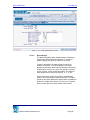
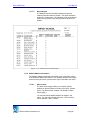
Permissible Recipients
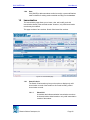
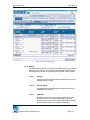
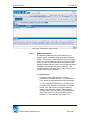
A multi-select list box that indicates the possible areas that
may receive the transfer file of the student.
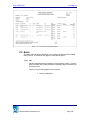
1.3.14 Save
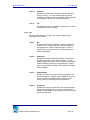
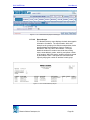
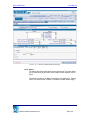
Click [SAVE] to post modifications made on additional information record
of the selected student into the database.
Clicking [SAVE] also performs the following validations:
•
You must specify SSN in 999-99-9999 format. Otherwise, page
displays “SSN should be in 9 digits using 999-99-9999 format.”
•
You must specify email addresses in correct format. Otherwise, page
displays “Invalid <email field label>.”
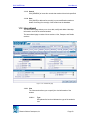
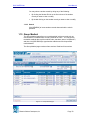
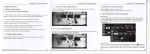
1.4 Contacts
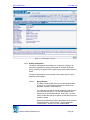
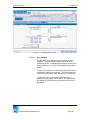
The Contacts submodule allows you to view, modify, add and delete contact
record(s) of a student. This page details the contact name, their respective
address and phone information of the selected student.
The Contacts submodule consists of two pages: List and Details pages.
1.4.1
List
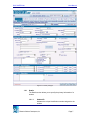
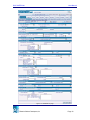
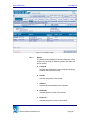
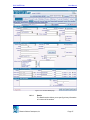
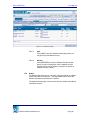
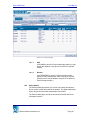
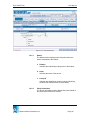
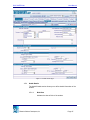
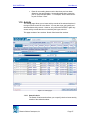
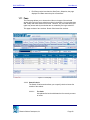
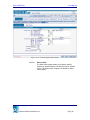
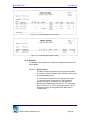
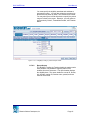
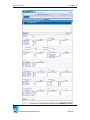
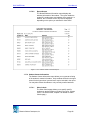
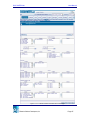
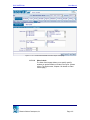
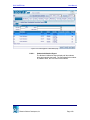
The List page allows you to view the contacts of the selected student
and modify their order of importance.
The List page consists of two sections: Details and List sections.
Education Solutions Development, Inc.
Page 23