1
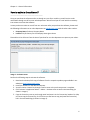
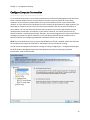
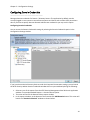
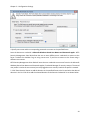
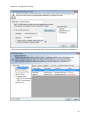
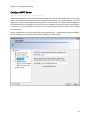
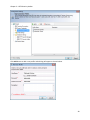
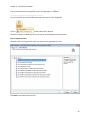
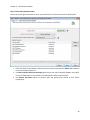
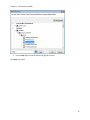
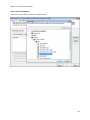
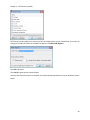
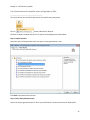
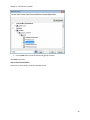
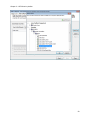
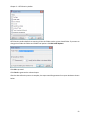
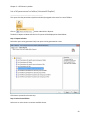
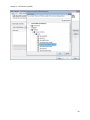
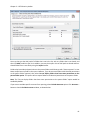
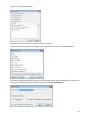
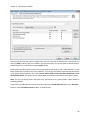
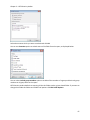
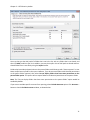
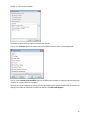
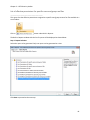
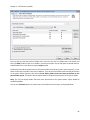
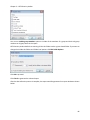
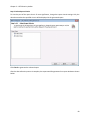
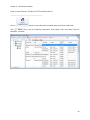
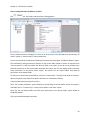
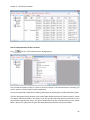
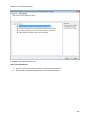
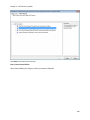
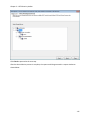
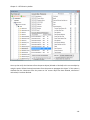
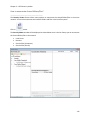
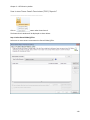
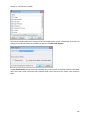
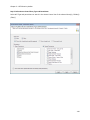
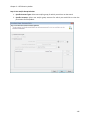
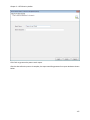
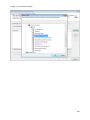
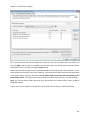
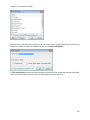
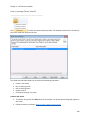
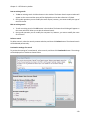
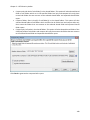
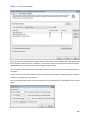
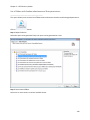
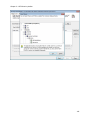
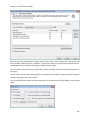
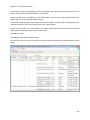
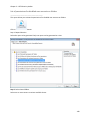
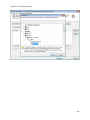
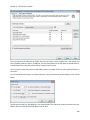
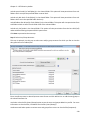
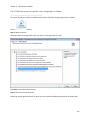
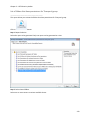
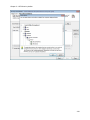
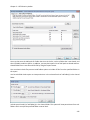
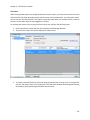
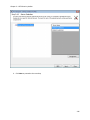
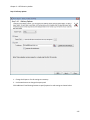
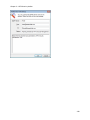
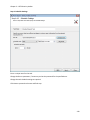
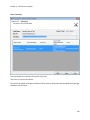
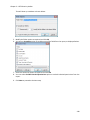
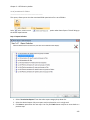
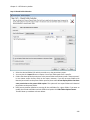
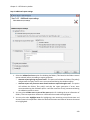
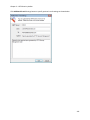
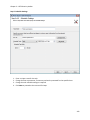
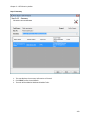
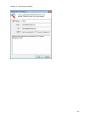
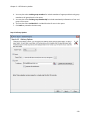
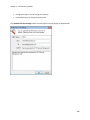
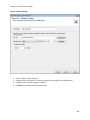
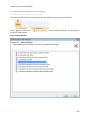
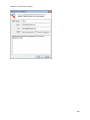
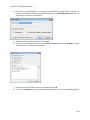
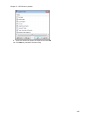
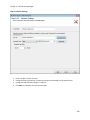
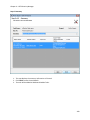
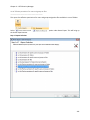
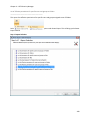
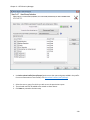
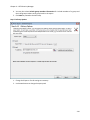
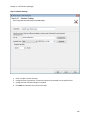
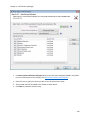
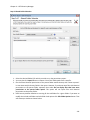
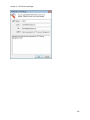
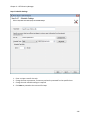
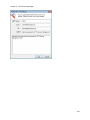
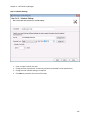
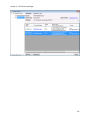
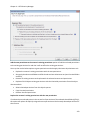
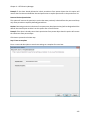
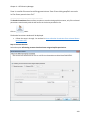
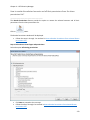
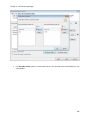
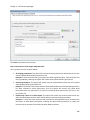
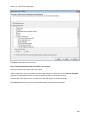
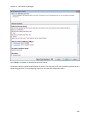
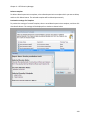
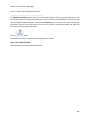
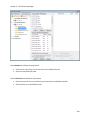
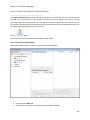
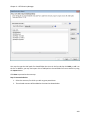
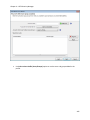
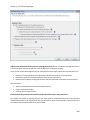
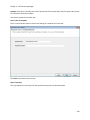
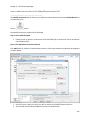
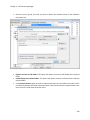
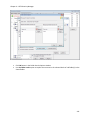
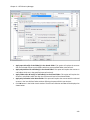
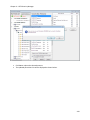
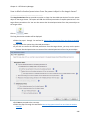
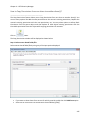
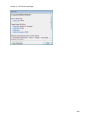
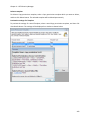
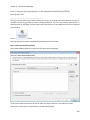
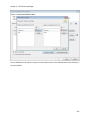
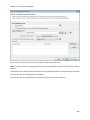
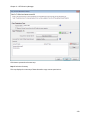
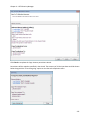
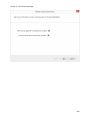
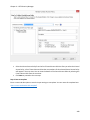
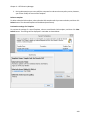
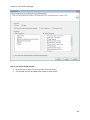
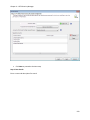
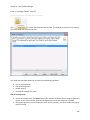
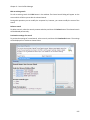
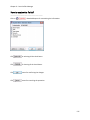
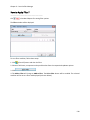
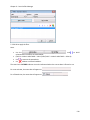
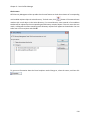
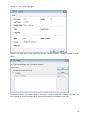
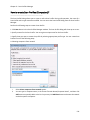
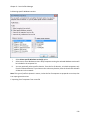
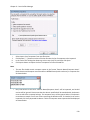
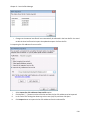
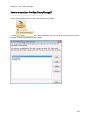
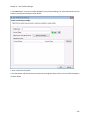
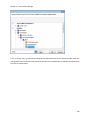
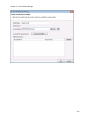
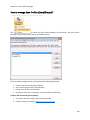
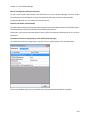
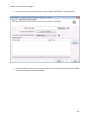
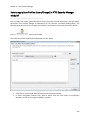
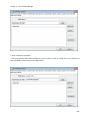
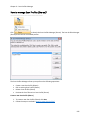
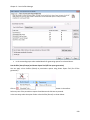
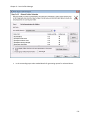
Chapter 3 – NTFS Security Auditor User Connection Profiles ________________________________________ NTFS Security Management Suite 2014 creates a user profile in Windows Stored User Names and Passwords applet / Credential Manager, in order to store the domain user context for enumerating servers using ADSI. The stored user profile will be useful for generating reports using NTFS Security Management Suite 2014 under the following scenarios: Using an alternate user account to connect to the domain to retrieve servers using ADSI. Providing credentials that have sufficient rights to enumerate shares present in computers within a domain. The stored user profile persists for all subsequent logon sessions on the same computer where NTFS Security Management Suite 2014 is installed. The stored user profiles are visible to the application under other logon sessions on the same computer. The stored user profile created by NTFS Security Management Suite 2014 is restricted to the Windows User Profile context. If the Windows User Profile is maintained locally, NTFS Security Management Suite 2014 stored user profile is accessible only by the same user in the same computer. If the user who creates NTFS Security Management Suite 2014 stored user profile, has a Roaming user account in the enterprise, the NTFS Security Management Suite 2014 stored user profile can be accessed by the same user in any computer in the Windows enterprise. The stored user profile is a generic credential of Windows Stored User Names and Passwords applet / Credential Manager and can be used by the application only. The credential information is stored securely in a 256 bit encrypted format in Windows Stored User Names and Passwords applet / Credential Manager. The stored user profile corresponding to the user account will be used by the application in order to connect to the domain, if 'Use ADSI' is selected in NTFS Security Management Suite 2014 Enumeration Settings. Using the Connection Profile dialog show below, new profile can be created and available profiles can be removed from the profiles list. 27