1
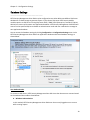
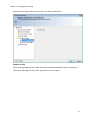
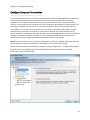
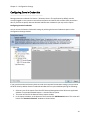
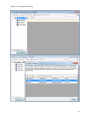
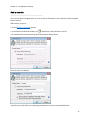
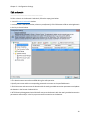
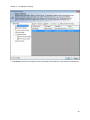
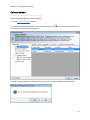
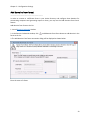
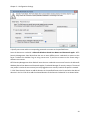
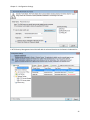
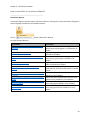
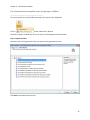
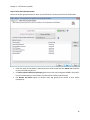
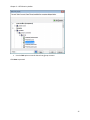
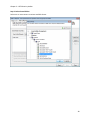
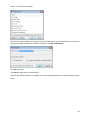
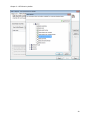
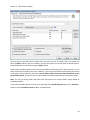
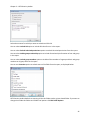
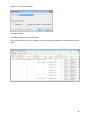
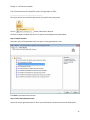
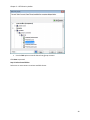
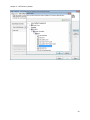
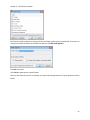
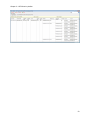
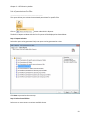
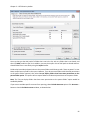
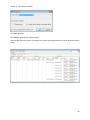
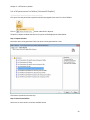
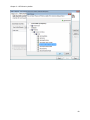
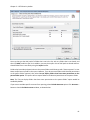
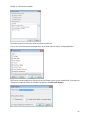
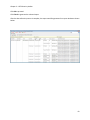
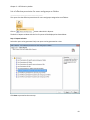
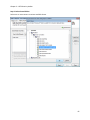
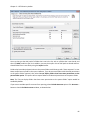
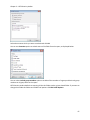
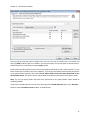
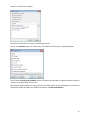
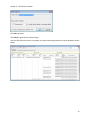
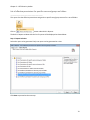
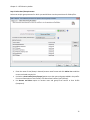
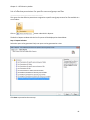
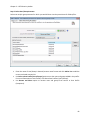
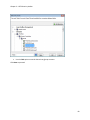
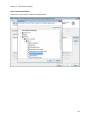
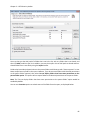
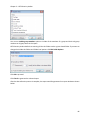
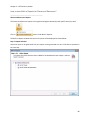
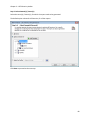
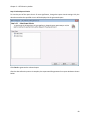
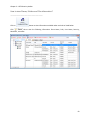
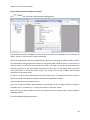
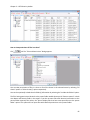
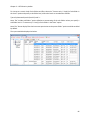
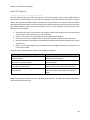
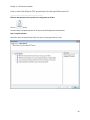
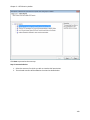
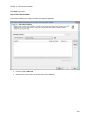
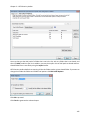
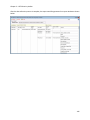
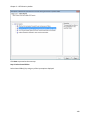
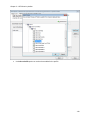
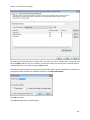
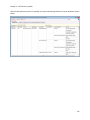
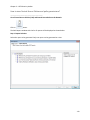
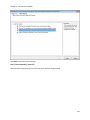
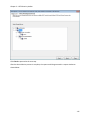
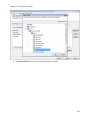
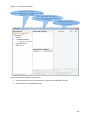
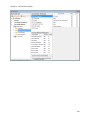
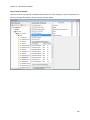
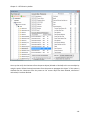
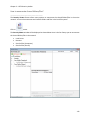
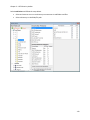
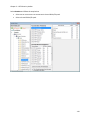
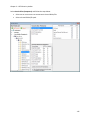
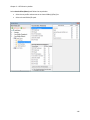
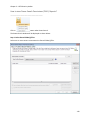
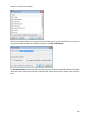
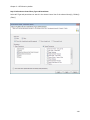
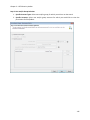
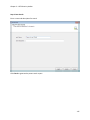
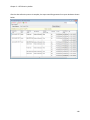
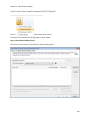
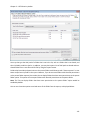
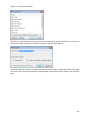
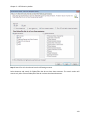
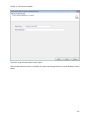
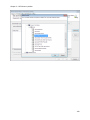
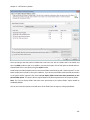
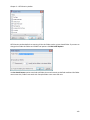
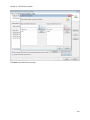
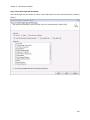
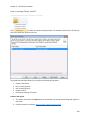
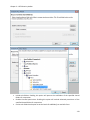
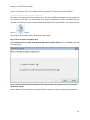
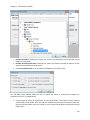
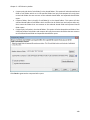
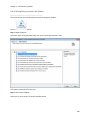
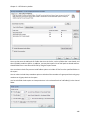
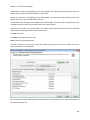
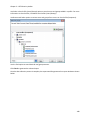
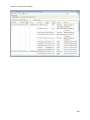
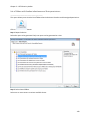
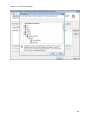
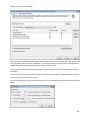
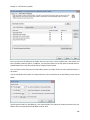
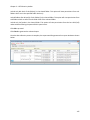
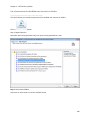
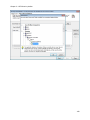
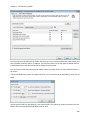
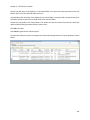
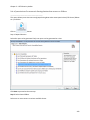
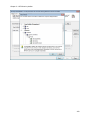
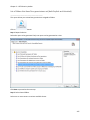
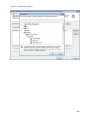
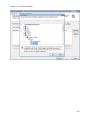
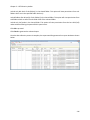
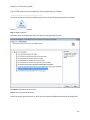
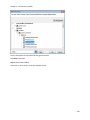
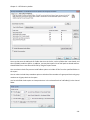
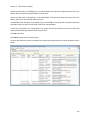
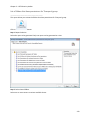
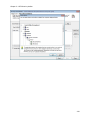
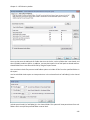
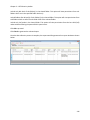
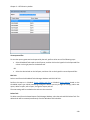
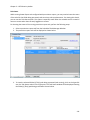
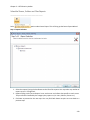
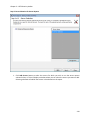
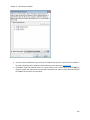
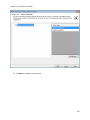
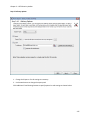
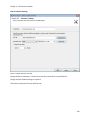
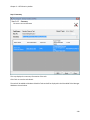
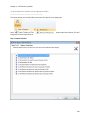
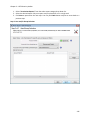
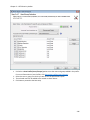
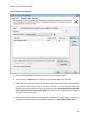
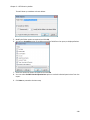
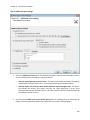
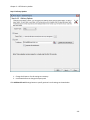
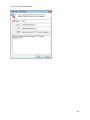
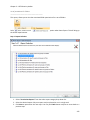
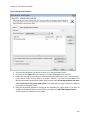
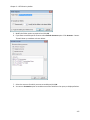
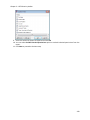
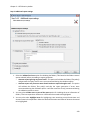
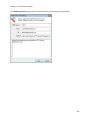
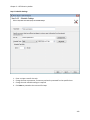
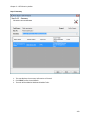
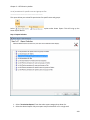
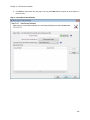
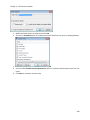
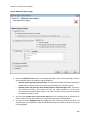
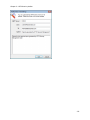
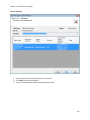
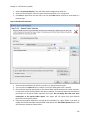
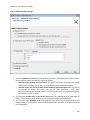
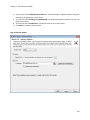
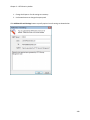
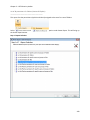
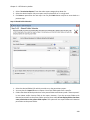
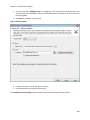
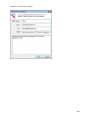
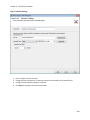
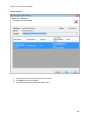
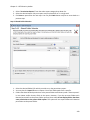
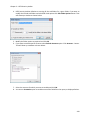
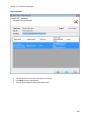
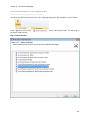
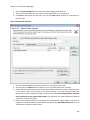
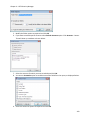
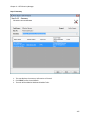
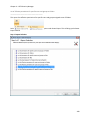
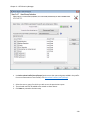
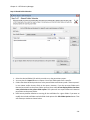
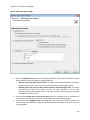
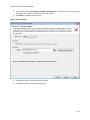
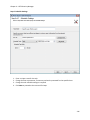
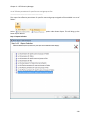
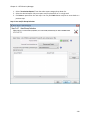
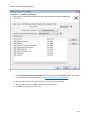
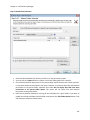
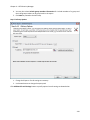
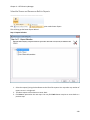
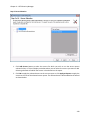
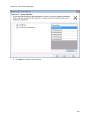
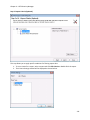
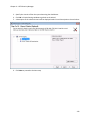
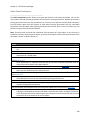
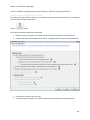
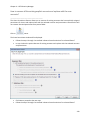
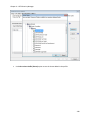
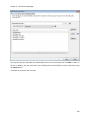
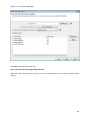
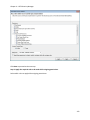
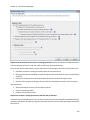
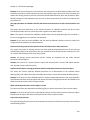
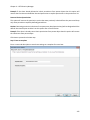
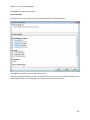
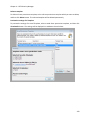
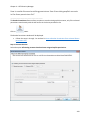
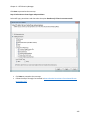
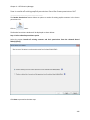
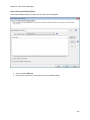
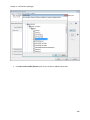
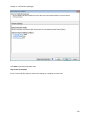
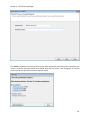
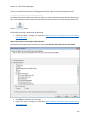
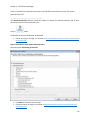
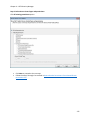
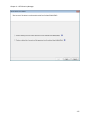
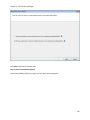
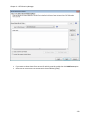
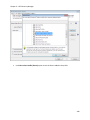
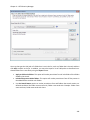
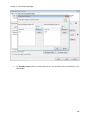
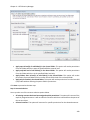
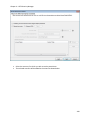
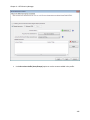
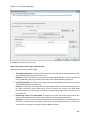
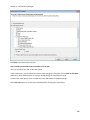
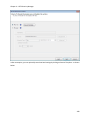
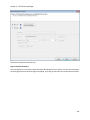
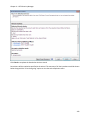
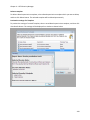
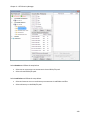
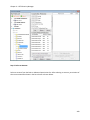
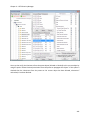
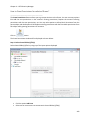
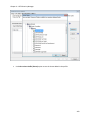
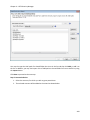
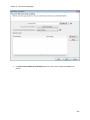
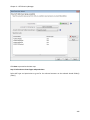
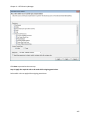
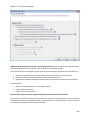
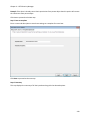
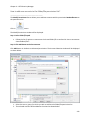
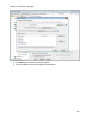
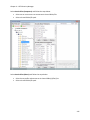
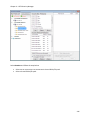
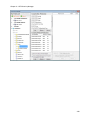
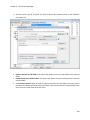
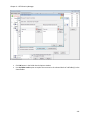
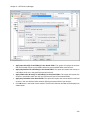
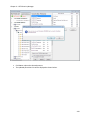
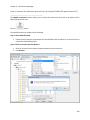
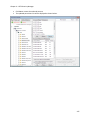
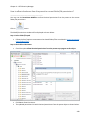
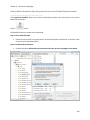
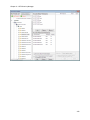
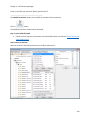
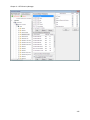
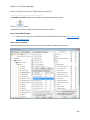
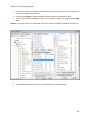
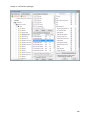
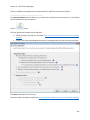
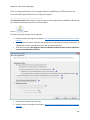
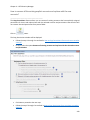
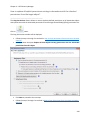
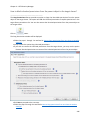
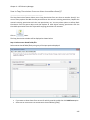
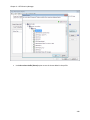
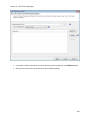
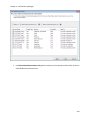
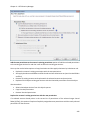
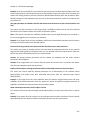
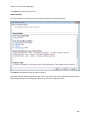
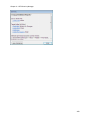
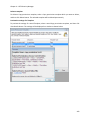
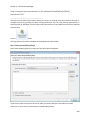
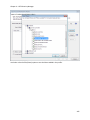
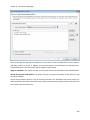
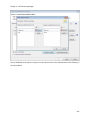
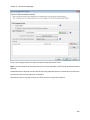
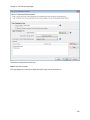
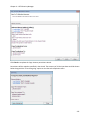
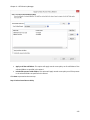
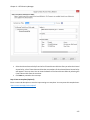
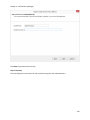
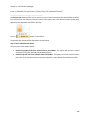
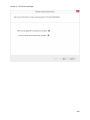
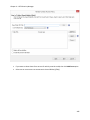
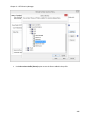
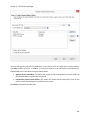
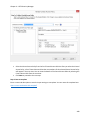
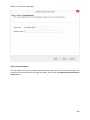
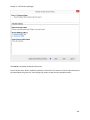
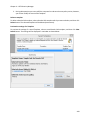
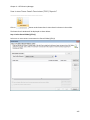
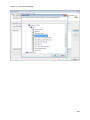
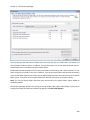
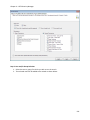
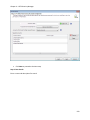
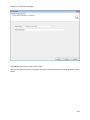
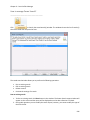
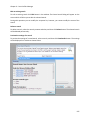
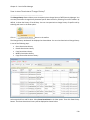
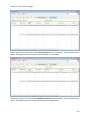
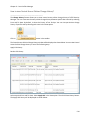
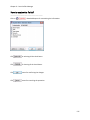
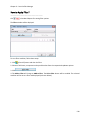
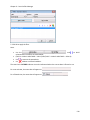
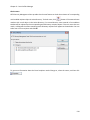
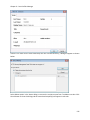
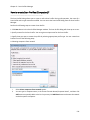
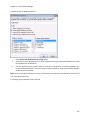
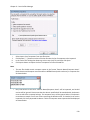
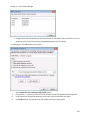
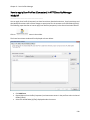
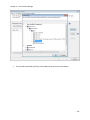
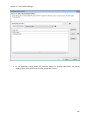
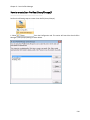
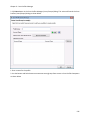
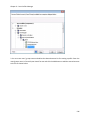
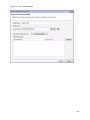
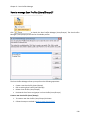
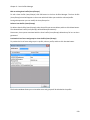
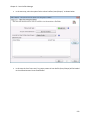
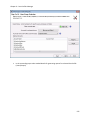
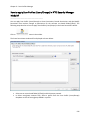
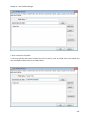
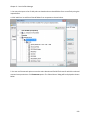
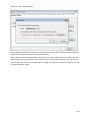
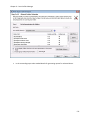
Chapter 6 – Scan Profiles Manager In the succeeding steps select needed details for generating reports for selected users and groups. Scan Profiles (Users/Groups) and Power Export Tool (off-line report generation) You can apply a Scan Profile (Users/Groups) to permissions reports using Power Export Tool (for off-line generation). Click on button in the toolbar. Select any one of the permissions reports listed above and click Next to proceed. In the next step, select the option 'Select a Scan Profiles (Users/Groups)' as shown below. 553