1
Chapter 3 – NTFS Security Auditor
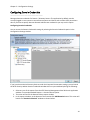
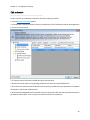
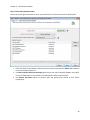
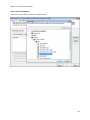
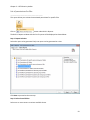
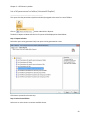
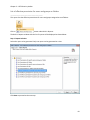
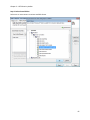
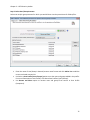
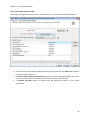
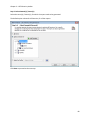
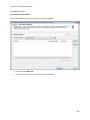
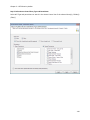
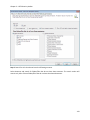
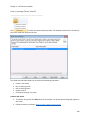
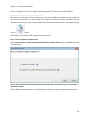
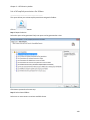
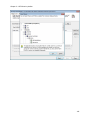
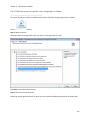
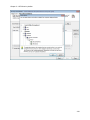
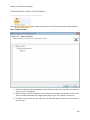
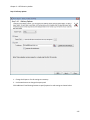
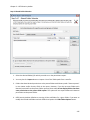
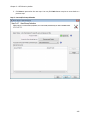
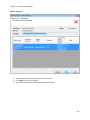
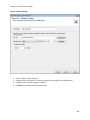
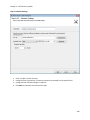
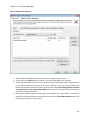
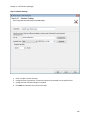
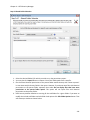
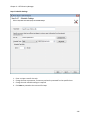
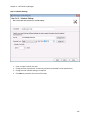
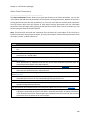
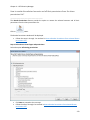
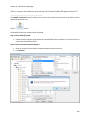
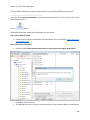
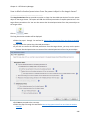
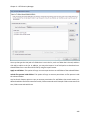
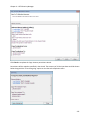
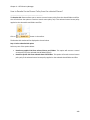
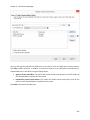
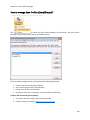
Step 2: Shared Folder Selection
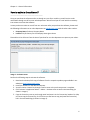
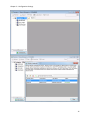
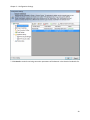
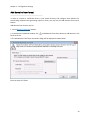
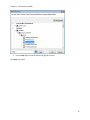
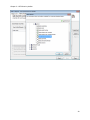
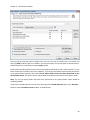
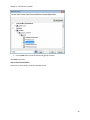
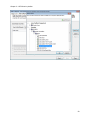
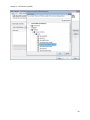
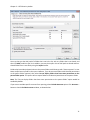
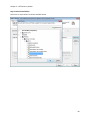
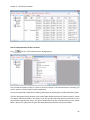
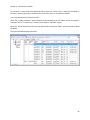
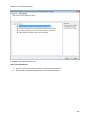
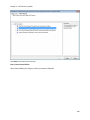
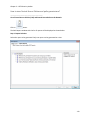
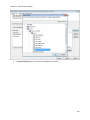
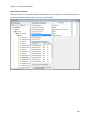
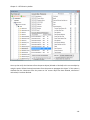
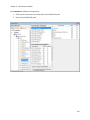
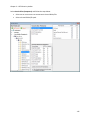
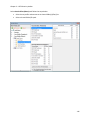
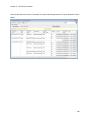
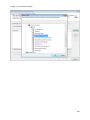
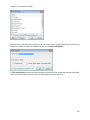
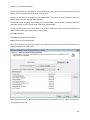
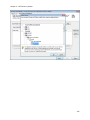
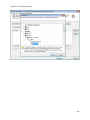
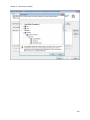
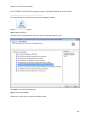
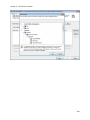
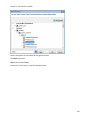
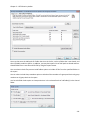
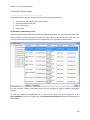
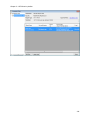
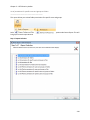
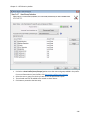
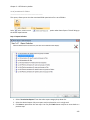
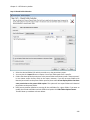
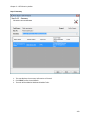
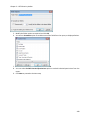
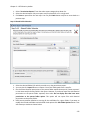
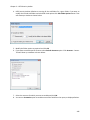
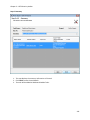
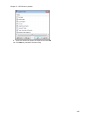
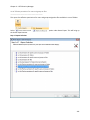
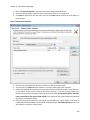
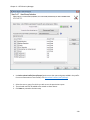
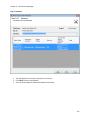
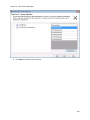
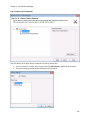
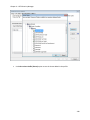
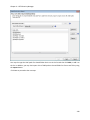
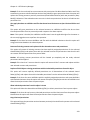
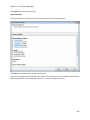
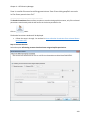
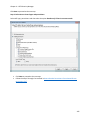
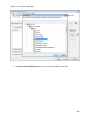
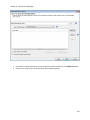
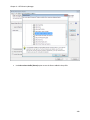
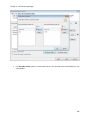
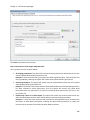
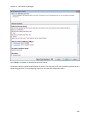
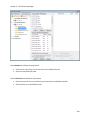
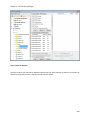
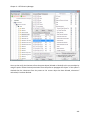
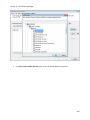
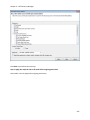
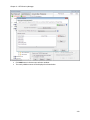
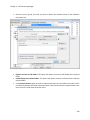
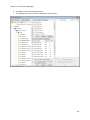
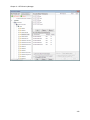
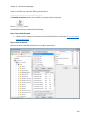
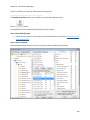
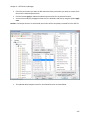
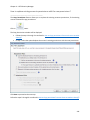
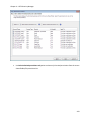
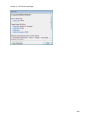
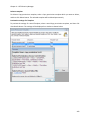
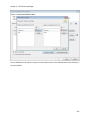
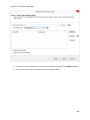
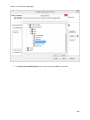
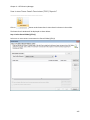
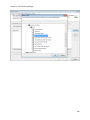
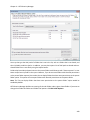
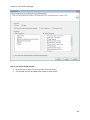
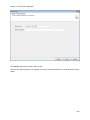
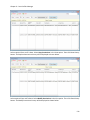
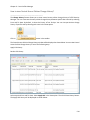
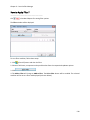
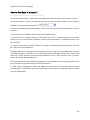
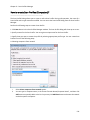
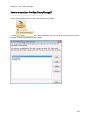
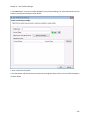
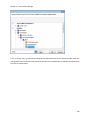
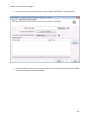
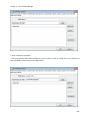
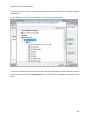
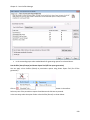
1. Select the desired folder(s) for which you wish to run the permissions report.
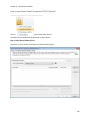
2. You may also click Import button to import a list of UNC folder paths from a text file.
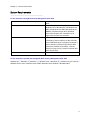
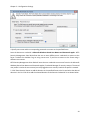
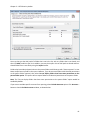
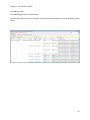
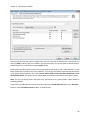
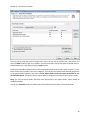
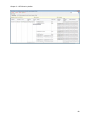
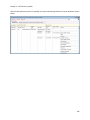
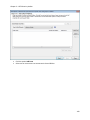
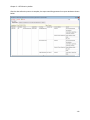
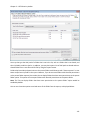
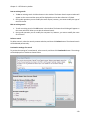
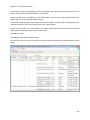
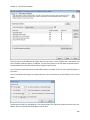
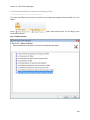
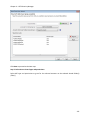
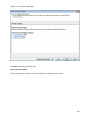
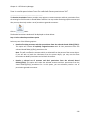
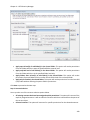
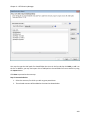
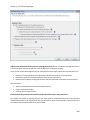
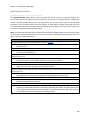
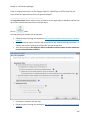
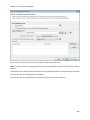
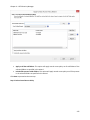
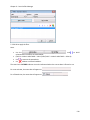
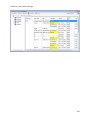
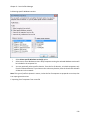
3. Folders that have identical permissions as the parent folder would show up with "Same as parent"
in User Name and/or Security fields in the report. However, if you do not want folders with
identical permissions as the parent folder reported, then select Do not display folders that have
same permissions as the parent folder option. This option will not report folders with identical
permissions as the parent folder.
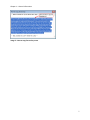
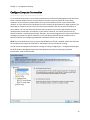
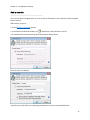
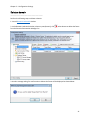
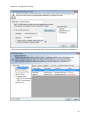
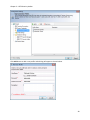
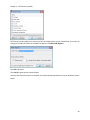
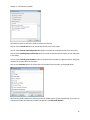
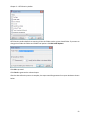
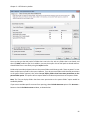
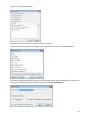
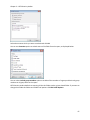
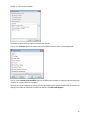
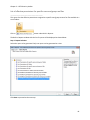
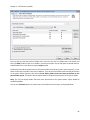
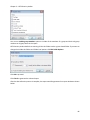
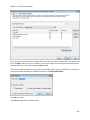
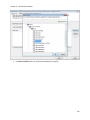
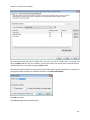
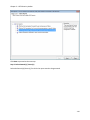
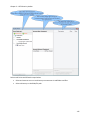
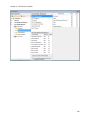
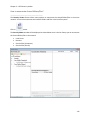
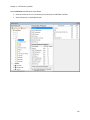
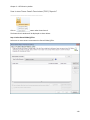
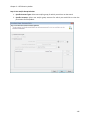
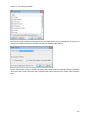
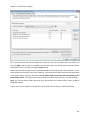
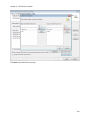
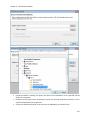
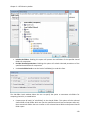
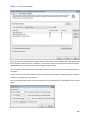
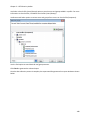
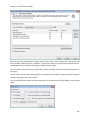
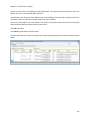
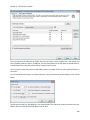
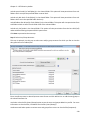
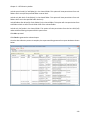
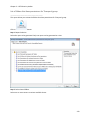
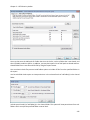
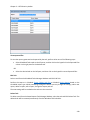
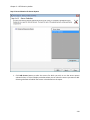
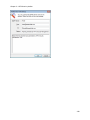
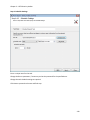
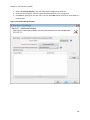
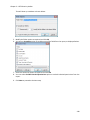
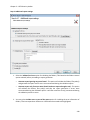
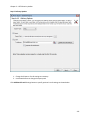
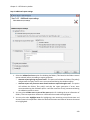
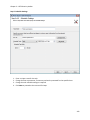
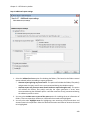
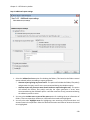
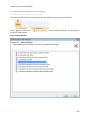
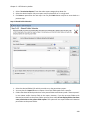
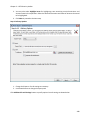
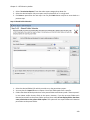
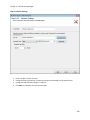
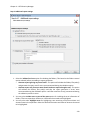
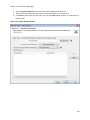
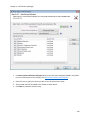
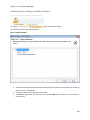
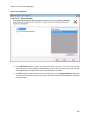
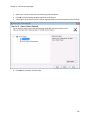
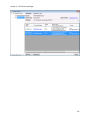
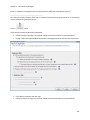
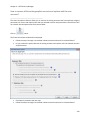
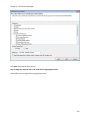
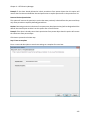
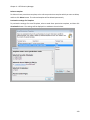
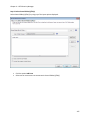
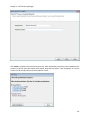
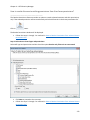
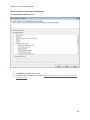
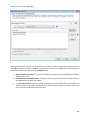
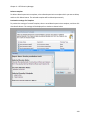
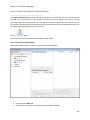
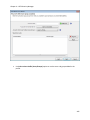
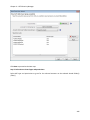
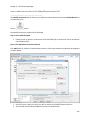
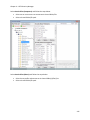
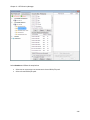
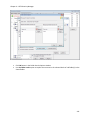
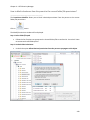
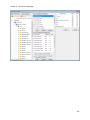
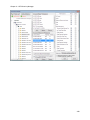
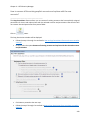
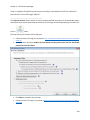
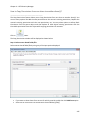
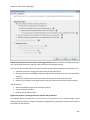
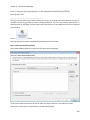
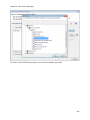
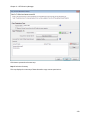
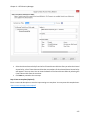
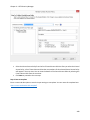
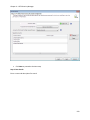
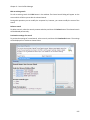
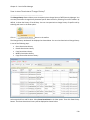
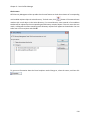
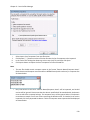
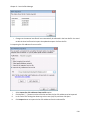
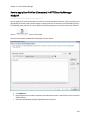
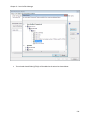
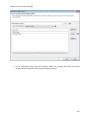
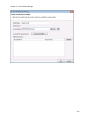
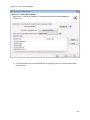
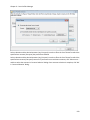
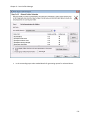
4. NTFS Security Auditor defaults to scanning all the sub-folders for a given folder. If you want to
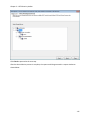
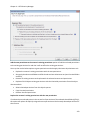
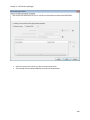
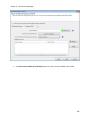
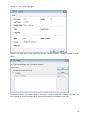
modify the Include sub-folders and sub-folder level options click Edit Folder Options button.
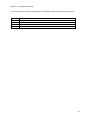
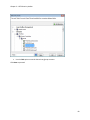
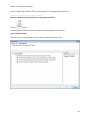
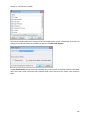
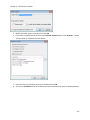
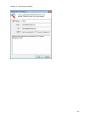
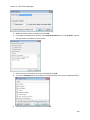
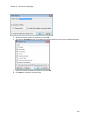
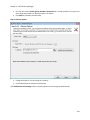
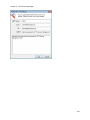
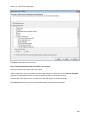
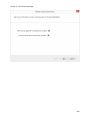
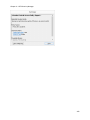
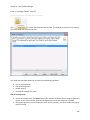
That will show up a window as shown below:
256