1
Chapter 3 – NTFS Security Auditor
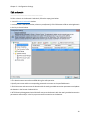
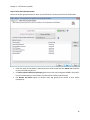
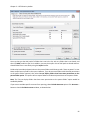
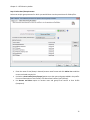
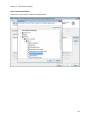
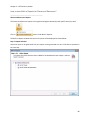
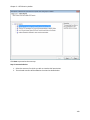
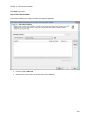
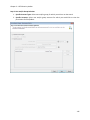
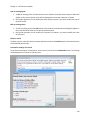
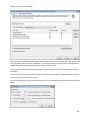
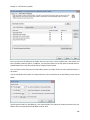
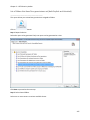
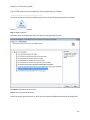
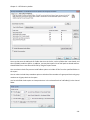
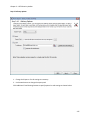
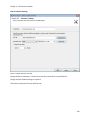
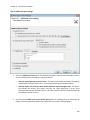
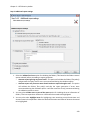
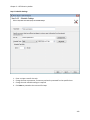
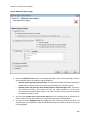
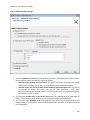
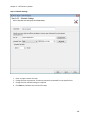
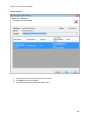
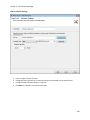
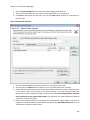
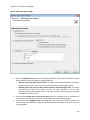
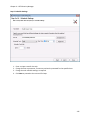
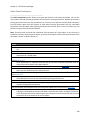
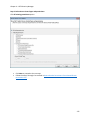
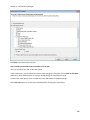
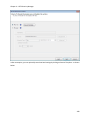
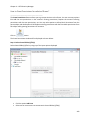
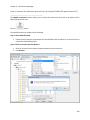
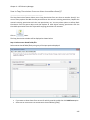
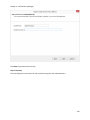
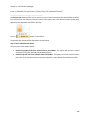
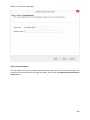
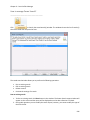
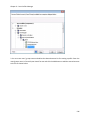
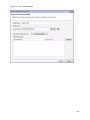
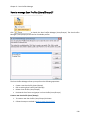
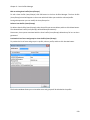
Step 3: Additional report settings
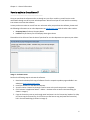
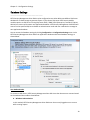
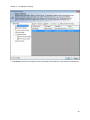
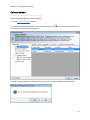
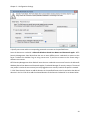
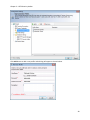
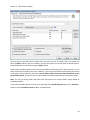
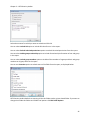
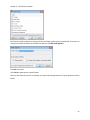
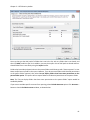
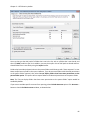
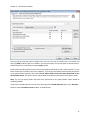
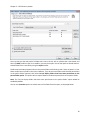
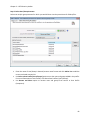
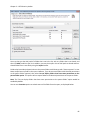
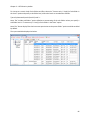
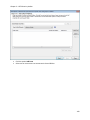
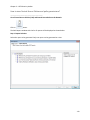
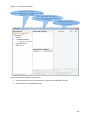
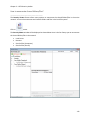
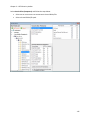
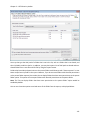
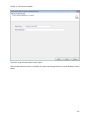
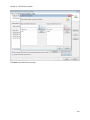
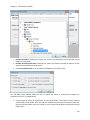
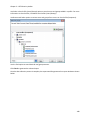
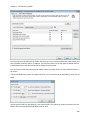
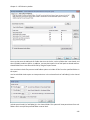
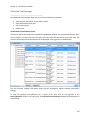
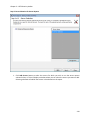
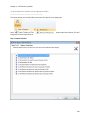
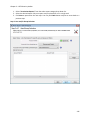
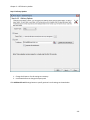
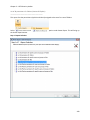
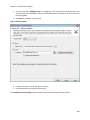
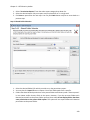
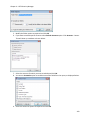
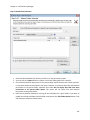
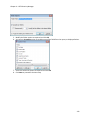
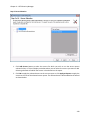
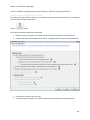
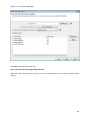
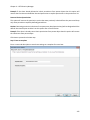
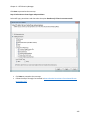
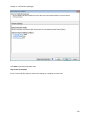
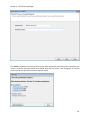
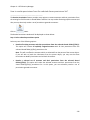
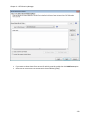
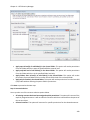
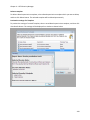
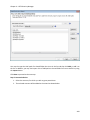
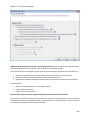
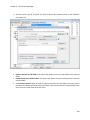
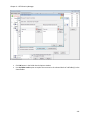
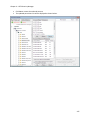
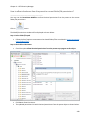
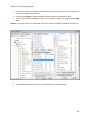
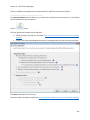
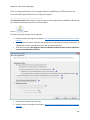
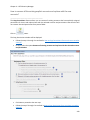
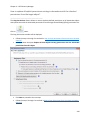
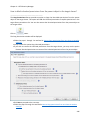
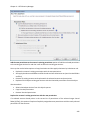
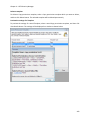
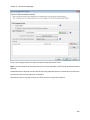
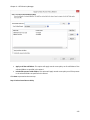
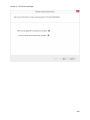
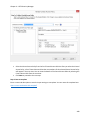
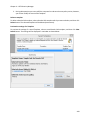
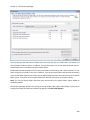
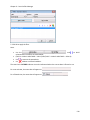
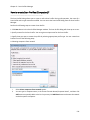
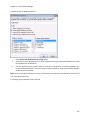
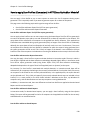
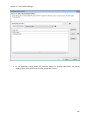
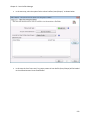
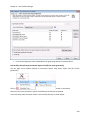
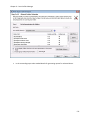
1. Select the Validate for Errors option for validating the folders / files based on the folder traversal
option selected, before proceeding to report generation.
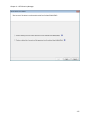
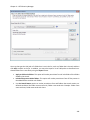
o Generate report ignoring any errors found – This option will validate the folders/ files path(s)
and generate the report even if errors are encountered during the validation option.
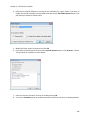
o Generate report only if no error were found. Send error report through e-mail – This option
will validate the folders/ files path(s) and skip the report generation if errors were
encountered during the validation option. It will then email the error(s) encountered during
the validation process to users.
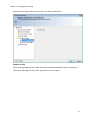
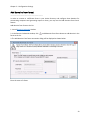
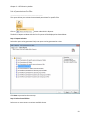
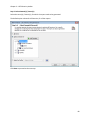
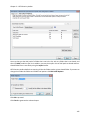
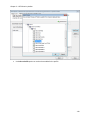
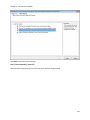
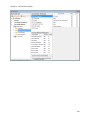
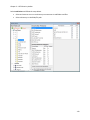
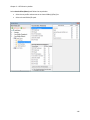
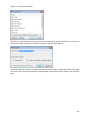
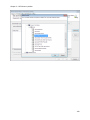
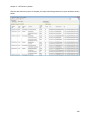
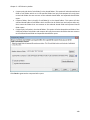
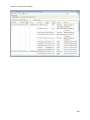
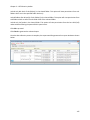
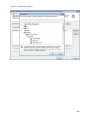
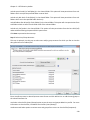
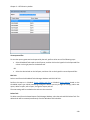
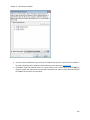
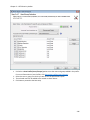
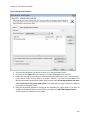
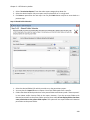
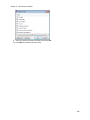
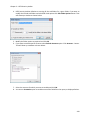
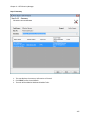
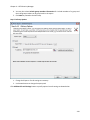
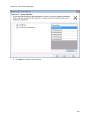
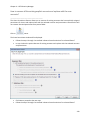
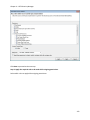
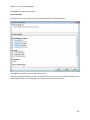
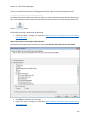
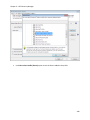
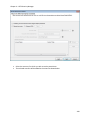
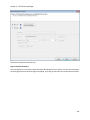
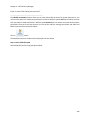
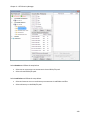
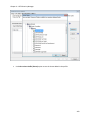
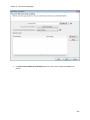
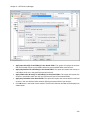
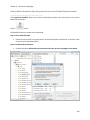
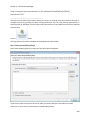
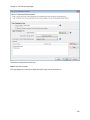
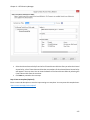
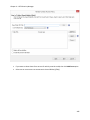
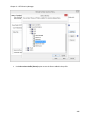
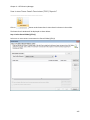
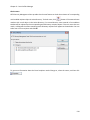
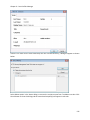
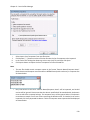
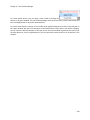
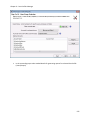
2. You may select Include errors as part of the report option for including the error information of
folders / files into report data. Select error information that needs to be highlighted.
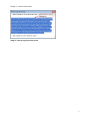
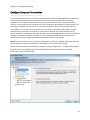
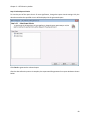
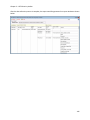
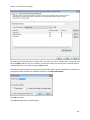
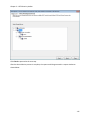
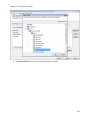
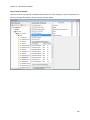
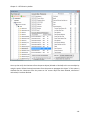
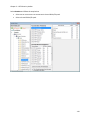
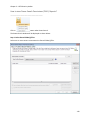
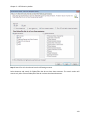
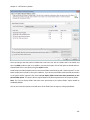
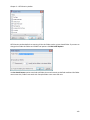
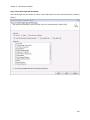
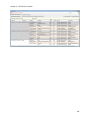
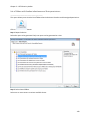
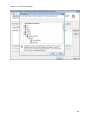
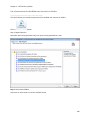
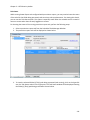
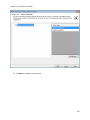
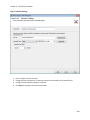
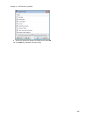
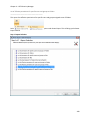
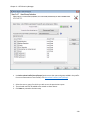
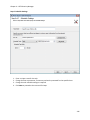
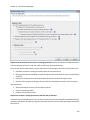
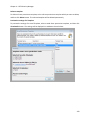
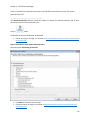
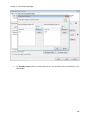
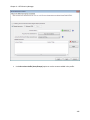
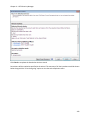
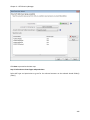
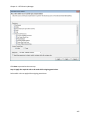
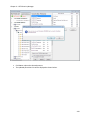
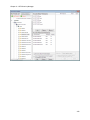
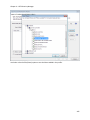
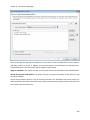
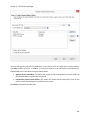
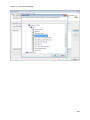
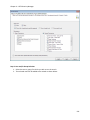
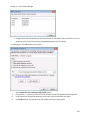
3. You may also select Highlight Items for highlighting rows containing certain Permissions and
Account status in the report data. Select the desired Permissions and status of Accounts that need
to be highlighted.
278