1
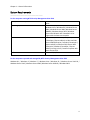
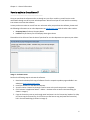
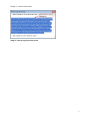
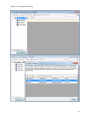
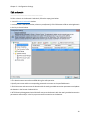
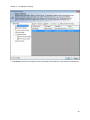
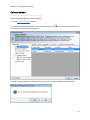
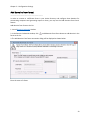
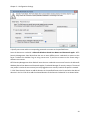
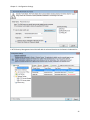
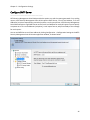
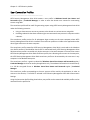
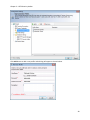
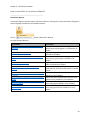
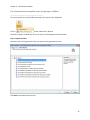
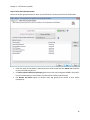
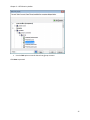
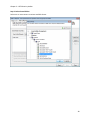
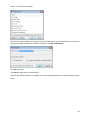
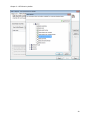
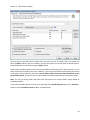
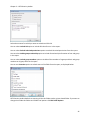
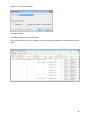
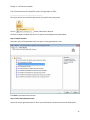
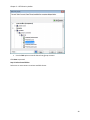
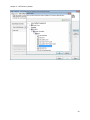
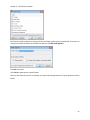
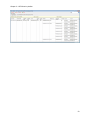
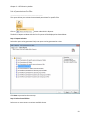
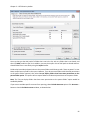
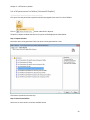
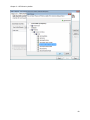
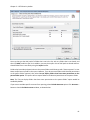
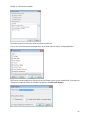
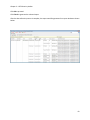
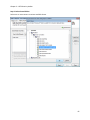
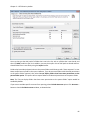
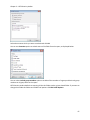
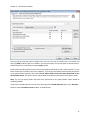
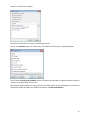
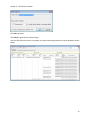
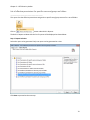
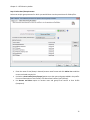
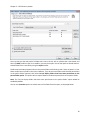
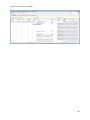
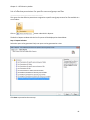
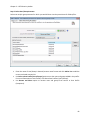
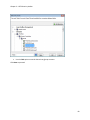
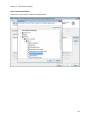
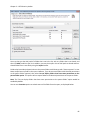
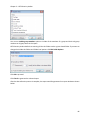
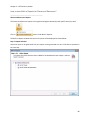
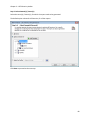
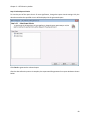
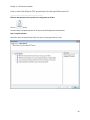
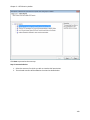
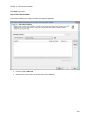
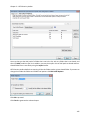
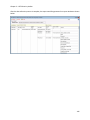
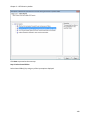
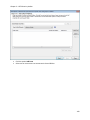
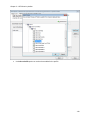
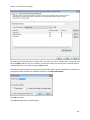
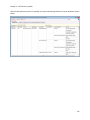
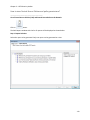
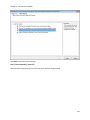
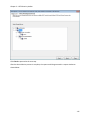
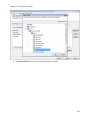
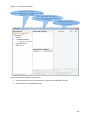
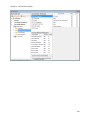
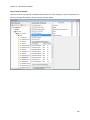
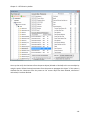
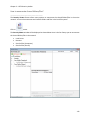
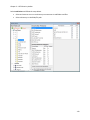
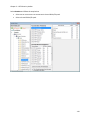
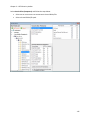
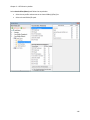
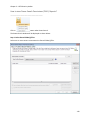
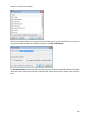
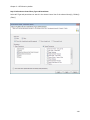
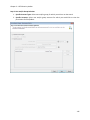
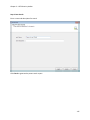
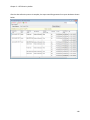
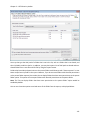
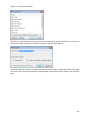
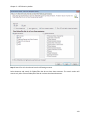
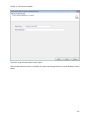
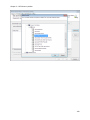
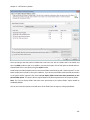
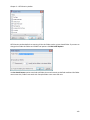
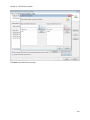
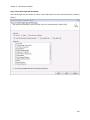
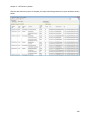
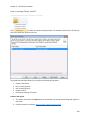
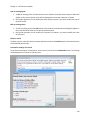
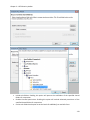
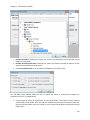
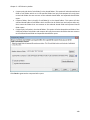
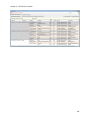
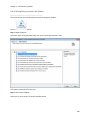
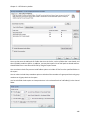
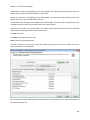
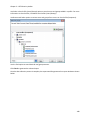
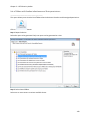
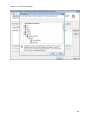
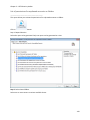
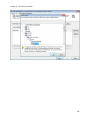
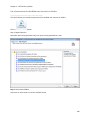
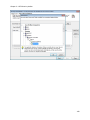
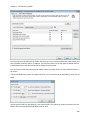
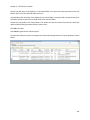
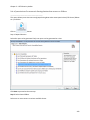
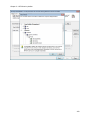
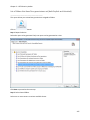
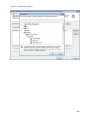
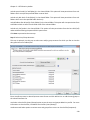
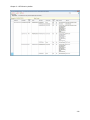
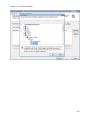
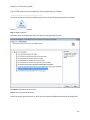
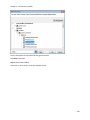
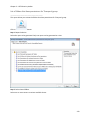
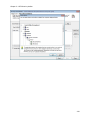
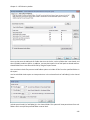
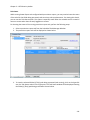
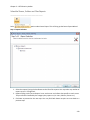
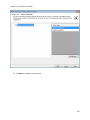
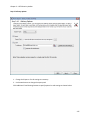
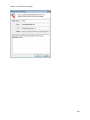
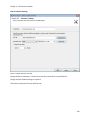
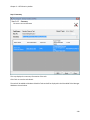
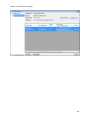
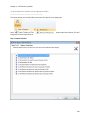
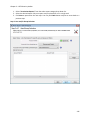
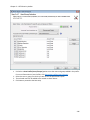
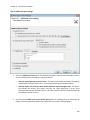
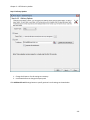
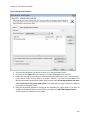
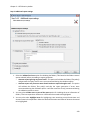
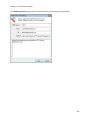
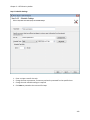
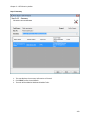
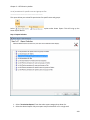
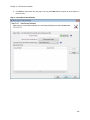
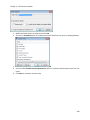
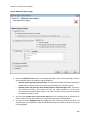
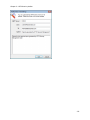
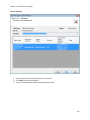
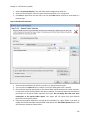
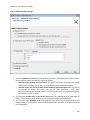
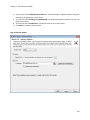
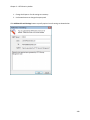
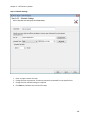
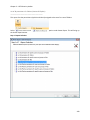
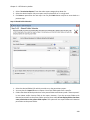
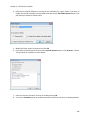
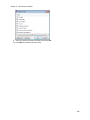
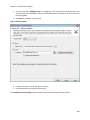
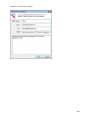
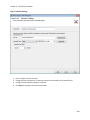
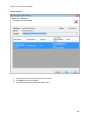
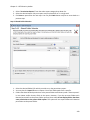
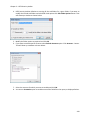
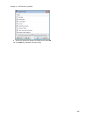
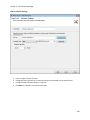
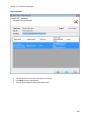
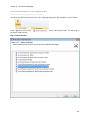
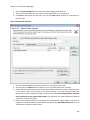
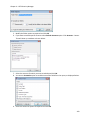
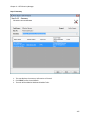
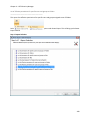
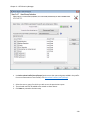
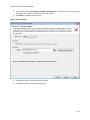
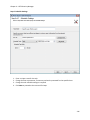
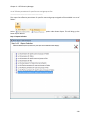
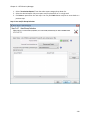
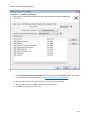
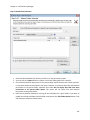
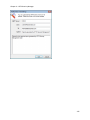
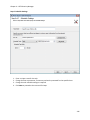
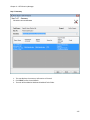
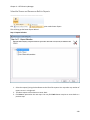
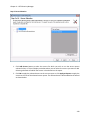
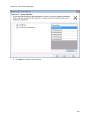
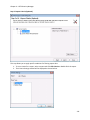
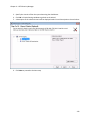
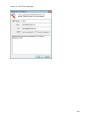
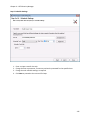
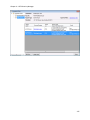
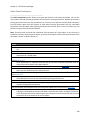
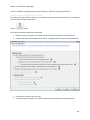
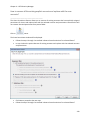
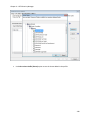
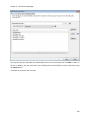
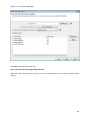
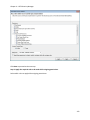
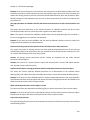
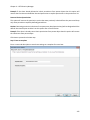
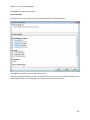
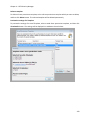
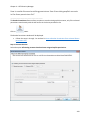
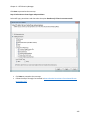
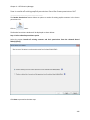
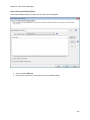
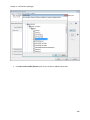
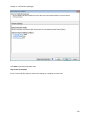
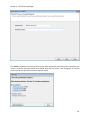
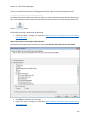
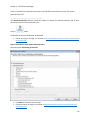
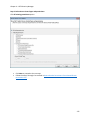
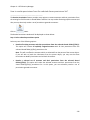
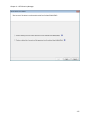
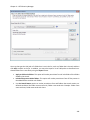
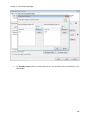
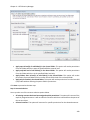
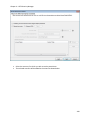
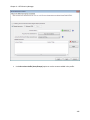
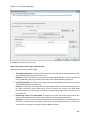
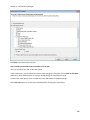
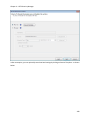
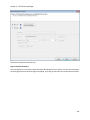
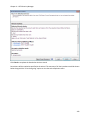
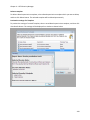
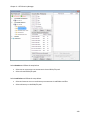
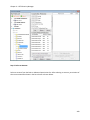
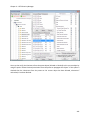
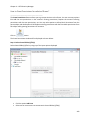
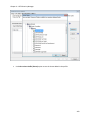
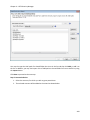
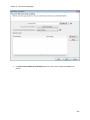
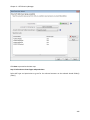
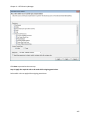
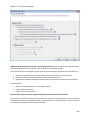
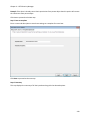
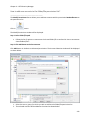
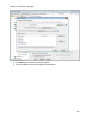
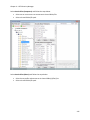
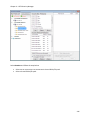
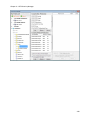
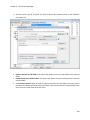
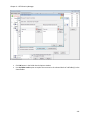
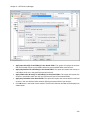
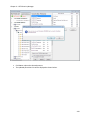
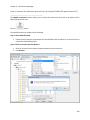
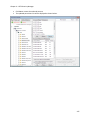
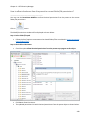
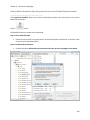
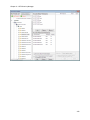
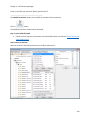
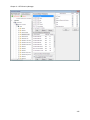
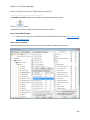
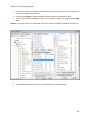
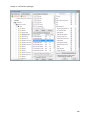
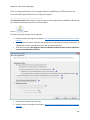
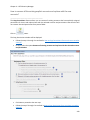
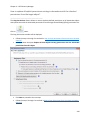
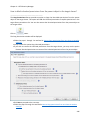
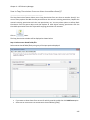
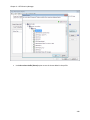
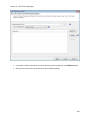
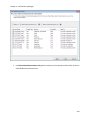
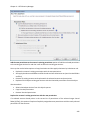
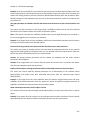
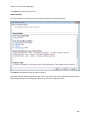
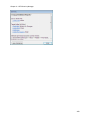
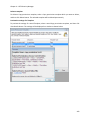
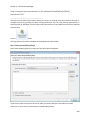
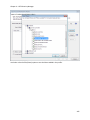
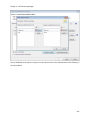
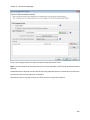
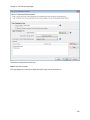
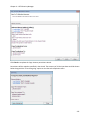
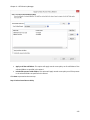
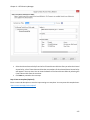
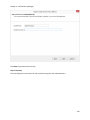
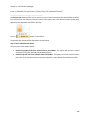
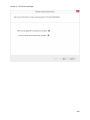
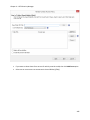
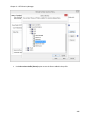
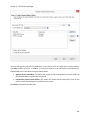
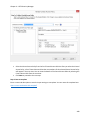
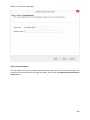
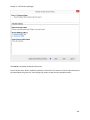
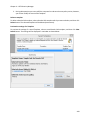
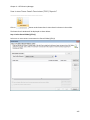
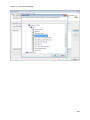
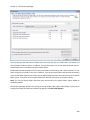
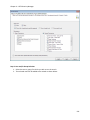
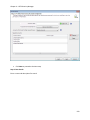
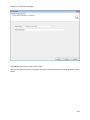
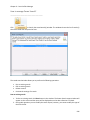
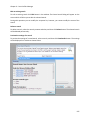
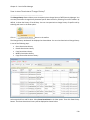
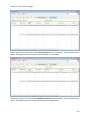
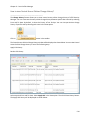
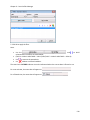
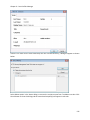
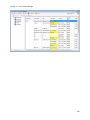
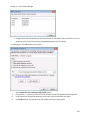
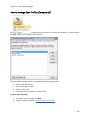
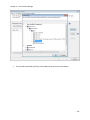
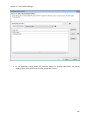
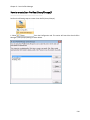
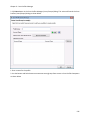
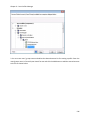
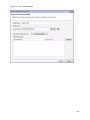
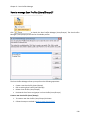
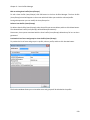
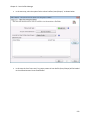
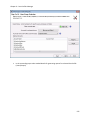
Chapter 3 – NTFS Security Auditor Scheduled Tasks Manager ________________________________________ The Scheduled Tasks Manager allows you to perform the following operations: View summary information for the tasks created View exported files of the task Edit an existing task Delete a task View summary information of a task The pane on the left hand side in the Scheduled Tasks Manager window lists the tasks maintained in NTFS Security Auditor. To view summary information of a task, select the desired task on the left pane. The summary information of the selected task will be displayed in the right pane as shown below: The task summary includes information about the task information, reports selected, export/print settings. To view the selected servers/domains for a report in the task, click on the hyperlink in the Servers/Domains column in the right pane. The Selected Servers/Domains window will be displayed as shown below: 229