1
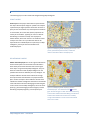
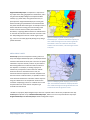
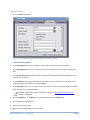
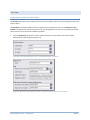
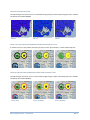
THICKNESS OF CIRCULAR REGION BORDERS IN RADIUS RELATIONSHIP LAYER
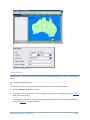
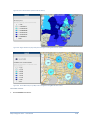
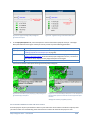
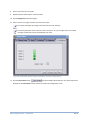
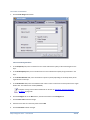
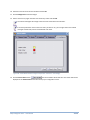
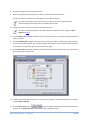
The thickness in points or pixels (depending on the GIS provider) of the circular region borders as a positive integer.
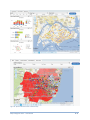
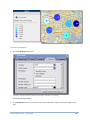
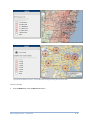
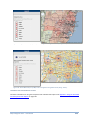
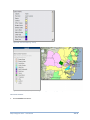
Figure 188. Border thickness set to 5
Figure 189. Border thickness set to 3
Figure 190. Border thickness set to 1
USE MAP BORDER ATTRIBUTES
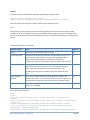
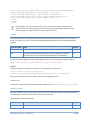
If the Use Map Border Attributes option in the Settings section of the MI Server Map Intelligence Tools page, is
set to Yes (the default) then, the map's attributes are used and any region border settings specified in the MI Client
are ignored.
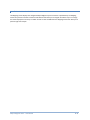
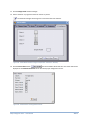
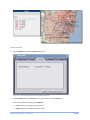
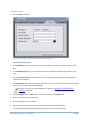
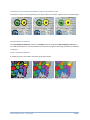
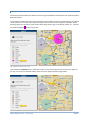
OPACITY OF REGION BORDERS
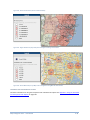
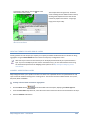
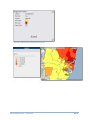
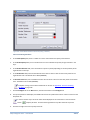
A number from 0 to 1 that indicates the opacity of all region borders.
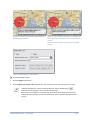
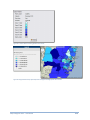
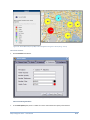
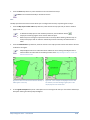
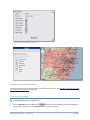
Figure 191. Border opacity set to 1
Figure 192. Border opacity set to 0.5
Map Intelligence Client – User Manual
Figure 193. Border opacity set to 0.2
138