1
Network Camera Server
User’s Manual
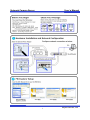
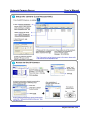
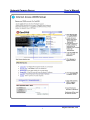
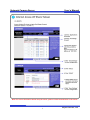
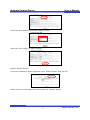
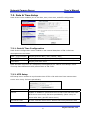
FlexWATCH® supports Daylight Savings (Summer time). Different time zones or
conditions can be selected from Date & Time Configuration. If FlexWATCH® is under
daylight savings region, applicable time zone will be defined and be applied. There are
two ways of knowing the time of the FlexWATCH®. 1st is through FlexWATCH® web page,
2nd is login to HyperTerminal and use ‘date’ command, displayed time will be local time
where daylight savings is applied. Input time zone information to FlexWATCH® precisely.
UTC and Local Time
UTC means Universal Time and local time means local area time. Linux internal clock will
express as UTC. Which will be displayed as local time to users, exchanging local time
through time zone. FlexWATCH® uses Linux Internal clock, which is UTC and displayed
time for user is local time.
NTP
Time from NTP is UTC. System will exchange this UTC time to local time through own its
local time zone. NTP Server doesn’t need to place in local region. But time differences
can be happened when you use NTP server located in far from your country.
45
Seyeon Tech Co., Ltd