1
7.3.3 Execution Stage
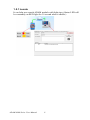
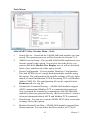
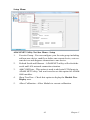
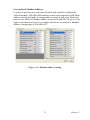
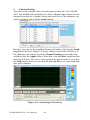
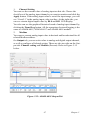
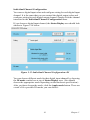
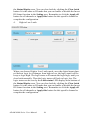
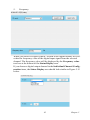
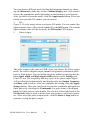
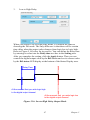
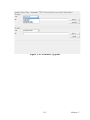
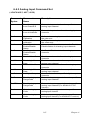
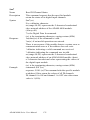
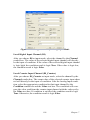
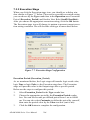
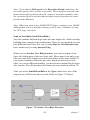
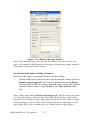
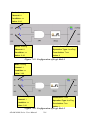
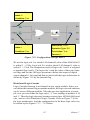
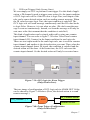
When you click the Execution stage icon, you should see a dialog window similar to Figure 7.7 below. There are two possible execution setting
you can choose by the Type combo box in the Operation area: Execution
Period (Execution_Period) and Send to Next Rule (SendToNextRule).
After you choose the appropriate execution setting, click the OK button.
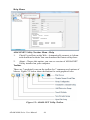
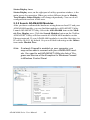
The Execution stage icon will change its pattern to present current execution setting condition. We will describe each type in more detail below.
Figure 7.7: Execution Stage Configuration
Execution Period (Execution_Period)
As we mentioned before, the Logic stage will transfer logic result value,
logic True or logic False, to the Execution stage here. The Execution
stage will pass this value to the Output stage after a specific period.
Below are the steps to configure this period:
1.
Select Execution_Period in the Type combo box.
2.
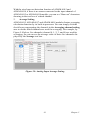
Choose the appropriate period by the Execution Period combo
box. You can select some pre-defined period from 1 ms to 60000
ms. You can also select Customize to define the period by yourself,
then enter the period value by the Value text box (unit is ms).
3.
Click the OK button to complete the configuration.
ADAM-6000 Series User Manual
204