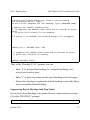
1
Part 6: Moving Data
MSC Fileman 22.2 User Reference Guide
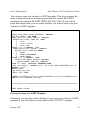
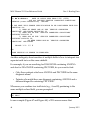
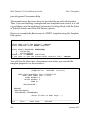
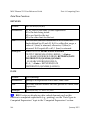
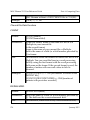
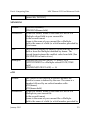
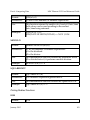
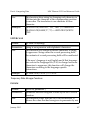
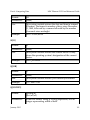
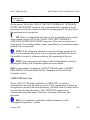
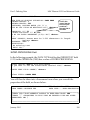
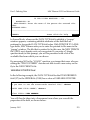
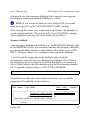
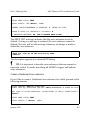
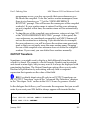
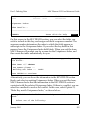
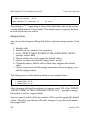
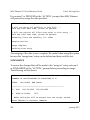
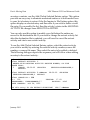
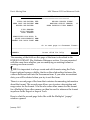
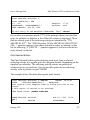
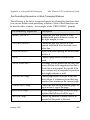
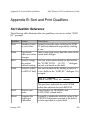
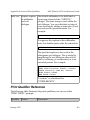
Many importing applications treat data within quotation marks (") in a
special way. Sometimes such data is automatically considered to be text, as
opposed to numbers. Also, the importer may ignore the field delimiter
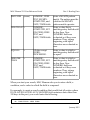
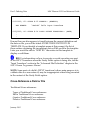
character, if it falls within a quoted string. Quoting a null value from a nonnumeric field will result in two double quotes ("") being exported.
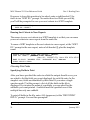
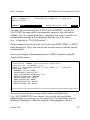
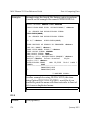
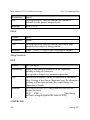
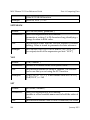
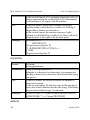
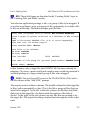
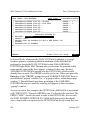
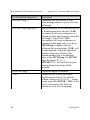
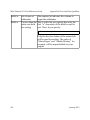
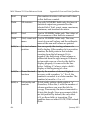
During export, the DATA TYPE field value is automatically determined for
fields in the primary file and its Multiples. DATA TYPE fields of NUMERIC
are considered NUMERIC. There may be other fields that you want treated
as NUMERIC. For example:
• COMPUTED-type fields with numeric results.
• Fields referenced by the extended pointer syntax.
• Replies to the "EXPORT FIELD:" prompt that are computed
expressions with numeric results.
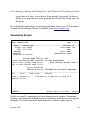
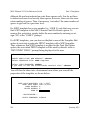
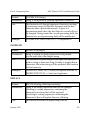
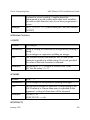
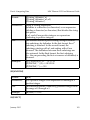
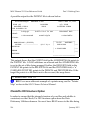
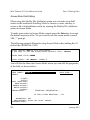
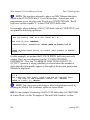
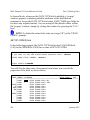
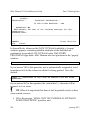
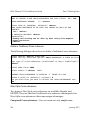
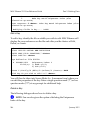
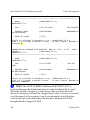
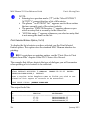
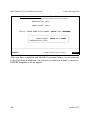
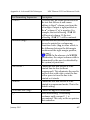
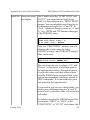
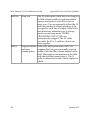
By default, these fields are assigned a FREE TEXT DATA TYPE. If you want
the user to choose the DATA TYPE when the EXPORT template is created,
answer YES to the PROMPT FOR DATA TYPE? field.
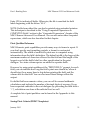
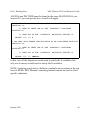
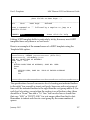
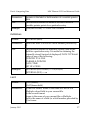
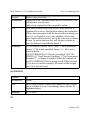
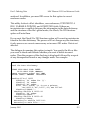
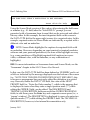
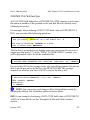
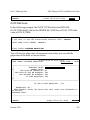
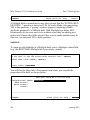
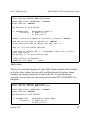
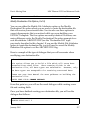
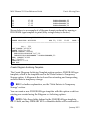
If the Export Tool assigns a non-numeric to a DATA TYPE field or if the
user chooses one of those DATA TYPE field values, the field's values will be
surrounded by quotes when this field contains YES.
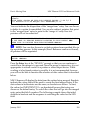
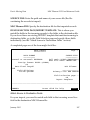
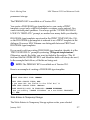
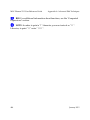
NOTE: Do not set this field to YES if a fixed length record is being
exported or imported.
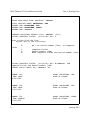
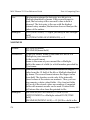
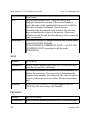
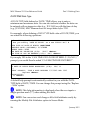
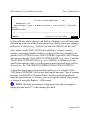
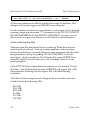
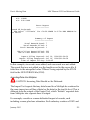
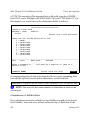
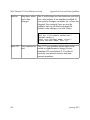
PROMPT FOR DATA TYPE?
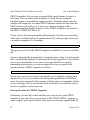
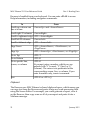
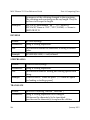
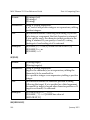
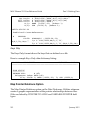
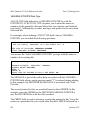
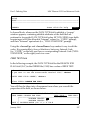
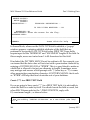
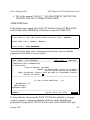
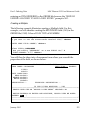
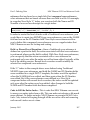
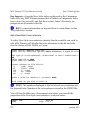
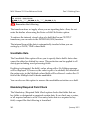
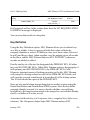
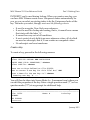
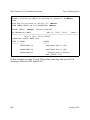
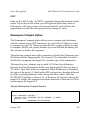
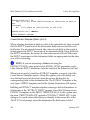
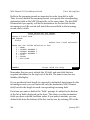
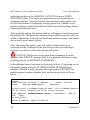
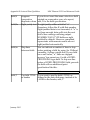
The Export Tool will determine the DATA TYPE field value for fields in the
primary file and its Multiples based on their definition in the data
dictionary. Other fields are automatically assigned a DATA TYPE of FREE
TEXT. If you want the user to choose the DATA TYPE of each field when
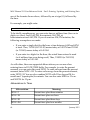
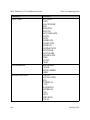
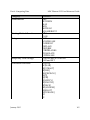
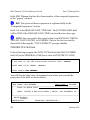
creating an EXPORT template, answer YES to this field. The only DATA
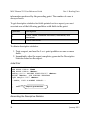
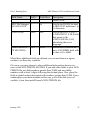
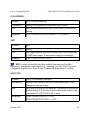
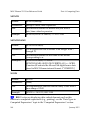
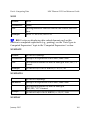
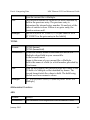
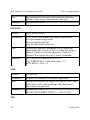
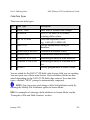
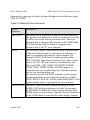
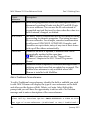
TYPE field values recognized by the Export Tool are the following:
January 2015
359