1
MSC Fileman 22.2 User Reference Guide
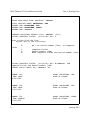
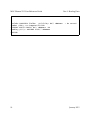
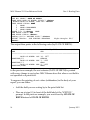
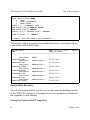
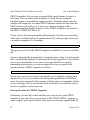
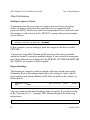
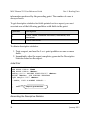
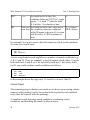
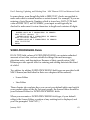
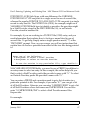
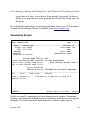
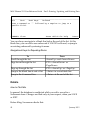
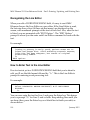
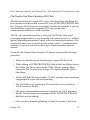
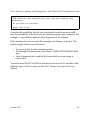
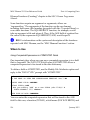
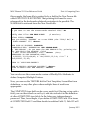
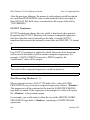
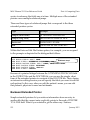
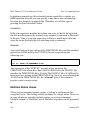
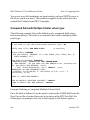
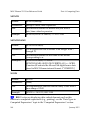
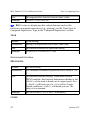
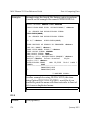
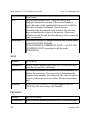
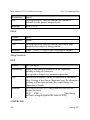
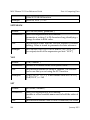
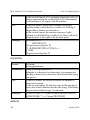
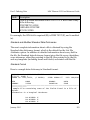
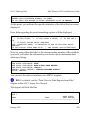
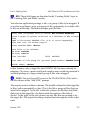
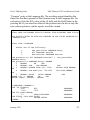
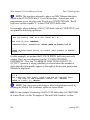
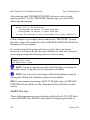
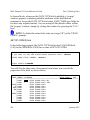
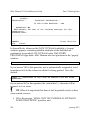
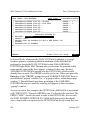
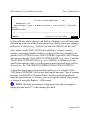
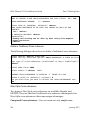
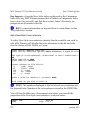
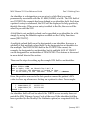
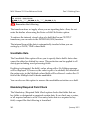
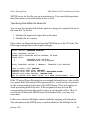
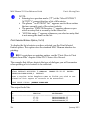
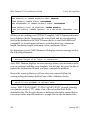
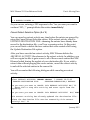
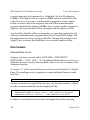
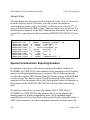
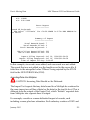
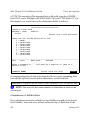
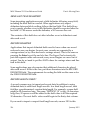
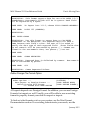
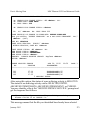
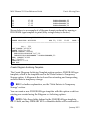
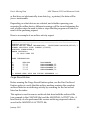
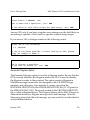
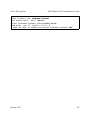
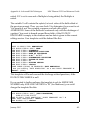
*** DATE OF BIRTH
Part 6: Moving Data
1872
Press RETURN to continue or '^' to exit:
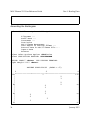
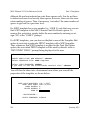
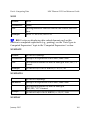
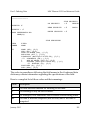
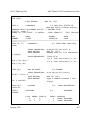
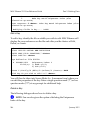
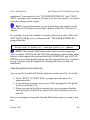
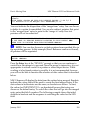
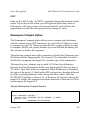
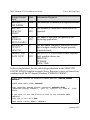
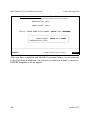
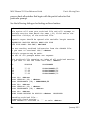
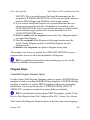
The asterisks ("***") appearing in front of the field label indicate the entries
contain different data in those fields. This simple report compares the data
in each field in the two entries.
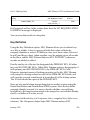
Merging Entries
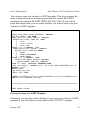
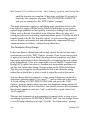
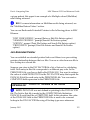
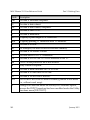
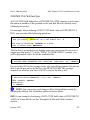
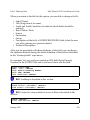
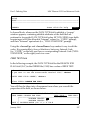
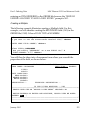
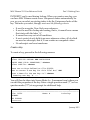
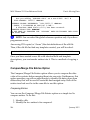
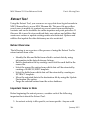
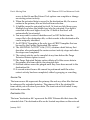
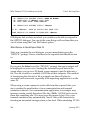
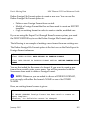
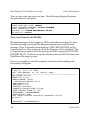
You can use the Compare/Merge File Entries option to merge entries. To do
this:
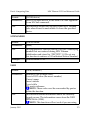
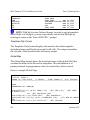
1. Identify a file.
2. Identify the two entries to be compared.
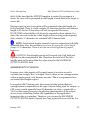
3. At the "MERGE THESE ENTRIES AFTER COMPARING THEM?"
prompt, answer YES.
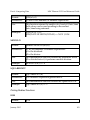
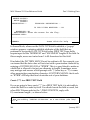
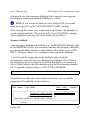
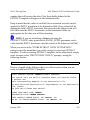
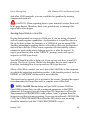
4. Choose which entry will supply the default values.
5. Choose to retain or delete the "merge from" record.
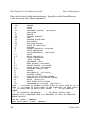
6. Optionally adjust, field-by-field, which entry supplies the default
value.
7. Choose to proceed with the merge, summarize before merging, or reedit the merge criteria.
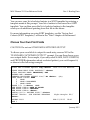
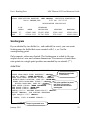
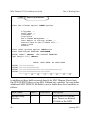
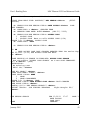
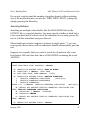
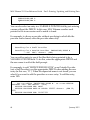
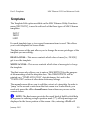
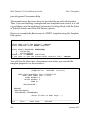
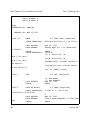
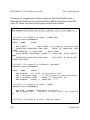
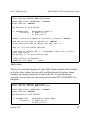
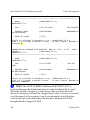
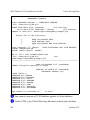
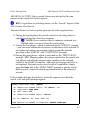
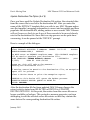
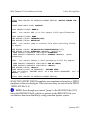
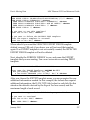
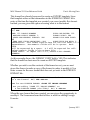
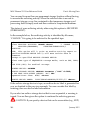
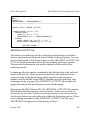
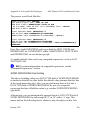
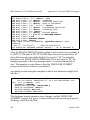
The Merge process is described in detail via an example below:
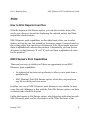
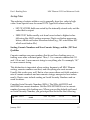
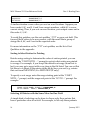
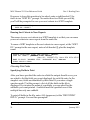
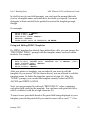
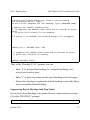
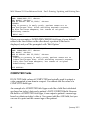
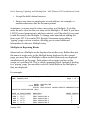
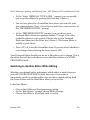
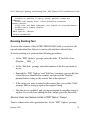
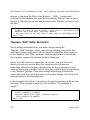
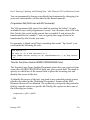
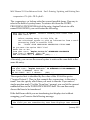
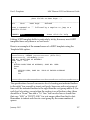
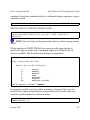
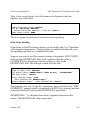
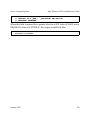
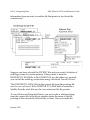
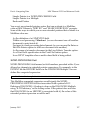
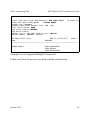
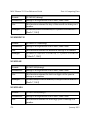
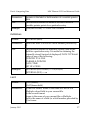
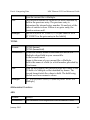
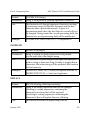
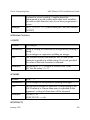
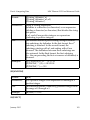
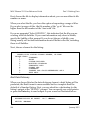
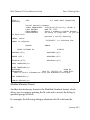
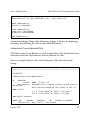
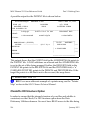
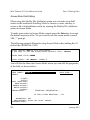
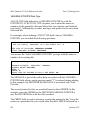
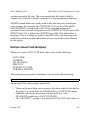
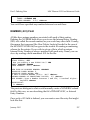
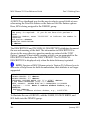
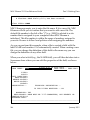
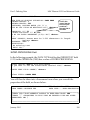
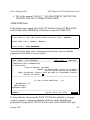
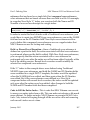
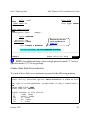
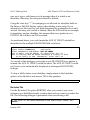
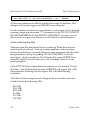
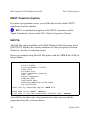
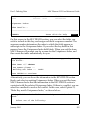
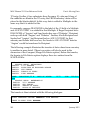
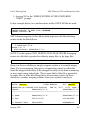
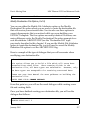
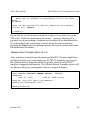
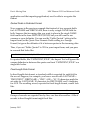
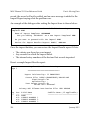
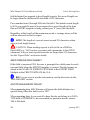
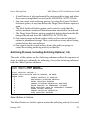
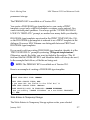
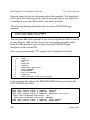
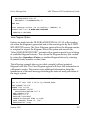
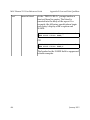
MERGE THESE ENTRIES AFTER COMPARING THEM? NO// YES
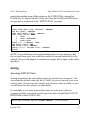
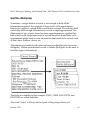
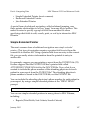
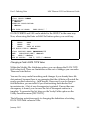
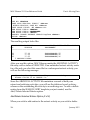
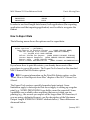
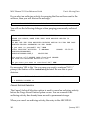
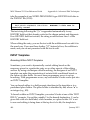
1 FMPATIENT,23 A.
2 FMPATIENT,23 H.
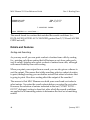
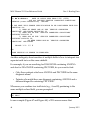
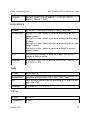
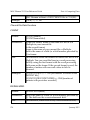
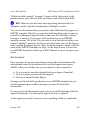
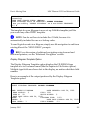
After choosing a file and two entries to compare, enter YES at the "MERGE
THESE ENTRIES AFTER COMPARING THEM? NO//" prompt to merge
the entries as well as compare them.
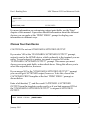
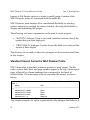
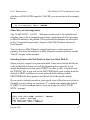
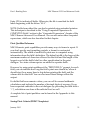
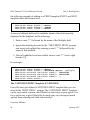
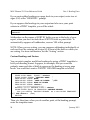
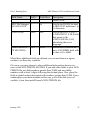
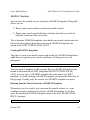
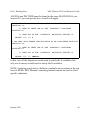
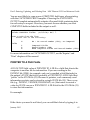
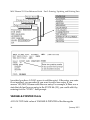
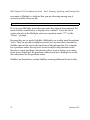
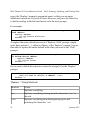
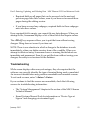
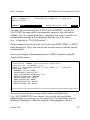
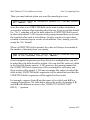
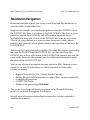
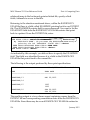
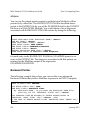
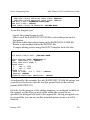
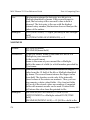
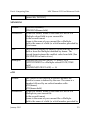
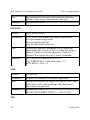
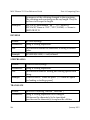
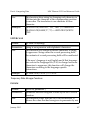
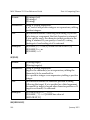
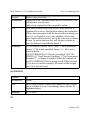
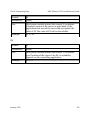
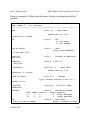
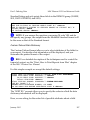
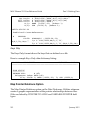
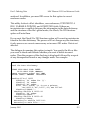
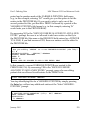
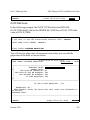
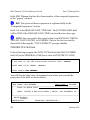
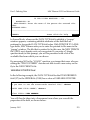
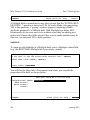
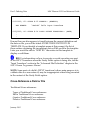
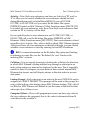
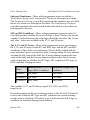
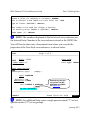
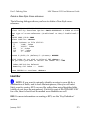
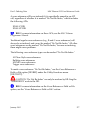
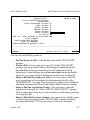
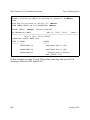
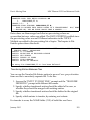
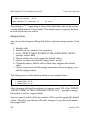
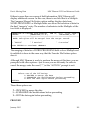
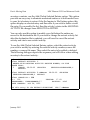
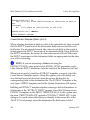
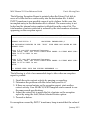
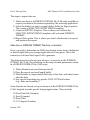
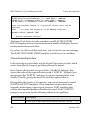
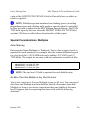
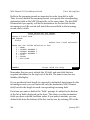
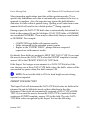
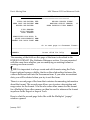
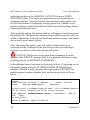
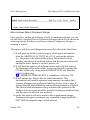
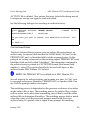
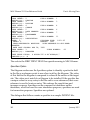
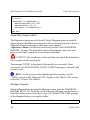
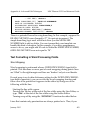
You now specify which of the two entries will be used to supply the default
values. The entry you choose will be the "merge to" entry that will contain
the merged data.
298
January 2015