1
MSC Fileman 22.2 User Reference Guide
Part 1: Reading Data
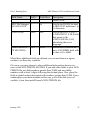
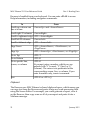
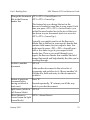
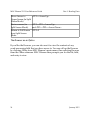
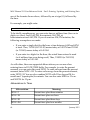
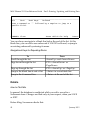
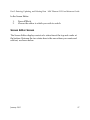
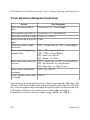
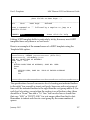
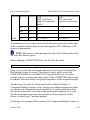
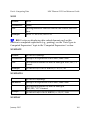
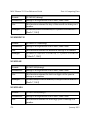
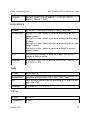
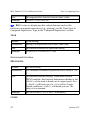
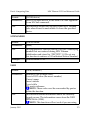
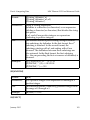
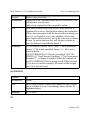
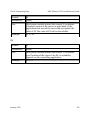
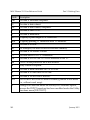
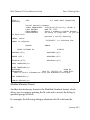
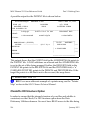
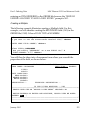
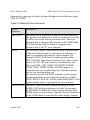
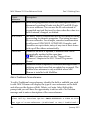
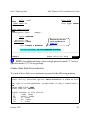
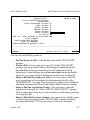
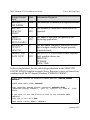
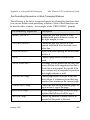
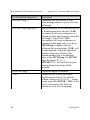
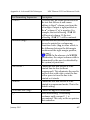
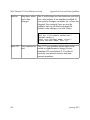
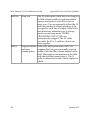
Move Cursor to
<PF2><ArrowUp>
Upper Screen (in Split
Screen Mode)
Resize screens (in
Split Screen Mode)
<PF2><PF2><ArrowUp>
and<PF2><PF2><ArrowDown>
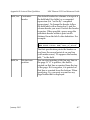
Return to Full Screen <PF2>F
from Split Screen
Mode
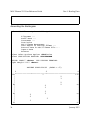
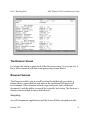
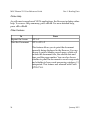
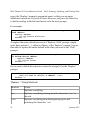
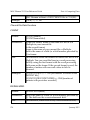
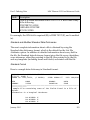
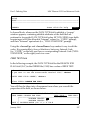
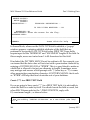
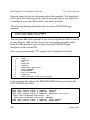
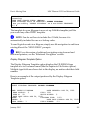
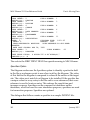
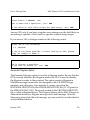
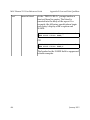
The Browser as an Option
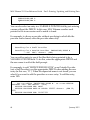
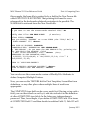
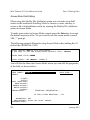
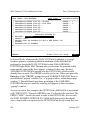
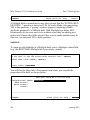
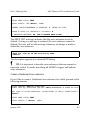
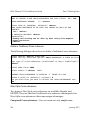
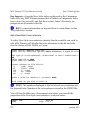
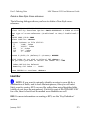
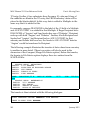
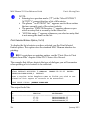
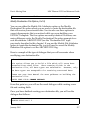
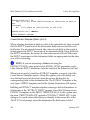
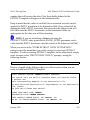
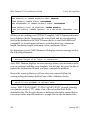
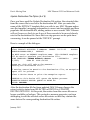
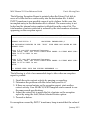
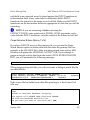
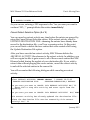
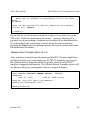
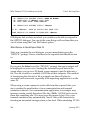
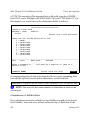
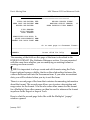
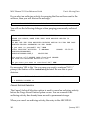
If you like the Browser, you can also use it to view the contents of any
word-processing field that you have access to. You can call up the Browser
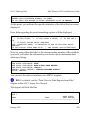
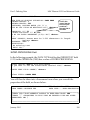
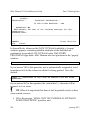
by choosing Other from MSC Fileman’s main menu, then selecting Browser
from the Other submenu. MSC Fileman then prompts you for the file, field,
and entry to view.
56
January 2015