1
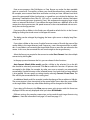
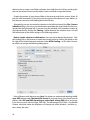
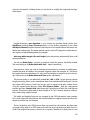
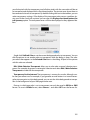
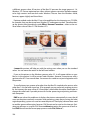
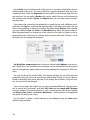
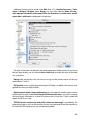
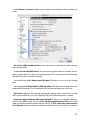
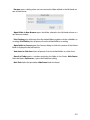
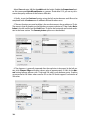
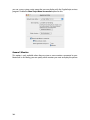
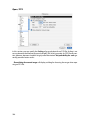
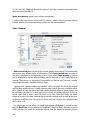
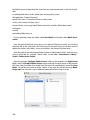
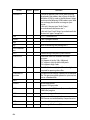
The Minimum file count specifies from what number of files a subfolder with the same
name beginning should be created.
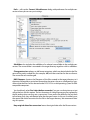
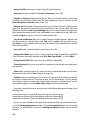
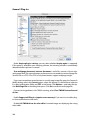
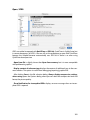
Duplicate creates a duplicate of the selected file with “Copy” added to the name.
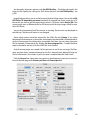
Set GPS from current Google Earth position adds the GPS data to the EXIF data of
the selected image files, see p 322 onwards.
Open GPX file... allows you to set the GPS data from a GPX file for selected pictures, see
p 324 onwards.
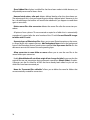
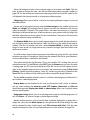
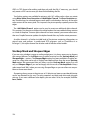
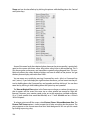
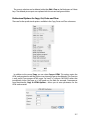
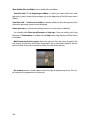
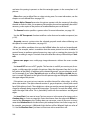
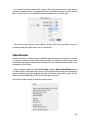
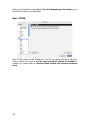
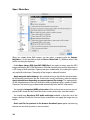
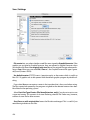
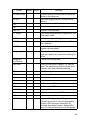
Move to Folder opens a submenu listing all folders that have been defined as move folders for the slide show. You can set these folders under Preferences / Slide Show / Move
Folder. You need to select at least one of these folders under Preferences / Slide Show /
Move Folder for this option to appear in the context menu.
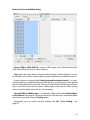
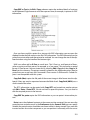
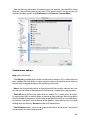
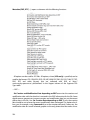
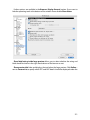
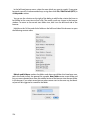
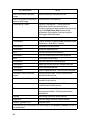
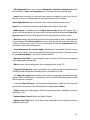
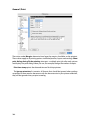
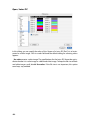
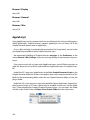
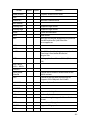
The following options are available in the Export submenu:
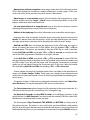
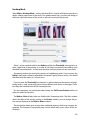
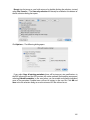
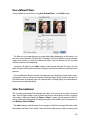
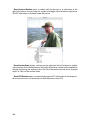
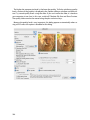
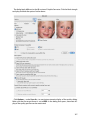
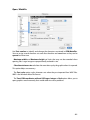
Crop for Photo Service... opens a dialog where you can crop the selected pictures one
after the other as with a specified aspect ratio. Photo services use photo paper with an aspect ratio of 2:3. There is a separate chapter on this function. Please see page 99.
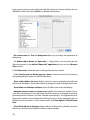
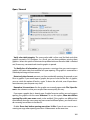
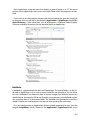
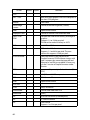
DCF compatible file system... allows you to export to the memory card of a digital camera, for example. If your DVD player has slots for memory cards, you can then show your
261