1
Center Brightness Correction
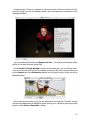
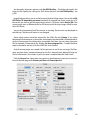
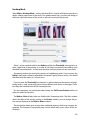
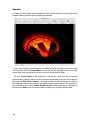
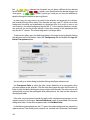
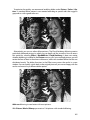
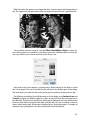
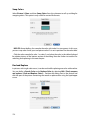
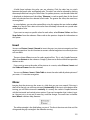
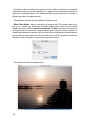
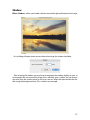
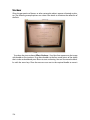
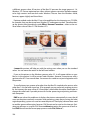
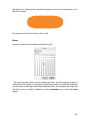
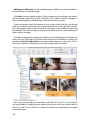
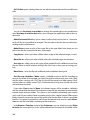
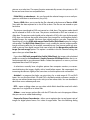
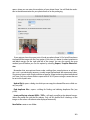
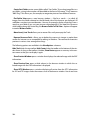
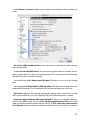
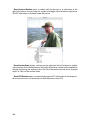
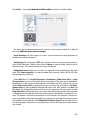
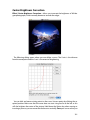
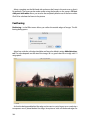
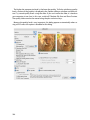
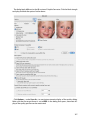
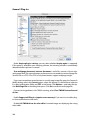
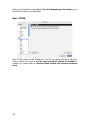
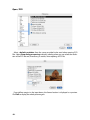
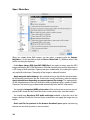
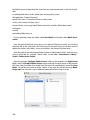
Effect / Center Brightness Correction... allows you to correct the brightness of 360-degree photographs, which normally decreases towards the edges.
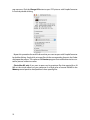
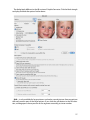
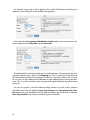
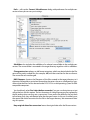
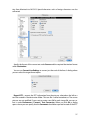
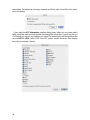
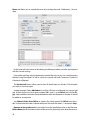
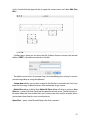
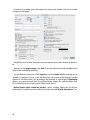
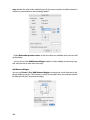
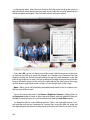
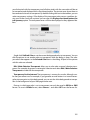
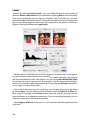
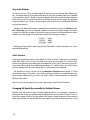
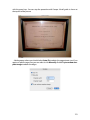
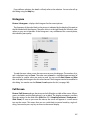
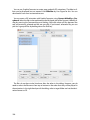
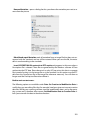
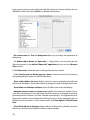
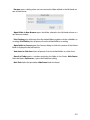
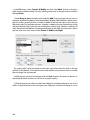
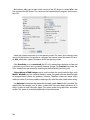
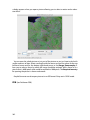
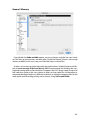
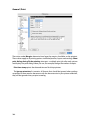
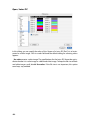
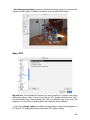
The following dialog opens where you can define a curve. The X-axis is the distance
from the centerpoint and the Y-axis is the extent of brightening.
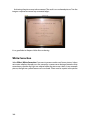
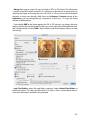
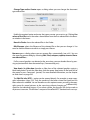
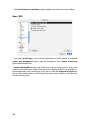
You can click and move existing points in the curve. Set new points by clicking the required position. Make sure that the curve does not start rising too far to the left as this
will also brighten the center of the picture. Hold down the Option key when moving or
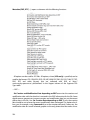
inserting a point so you can move the whole curve vertically. Save your curve so that you
331