1
• ODF import added
• YUV import with dialog for different frame sizes added
• remove resource fork option added to context menu
• text font selection improved (via menu in the menu bar, UB)
• unskew works now with grayscale images
• option to export only each second, third... image to a movie added
• speed of import with cardreader improved (UB)
• line, rectangle and ellipse tool uses now Quartz (UB)
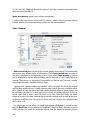
• button to go from basic prefs to extended prefs added
• support for multipage ps files added
New features in GraphicConverter 6.0.3
• BSP import added
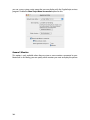
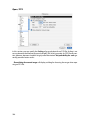
• Browser can optionally hide files that begin with “%” or end with “˜” (tilde): Preferences
/ Browser / Display Thumbnails
New features in GraphicConverter 6.0.4
• sff import added (format of Fritzbox fax files)
• Single color channesl can be joined (Effect / Channels/Frames / Join).
• Browser creates thm files to speed up viewing of raw previews.
• An image can be set as a folder icon via the context menu.
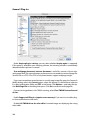
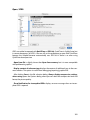
• Slide show can create a protocol noting when which images was shown (Preferences
/ Slide show / General).
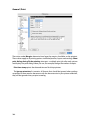
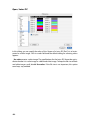
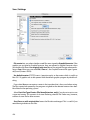
• IPTC information is written as Unicode for better compatibility with PC-Systems. This
can be set to Mac or Windows standard in the Preferences / Save / IPTC/EXIF.
New features in GraphicConverter 6.1
• Icons of 256x256 and 512x512 Pixels are possible but not supportet by Mac OS 10.1
and 10.2
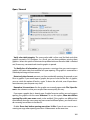
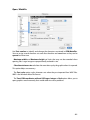
• External editor support added (UB)
• Slideshow can display next image on second monitor (as an option, UB)
443