1
Exit Menu, Continued
do not use the Optimal CP6500-V Setup options if your computer is experiencing system
configuration problems.
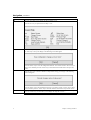
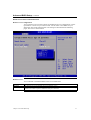
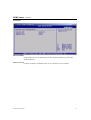
Select Load Optimal Defaults from the Exit menu and press <Enter>.
Select Ok to load optimal defaults.
Load Fail-Safe Defaults
CP6500-V automatically sets all CP6500-V Setup options to a complete set of default
settings when you Select this option. The Fail-Safe settings are designed for maximum
system stability, but not maximum performance. Select the Fail-Safe CP6500-V Setup
options if your computer is experiencing system configuration problems.
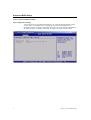
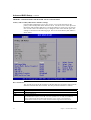
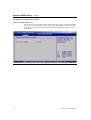
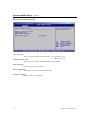
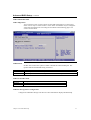
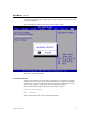
Select Load Fail-Safe Defaults from the Exit menu and press <Enter>.
Load Fail-Safe Defaults?
[Ok]
[Cancel]
appears in the window. Select Ok to load Fail-Safe defaults.
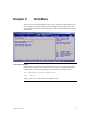
Chapter 9: Exit Menu
49