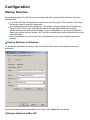
1
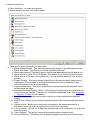
General tab
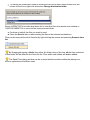
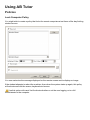
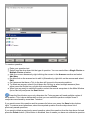
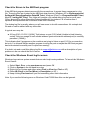
Background Images
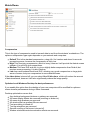
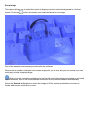
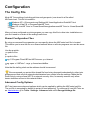
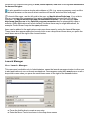
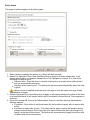
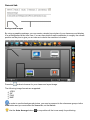
By using a graphics package, you can create a simple layout plan of your classroom and display
it as a background to the icon view. You can then position each workstation in roughly the correct
position on the plan to give you an idea as to where the machine is located.
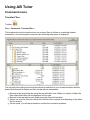
Press the
button to browse for your classroom layout image.
The following image formats are supported:
JPEG
GIF
PNG
BMP
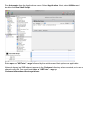
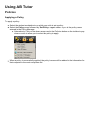
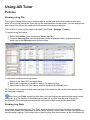
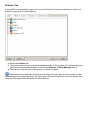
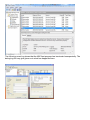
In order to see the background picture, you must re-connect to the classroom group via the
Find button and you must select the icons tab, not the list tab.
Use the Auto Arrange button
to re-position all the icons ready for positioning.