1
Instant Merge® for Windows
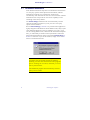
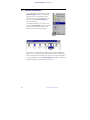
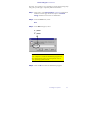
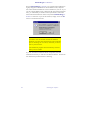
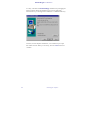
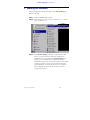
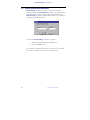
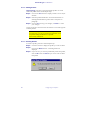
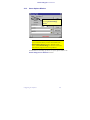
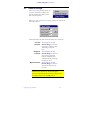
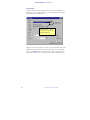
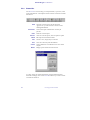
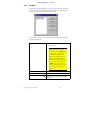
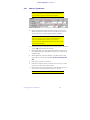
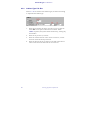
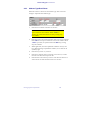
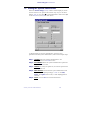
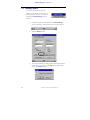
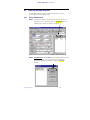
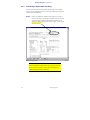
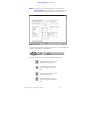
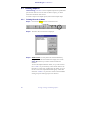
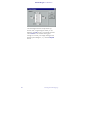
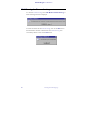
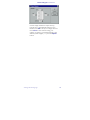
You will next be asked if you want to install the Instant Merge for
Windows Client software, Instant Merge Server software, or both.
The default installation is for the Instant Merge for Windows Client
software. Instant Merge can be used without a requirement for any
other piece of software. However, it can be used in conjunction with
Instant Merge Server software to gain greater credit reporting
flexibility for your organization. If you want to install the Instant
Merge Server software at this time, simply click the box to add a ✔
to the Instant Merge Server box. Then click “Next” to finish the
installation.
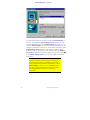
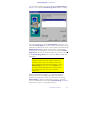
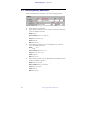
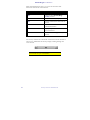
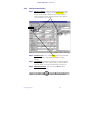
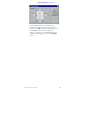
NOTE: The amount of space required for this
installation, and the amount of space available, are
identified in this window. The differences between
space requirements of individual components, such as
Instant Merge for Windows Client and Server, and
total space requirements represent necessary system
files being installed with the various software
components.
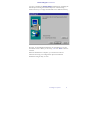
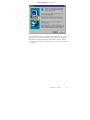
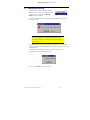
When the installation is complete, you will need to start the
software and setup your configuration options to finish the
installation and get ready to work. For information on starting
Instant Merge for Windows, please refer to Chapter 3, Starting the
Software. For information on configuring Instant Merge for Windows,
please refer to Chapter 4, Configuring the Software.
Installing the Software
15