1
Instant Merge® for Windows
6.2
Entering Address Information
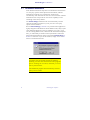
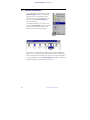
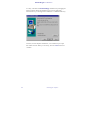
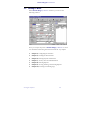
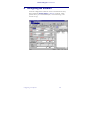
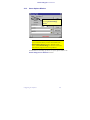
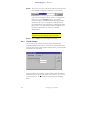
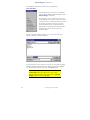
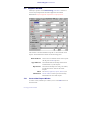
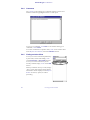
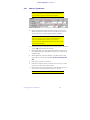
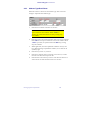
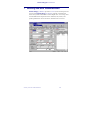
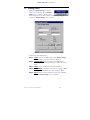
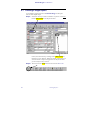
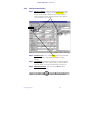
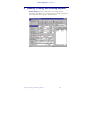
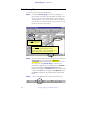
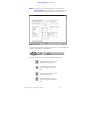
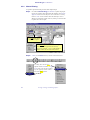
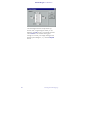
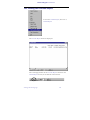
The Request Window provides two sections for address information.
The first set of address fields is for the applicant’s current address.
The second set of address fields is for a previous address.
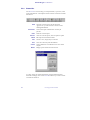
When entering address information, the text boxes accept alpha or
numeric values only:
♦
♦
Do not use punctuation within any text box.
Do not use control characters within text box.
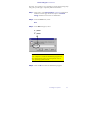
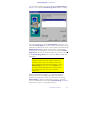
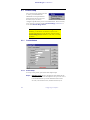
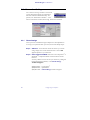
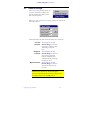
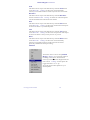
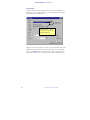
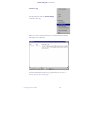
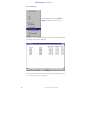
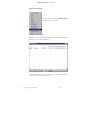
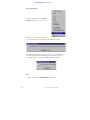
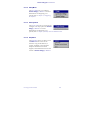
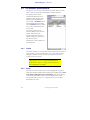
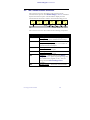
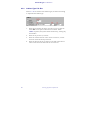
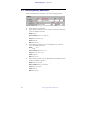
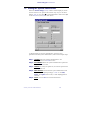
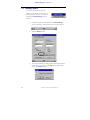
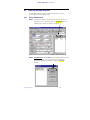
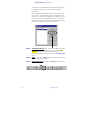
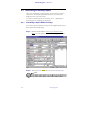
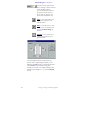
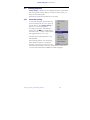
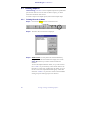
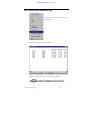
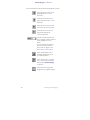
There are three address types available for selection: Normal, P.O.
Box and Rural Route. When an address type is selected the text
boxes change to represent that address type.
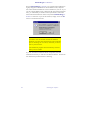
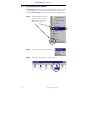
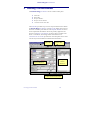
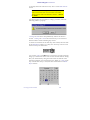
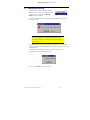
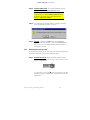
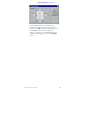
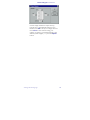
The Normal option button is selected when you first enter the
address sections. Use the <Down Arrow> key to move to the
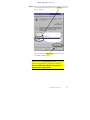
option button for the correct address type. A O in the button
indicates the option button is selected.
56
Entering Applicant Information