1
VII. COLLECTING AND PROCESSING STATISTICS
Collecting statistics
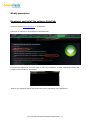
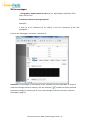
Connect to SolarPath (with Bluetooth or USB), open SolarPath and make the connection with the
device (cf. page 8). Once the communication is established,
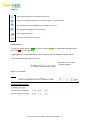
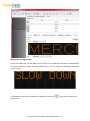
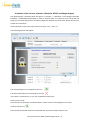
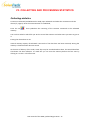
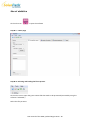
Press the icon
memory.
that symbolizes the retrieving of the statistics contained in the SolarPath
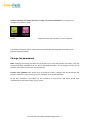
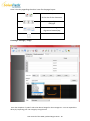
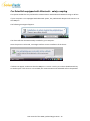
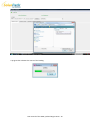
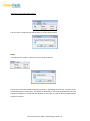
You are then asked in which file you wish to record the statistics and what name you want to give to
it.
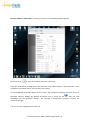
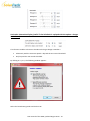
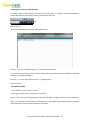
Erasing the device data or not.
Internal memory capacity of SolarPath is 6 months. If the data have not been retrieved, writing the
memory is locked and the data are stored.
At the time of delivery of the radar, some days may be recorded without data. This would therefore
slow down the data collection. To avoid this you can reset the memory before the first start by
clicking on « erase » in the file menu.
User manual of the SPSD, updated August 2013 27