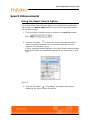
1
Aquire OrgPublisher 10 User Guide
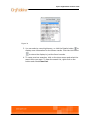
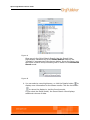
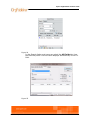
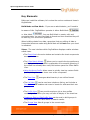
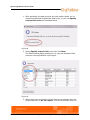
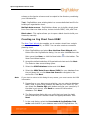
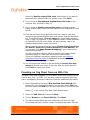
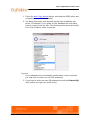
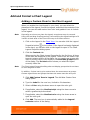
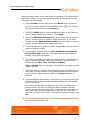
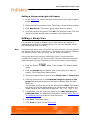
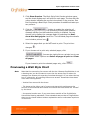
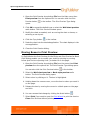
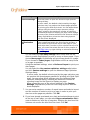
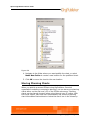
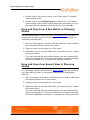
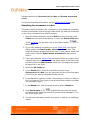
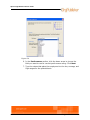
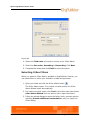
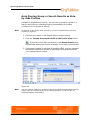
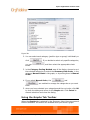
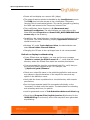
5. Type a prefix or name for the group in the Enter a prefix for the
names of the groups field. Click Next.
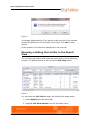
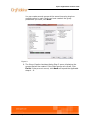
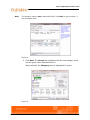
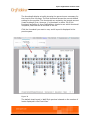
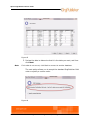
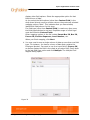
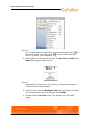
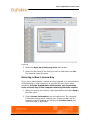
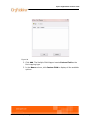
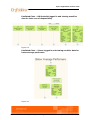
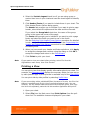
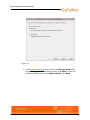
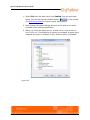
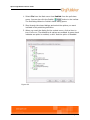
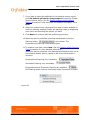
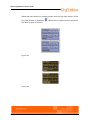
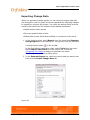
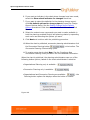
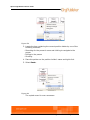
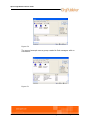
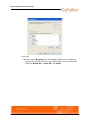
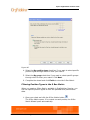
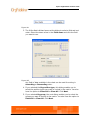
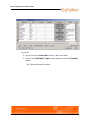
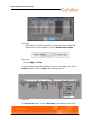
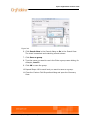
The Group Creation Assistant Step 2 dialog opens.
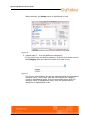
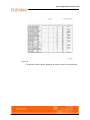
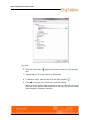
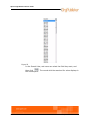
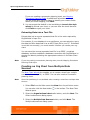
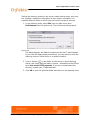
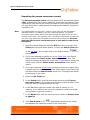
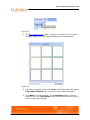
The left pane contains the values available for grouping the data in
the field you selected. These values are sorted first by "hit" count
(the highest number of records to match the criteria), then
alphabetically.
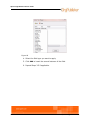
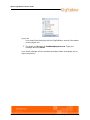
Figure 6
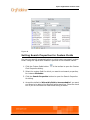
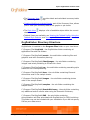
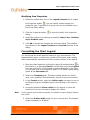
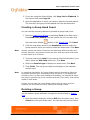
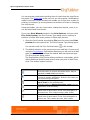
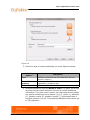
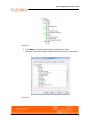
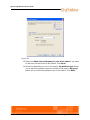
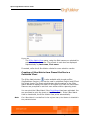
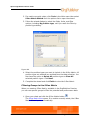
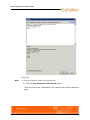
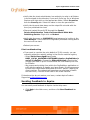
6. Drag and drop the correct value to the right pane.
Note:
You can create more than one group by selecting multiple fields.
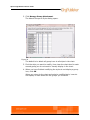
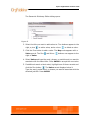
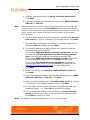
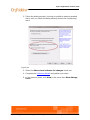
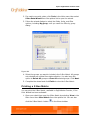
7. If you want to use multiple values from which to create the group,
drag another value from the left pane and drop it on the first value.
What’s New/Groups
7