1
Aquire OrgPublisher 10 User Guide
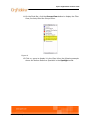
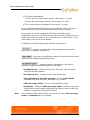
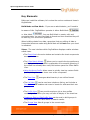
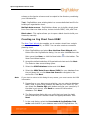
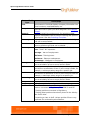
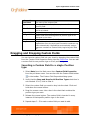
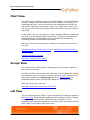
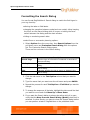
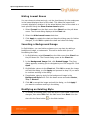
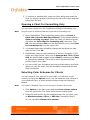
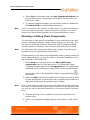
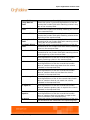
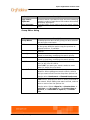
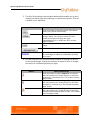
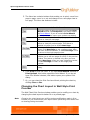
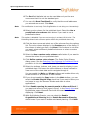
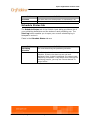
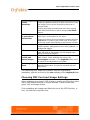
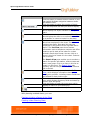
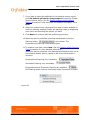
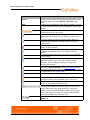
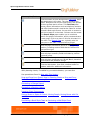
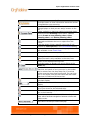
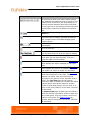
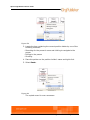
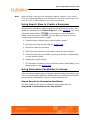
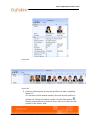
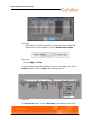
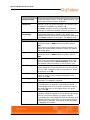
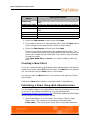
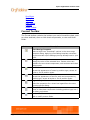
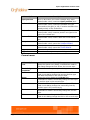
Button
Name
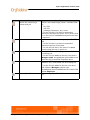
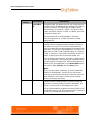
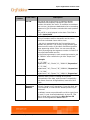
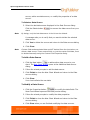
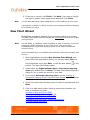
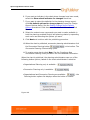
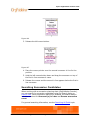
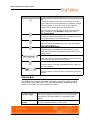
Insert Box containing a
person and job
Insert box
Description
Inserts a box containing a person. Includes fields
for:
• Box Title
• Job Title
• (Manager, Employee, etc,) name
If it is the first box in a chart its placement
determines the top of the chart. If it is not the first
box in the chart it is added directly below the box
it reports to.
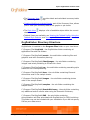
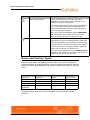
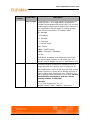
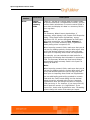
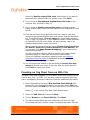
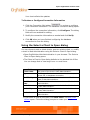
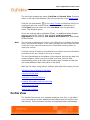
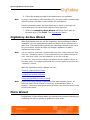
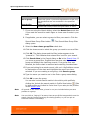
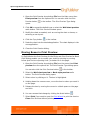
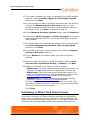
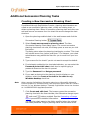
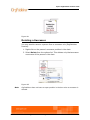
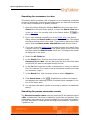
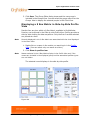
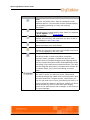
Inserts a normal box containing only the Box Title
field.
If it is the first box in a chart its placement
determines the top of the chart.
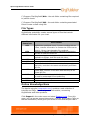
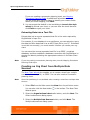
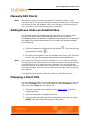
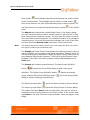
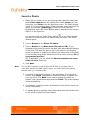
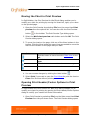
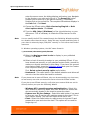
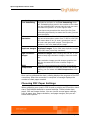
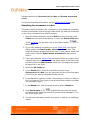
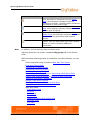
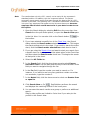
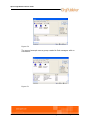
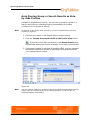
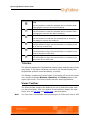
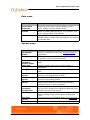
Insert Job
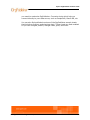
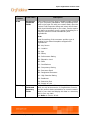
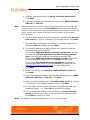
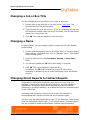
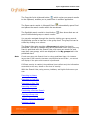
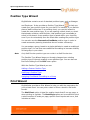
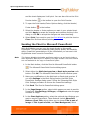
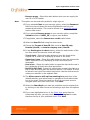
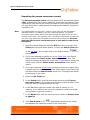
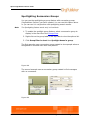
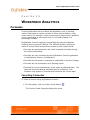
Insert Person
If it is not the first box in the chart it is added
directly below the box it reports to.
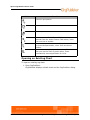
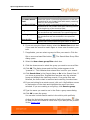
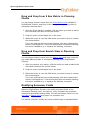
Inserts Job Title and Employee name fields into
an existing box.
If it is the first job added to the box, the label is
Manager name. Any additional jobs added to the
same box will be specified Employee name.
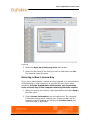
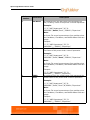
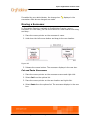
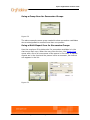
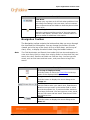
Inserts Job Title and appropriate (Employee,
Assistant, etc.) name fields into an existing box.
If it is the first job added to the box, the name
field reflects a Manager position type.
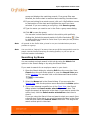
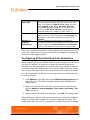
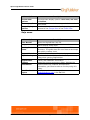
Insert Open Position
Any additional persons added have the name field
labeled Employee.
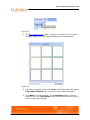
Inserts an Open position field into an existing
box.
Getting Started with OrgPublisher/Creating a Blank Org Chart
73