1
SVAN 979 USER'S MANUAL_______________________________________________
21
_
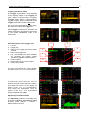
The files are saved in the Memory and in the catalogue, which was set up
as the working catalogue. The working directory is displayed in the bottom
line of the File Manager window. The working Memory type is displayed as
the icon in the left position of the icon line.
The user can copy or move data from the internal memory of the device
and store new data in the external memory.
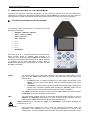
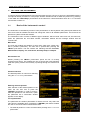
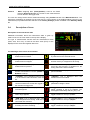
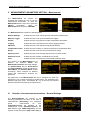
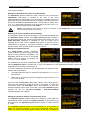
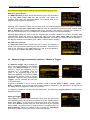
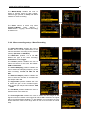
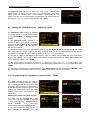
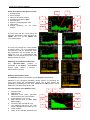
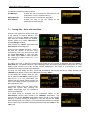
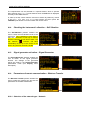
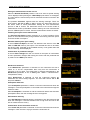
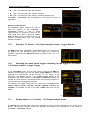
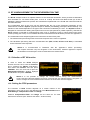
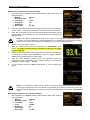
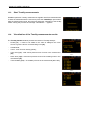
“USB Disk” icon is displayed when USB disc is assigned for file saving. USB disc is
connected and activated.
“Internal” memory icon is displayed when internal memory is assigned for file saving.
“SD Card” icon is displayed when external SD card memory is assigned for file saving.
Micro SD card is connected.
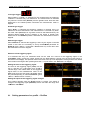
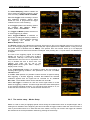
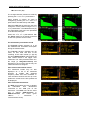
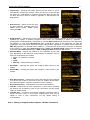
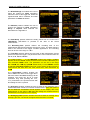
There are two options for storing result data in the internal or external memory. One option is to press <Save>
push-button right after the measurement finishes. Another option is to create <New File> in the File Manager.
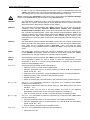
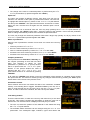
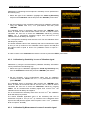
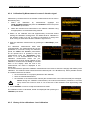
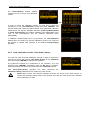
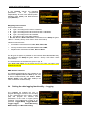
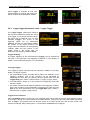
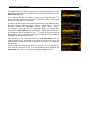
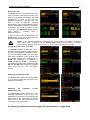
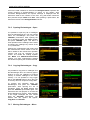
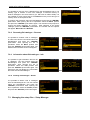
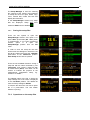
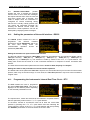
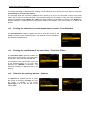
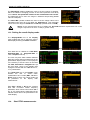
After pressing the <Save> push-button
the Save Results window appears. In
the Save Results window the user can
enter a name for the result file or choose
automatic name generation option.
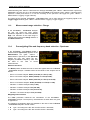
<Save>
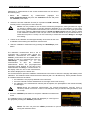
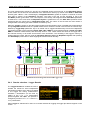
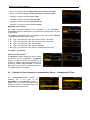
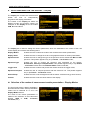
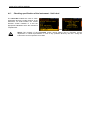
The measurement configuration Setup files can be stored also by means of <S/P> push-button and by
creating the <New File> in the Setup Manager list. The logger, wave and event files are created automatically
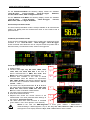
in the assigned directory on the external memory driver.