1
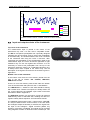
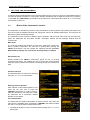
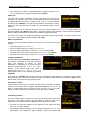
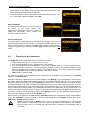
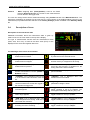
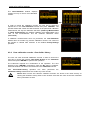
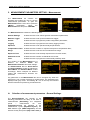
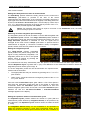
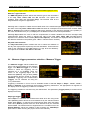
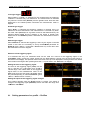
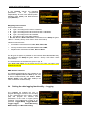
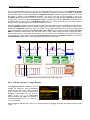
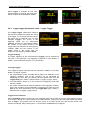
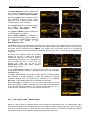
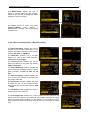
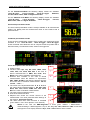
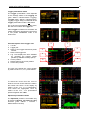
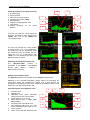
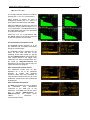
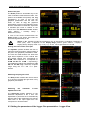
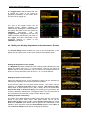
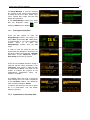
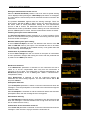
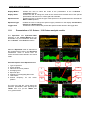
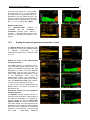
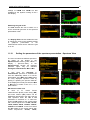
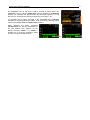
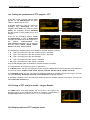
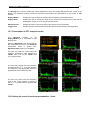
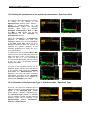
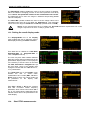
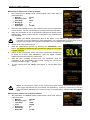
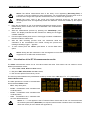
SVAN 979 USER'S MANUAL_______________________________________________ 109 _ Changing the data type When the field 9 is active the type of data displayed (Raw, Smoothed or Integrated) can be changed after pressing the <> and <> push-buttons together with <Alt>. <Alt/> Changing the 1/3 octave band When the field 3 is active the central frequency of 1/3 octave band can be changed after pressing the <> and <> push-buttons together with <Alt>. <Alt/> Changing the RT function When the field 12 is active the RT60 analisys function can be changed after pressing the <> and <> push-buttons together with <Alt>. <Alt/> Changing the cursor position When the field 13 is active the user may change the cursor position by means of the <>, <> push-buttons. <>… RT User reverberation time calculation 1. Select the 1/3 octave band or one of the total levels for user reverberation time calculation process. 2. Set the position of the marker T1. Notice: The marker has to be located on the right side of the T0 marker but not in the noise background region (for more details see Appendix H). 3. When the marker position is located press <ENTER>, then select Yes field and press <ENTER> again. 4. The RT User result will be calculated and presented in the field 13, as well in the Table and 1/3 octave bar plot. <ENT>