1
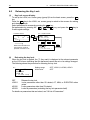
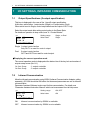
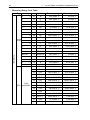
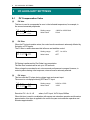
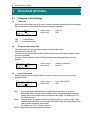
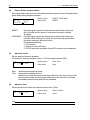
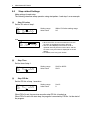
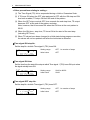
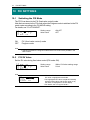
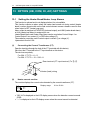
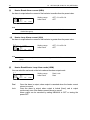
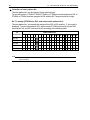
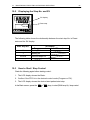
38 8 8-6 I/O AUXILIARY SETTINGS Compensating Control Output/Analog Output Error that occurs in control output (at linear output) or analog output can be compensated. 1. Release the key lock if it is applied. For details on how to release the key lock, see "6-2 Releasing the Key Lock." 2. Set controller control action to the stop mode (reset). For details on control stop operation, see "4-1 Control Modes." 3. Set the count value. Call up the LOCK, etc. top screen (group 8) from the basic screen by the GRP key. Move to the setup screen by holding down the ENT key and pressing the GRP key for at least 3 seconds, and select the output to compensate by pressing the SCRN and keys. Set the count value currently displayed on the SV display or key, and press the ENT key to fix and register settings with the LOCK, etc Key Lock , SV Limit, Time Unit, ADV_Mode SCRN SCRN LCD Display will be blank. PV Display Description Displayed when Control Output 2 is current or voltage. SCRN SCRN Displayed when Control Output 1 is current or voltage. ENT + GRP Displayed with Analog Output 1 or 2 (optional) respectively. PV Display Description Control Output 1 lower limit value Control Output 1 higher limit value Control Output 2 lower limit value Control Output 2 higher limit value Analog Output 1 lower limit value Analog Output 1 higher limit value Analog Output 2 lower limit value Analog Output 2 higher limit value When "0" is set, settings return to factory defaults. 4. When you have finished setting the above, press the DISP key to return to the LOCK, etc. screen.