1
Chapter 4 ✦ Working with Text
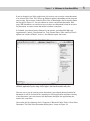
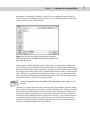
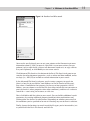
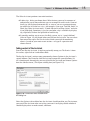
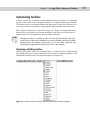
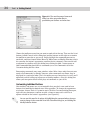
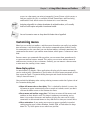
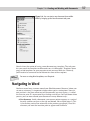
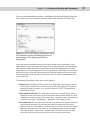
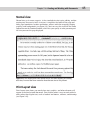
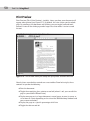
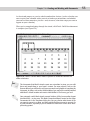
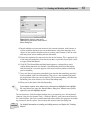
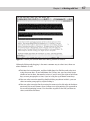
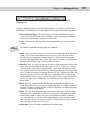
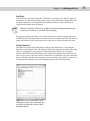
Figure 4-1: Before you can work with text in Word, you have to select it.
Although clicking and dragging is the most common way to select text, there are
other methods as well:
✦ Position the insertion point, and then hold down the Shift key and select text
using the arrow keys. If you hold down the Ctrl key, too, you can select larger
chunks of text at once: one word at a time, if you’re using the right or left arrow
keys; or one paragraph at a time, if you’re using the up or down arrow keys.
✦ You can select an entire word by double-clicking anywhere inside it; you can
select an entire paragraph by triple-clicking it.
✦ You can select an entire line by moving the mouse to the left edge of the document until the usual I-beam cursor changes to a right-pointing (as opposed to
the usual left-pointing) arrow. Use the arrow to point at the line you want to
select, and then click once.
67