1
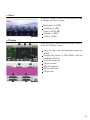
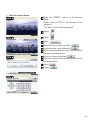
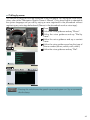
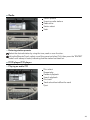
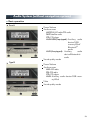
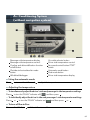
n Start
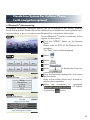
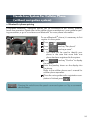
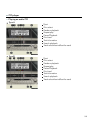
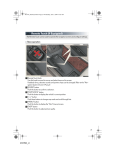
Press the “MENU” button on the Remote Touch
to display the “Start” screen.
1
2
3
4
5
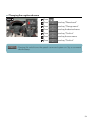
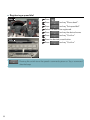
Destination (→P.32)
Info.Phone (→P.9)
Setup (→P.32, 38)
Climate (→P.49)
Audio (→P.45)
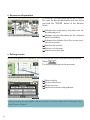
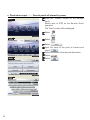
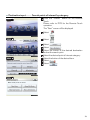
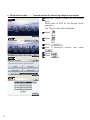
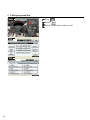
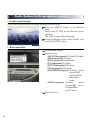
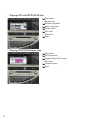
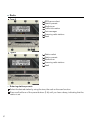
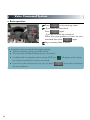
n Display
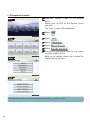
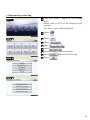
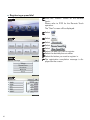
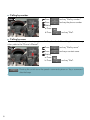
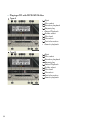
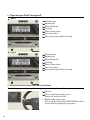
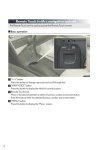
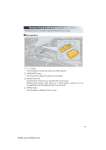
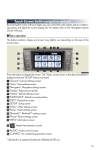
Press the “DISP” button on the Remote Touch to
show the “Display” screen.
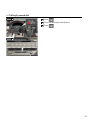
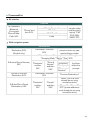
1 Turns the rear seat entertainment system on
2
3
4
5
6
7
and off
Displays the screen in “Day Mode” with the
headlight switch on
Turns the screen off
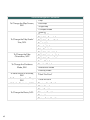
Adjust contrast
Adjust brightness
Adjust color tone
Adjust color
30