1
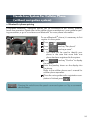
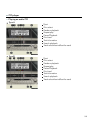
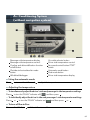
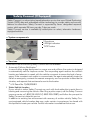
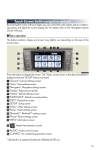
Air Conditioning System
(with navigation system)
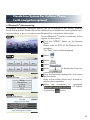
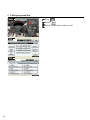
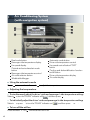
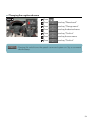
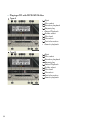
Dual mode button
Passenger side temperature display
Fan speed display
Outside air/recirculated air mode
button
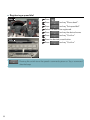
5 Passenger side temperature control
6 Air outlet selector button
7 Windshield defogger
1
2
3
4
8 Automatic mode button
9 Driver side temperature control
10 Fan speed control button/“OFF”
button
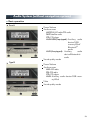
1 1 Cooling and dehumidification function
on/off button
12 Driver side temperature display
13 Air outlet display
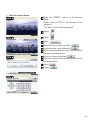
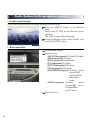
n Using the automatic mode
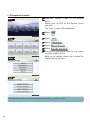
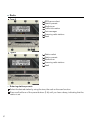
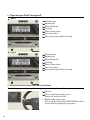
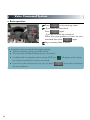
Press 8 to turn on the airflow and 9 to adjust the temperature.
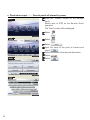
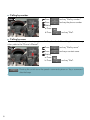
n Adjusting the temperature
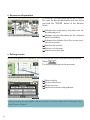
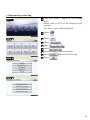
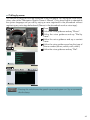
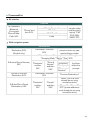
n To simultaneously adjust the driver's side and passenger's side temperature settings
Select 1 to turn the “DUAL” indicator off (
) and then press 9 .
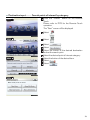
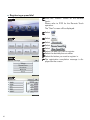
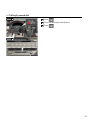
n To individually adjust the driver's side and passenger's side temperature settings
Select 1 or press 5 to turn the “DUAL” indicator on (
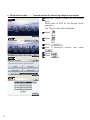
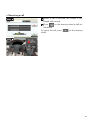
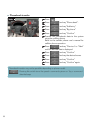
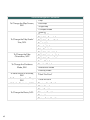
n To turn off the airflow
Press and hold “∨” on 10 until the airflow turns off.
49
) and then press 9 or 5 .