1
Metering Tools
8
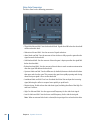
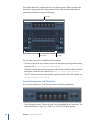
You can use the Metering tools to analyze audio in a variety of ways. These plug-ins offer
different facilities to the meters shown in channel strips. They have no effect on the audio
signal and are designed for use as diagnostic aids.
Each meter is specifically designed to view different characteristics of an audio signal,
making each suitable for particular studio situations. As examples, the BPM Counter
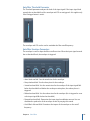
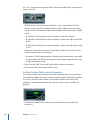
displays the tempo, the Correlation Meter displays the phase relationship, and the Level
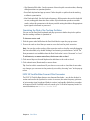
Meter displays the level of an incoming audio signal.
This chapter covers the following:
• BPM Counter (p. 169)
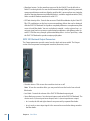
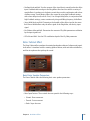
• Correlation Meter (p. 170)
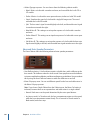
• Level Meter Plug-in (p. 170)
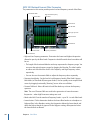
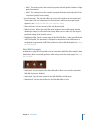
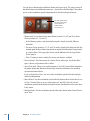
• MultiMeter (p. 171)
• Surround MultiMeter (p. 176)
• Tuner (p. 182)
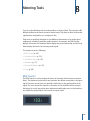
BPM Counter
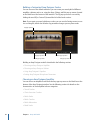
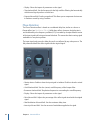
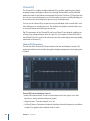
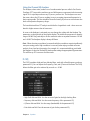
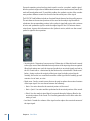
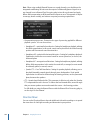
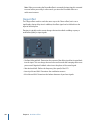
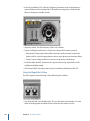
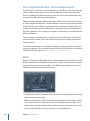
The BPM Counter is used to analyze the tempo of incoming audio in beats per minute
(bpm). The detection circuit looks for any transients, also known as impulses, in the input
signal. Transients are very fast, non-periodic sound events in the attack portion of the
signal. The more obvious this impulse is, the easier it is for the BPM Counter to detect
the tempo. As a result, percussive drum and instrumental rhythm parts, such as basslines,
are suitable for tempo analysis. Pad sounds are a poor choice.
169