1
LEO Course Editor – User Manual
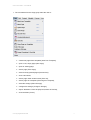
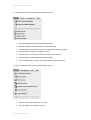
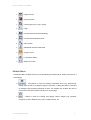
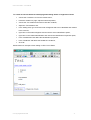
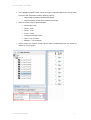
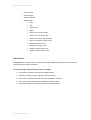
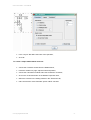
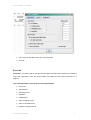
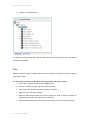
1. The commands from the Page group allow the user to:
•
create new pages from templates (New from Template),
•
open a new, empty page (New Page),
•
open an existing page,
•
save a page (Save Page),
•
select recently opened pages (Recent Files),
•
close a document,
•
save a page under another name (Save As),
•
save a page as a template (Save Page as Template),
•
select file storage (Select Storage),
•
configure file storage (Configure Storage),
•
export "Question & Test" file (Export Question & Test file),
•
close the Editor (Close).
© Young Digital Planet 2009
8