1
4.
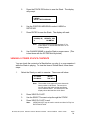
Press ENTER.
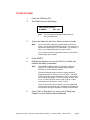
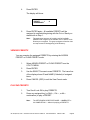
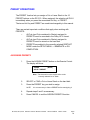
The display will show:
PRESET
1
UNASSIGNED
6.
A
Press ENTER again. All available PRESETs will be
assigned in sequential beginning with the Cut or Stack you
started with in Step 1.
Note:
The assignment process will continue until all available
PRESETs are assigned or all available Cuts or Stacks in the
Directory are assigned. The group assignment function does
not wrap around to the beginning of the Directory.
VIEWING PRESETS
You can examine the assigned PRESETS by entering the ASSIGN
PRESET or CLEAR PRESET mode.
1.
Select ASSIGN PRESET or CLEAR PRESET from the
UTILITY MENU.
2.
Press ENTER.
3.
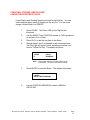
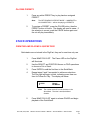
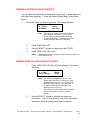
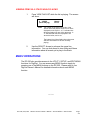
Use the SELECT Arrows to scan PRESETS. The lower line
of the display shows ID and NAME (if labeled) of assigned
items.
4.
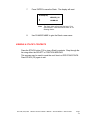
Press CANCEL (ESC) to exit the View Preset mode.
PLAYING PRESETS
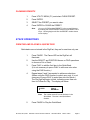
1.
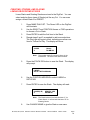
Turn Scroll Lock ON to play PRESETS.
2.
Press any assigned key (or Shift—, Ctrl—, or Alt—
combination) to play a PRESET.
Note:
RC-205/210/220
The SETUP MENU'S RESTART MODE — IMMEDIATE or
ON COMPLETION — affects the playing of PRESETS.
Remote Control Owner's Manual
Second Edition
March 1997
Page 8