1
4.
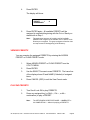
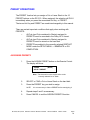
Repeat steps 2 and 3 as needed to add more selections.
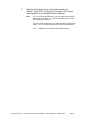
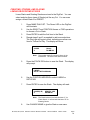
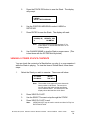
The Play light will begin to blink, indicating more than one
Item for Follow-On Play. The display will show:
X.XXXX
X
Note:
5.
(Name)
HH:MM:SS
The number under ID counts the Items in the
QuickStack. The time is total QuickStack
duration.
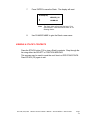
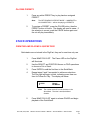
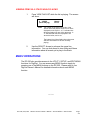
Press MAKE PLAYLIST again to release PAUSE and begin
playback of the QuickStack.
CREATING, STORING, AND PLAYING
LINEAR OR ROTATING STACKS
Linear Stacks and Rotating Stacks are stored in the DigiCart. You can
select and play these types of Stacks just like any Cut. You can even
assign a Linear Stack to a PRESET.
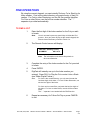
1.
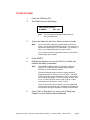
Press MAKE PLAYLIST. The Pause LED on the DigiCart
and on the RC-220 will illuminate.
2.
Use the SELECT and POSITION Arrows or FIND operations
to choose a Cut or Stack.
3.
Press ENTER to add the first Item to the Stack. (Note: If
you use the Pause button to build a Stack, then the PLAY
button can be used to add items to the Stack.)
4.
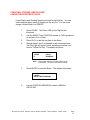
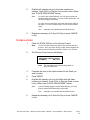
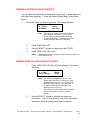
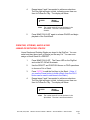
Repeat steps 2 and 3 as needed to add more selections.
The Play light will begin to blink, indicating more than one
Item for Follow-On Play. The display will show:
X.XXXX
X
Note:
RC-205/210/220
(Name)
HH:MM:SS
The number under ID counts the Items in the
QuickStack. The time is total Stack duration.
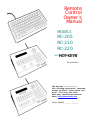
Remote Control Owner's Manual
Second Edition
March 1997
Page
27