1
HC Plus User Manual
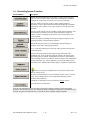
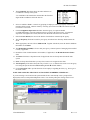
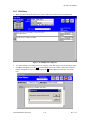
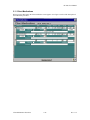
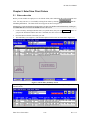
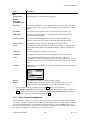
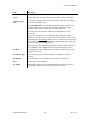
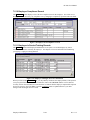
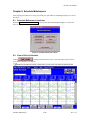
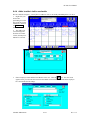
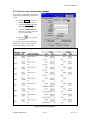
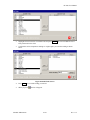
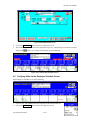
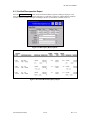
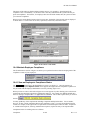
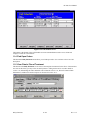
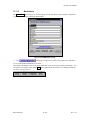
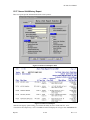
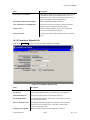
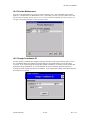
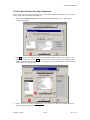
Select Location
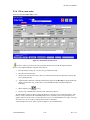
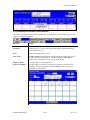
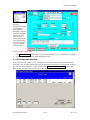
Use this button to
access a list from
which to choose the
site at which the
employee works and is
subject to its billing
and clerical
procedures. See
Location Maintenance
(section 14.2.5) for
more information.
8.18.3 Enter Hours for Special Codes
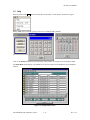
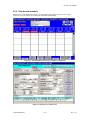
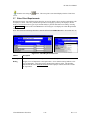
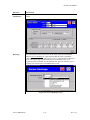
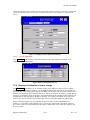
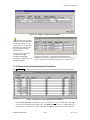
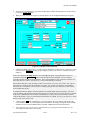
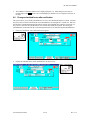
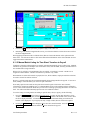
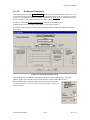
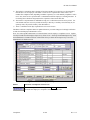
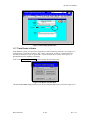
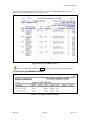
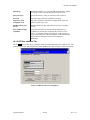
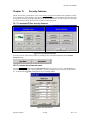
You may enter hours for special codes (including carfare units) from either the Client or Employee
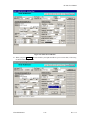
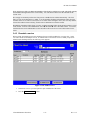
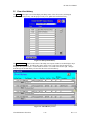
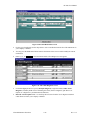
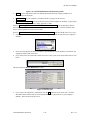
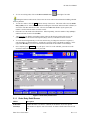
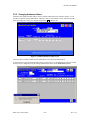
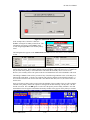
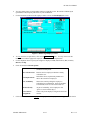
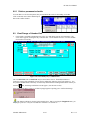
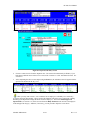
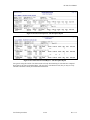
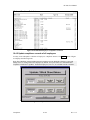
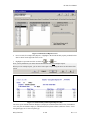
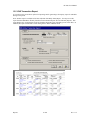
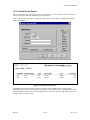
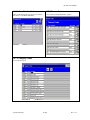
Schedule screens. Press on the Vac/Sick/Hol/Pers button to access the Weekly Special Codes screen.
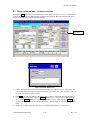
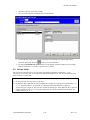
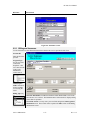
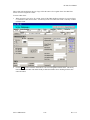
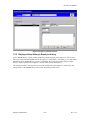
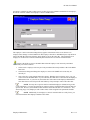
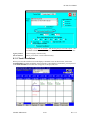
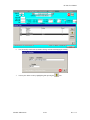
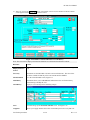
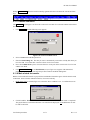
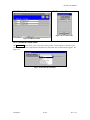
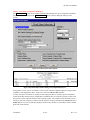
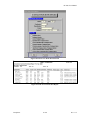
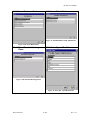
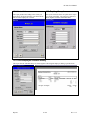
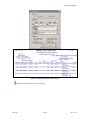
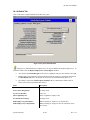
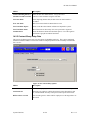
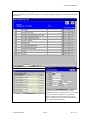
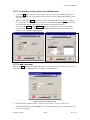
Select New. The following screen appears.
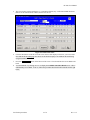
1.
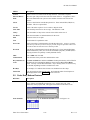
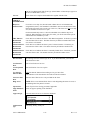
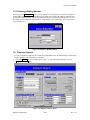
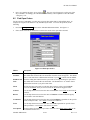
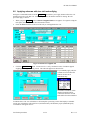
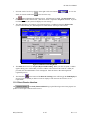
Use the dropdown to select a Contract/Service.
2.
Enter the hours for special codes and the amount of carfare units.
3.
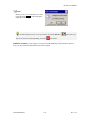
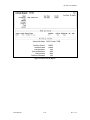
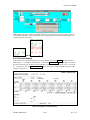
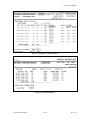
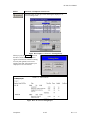
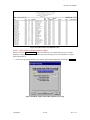
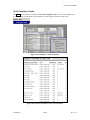
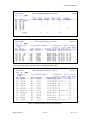
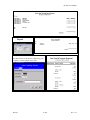
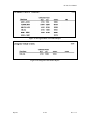
You may generate a Special Codes report detailing all employees on sick, holiday, vacation, etc.,
during a week of service. This report is accessed by Main Menu Î Reports Î Additional reports
Î Special Codes reports
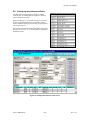
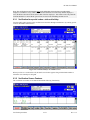
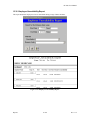
8.18.4 Enter special codes for a visit day
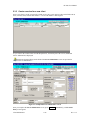
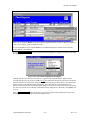
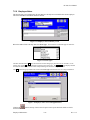
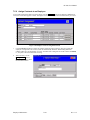
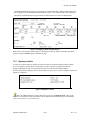
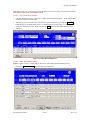
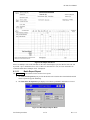
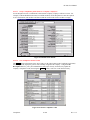
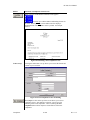
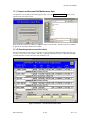
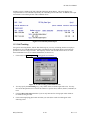
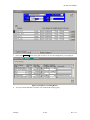
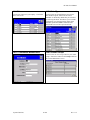
A second method to enter special codes is:
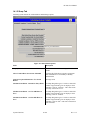
1.
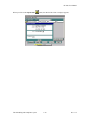
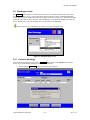
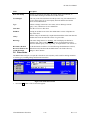
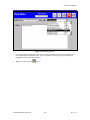
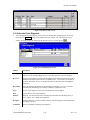
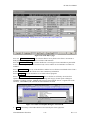
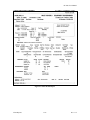
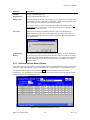
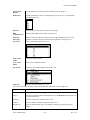
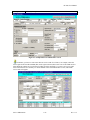
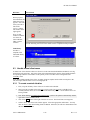
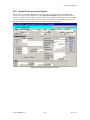
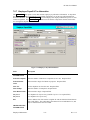
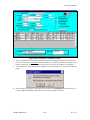
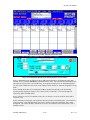
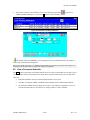
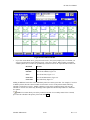
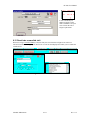
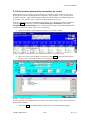
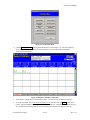
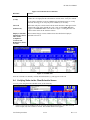
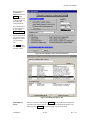
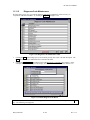
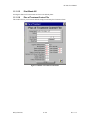
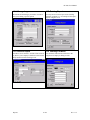
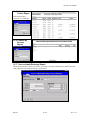
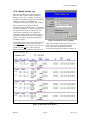
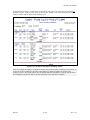
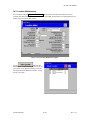
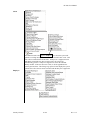
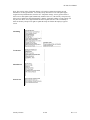
Right-click on the date heading. Click on Enter Special Codes. The Special Codes screen appears.
Schedule Maintenance
8-140
Rev 11.5