1
HC Plus User Manual
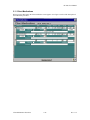
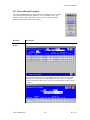
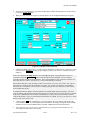
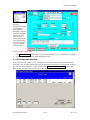
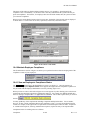
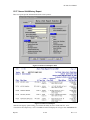
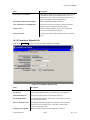
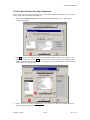
such as Case Management and Client Type (Home Maker or Housekeeper) appear on
the Service Maintenance screen.)
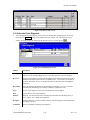
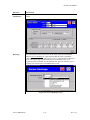
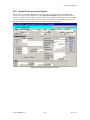
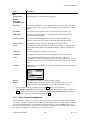
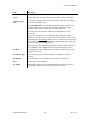
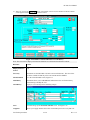
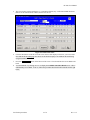
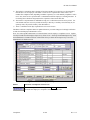
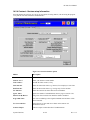
Live in?
Check if the service requires the attendant live together with the client.
ADDITIONAL
SERVICE
INFORMATION
Duty Free
/Effective Date
If a client is set to duty free, then the lunch or dinner hour is not included in the
assigned hours; that is, if the attendant is scheduled to start at 9 am and work 8 hours,
then he/she must work from 9 am to 6 pm. However, if the client were not set to duty
free, the attendant would work 9 to 5pm.
HC Plus automatically removes 1 hour for scheduled visits when the duty free is
checked. When changing a client’s duty free status, you will be asked if the system
should reduce the schedules by 1 hour.
TBA/ Effective
Date/Linked
Client name
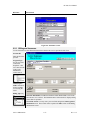
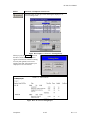
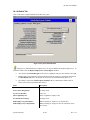
Check this box to indicate the client is Task Based Assignment. If checked, you must
enter the TBA effective date. The TBA client may be linked to another TBA client.
See section 6.6 for details.
Cluster/ Effective
Date/Linked
Client name
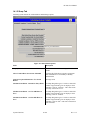
Check this box to indicate the client is part of a cluster situation. If checked, you
must enter the effective date. The cluster client may be linked to another client.
Mutual/ Effective
Date/Linked
Client name
Check this box to indicate the client is a mutually linked client. If checked, you must
enter the effective date. The mutual client may be linked to another client.
Advanced
Directive/Date
Sharp defined field indicating that certain forms (e.g. living will) and instructions
have been given to the client to sign off on. If you check this field, you must also
enter the directive date.
Cert Effective
Date
Date of certification of services.
Cert Expiration
Date
Date certification of services expires.
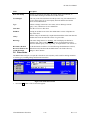
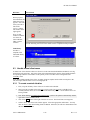
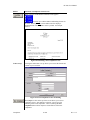
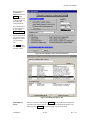
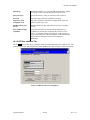
Use Santrax/
Effective Date
Fill in the date the Santrax time-tracking service goes into effect.
Last Care Plan
Date
Enter the date of final service to be provided for the client.
Bldg Access
NOTE: This is a user-defined field. Enter a code designating the nature of access to
the building where the patient is located.
Special Care
Check if special care is being provided, if applicable.
Supp Timesheet
Print
Check to suppress printing of the Timesheet.
Approval type
Select the approval for service from the dropdown.
Authorization
type
Enter daily, hourly, weekly etc.
Service Maintenance
This indicates to HC Plus that the client will be tracked via Santrax.
6-72
Rev 11.5