1
IP Camera User Manual
2.6
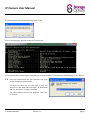
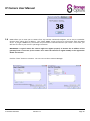
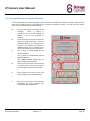
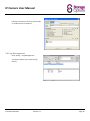
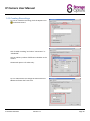
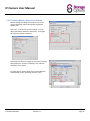
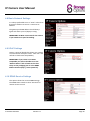
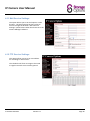
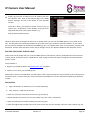
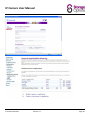
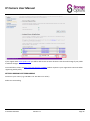
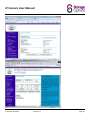
DDNS allows you to view your IP camera from any Internet connected computer, via an easy to remember
domain name rather than IP address. The “Check DDNS” screen will test for connectivity with the DDNS
server. If you get a DDNS error, the camera may be unable to communicate with your router. In this case, you
will have to refer to your router’s operating instructions.
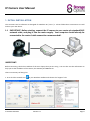
IMPORTANT: A typical reason the camera might not register properly is because the IP address of the
gateway/router is incorrect (so the camera can’t reach the Internet to register DDNS) or the registration
details are incorrect.
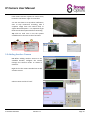
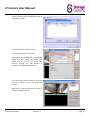
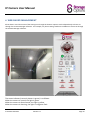
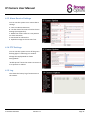
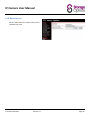
Click the “Close” button to continue. You can now run the IP Camera Manager
IP Camera SON-IPC1
Version 1.0
Page 10