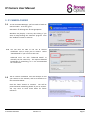
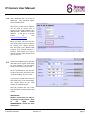
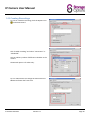
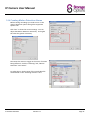
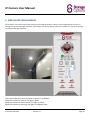
1
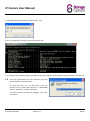
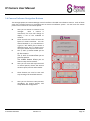
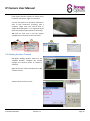
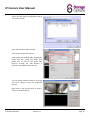
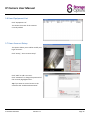
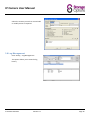
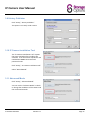
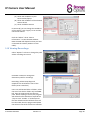
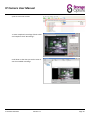
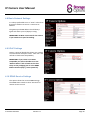
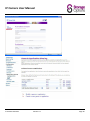
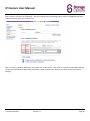
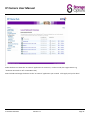
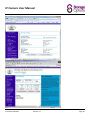
IP Camera User Manual 2.In the Windows Run Command window enter “cmd” At the c: prompt type “ipconfig” and press the Enter key. In this example the network range is 192.168.1.xxx and the IP address of the Gateway and DNS Server is 192.168.1.1. 1.2 Insert the software disk into your computer; the setup wizard should load automatically. If it does not auto run, you will need to view the contents of your DVD (“My Computer” DVD-ROM) and run “Setup.exe” to begin installation. You will be asked to choose your language. Click “OK” to continue. IP Camera SON-IPC1 Version 1.0 Page 5