1
IP Camera User Manual
1.3
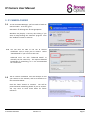
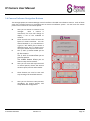
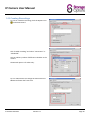
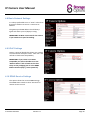
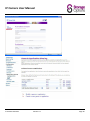
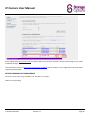
You will be presented with the IP Camera Manager
setup wizard. The wizard will guide you through the
Storage Options IP Camera software installation
process.
Click “Next” to continue.
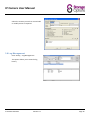
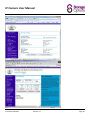
Before you can install the software and use your new IP
camera, you must accept the licence agreement.
1.4
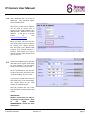
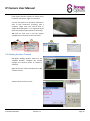
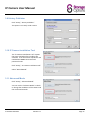
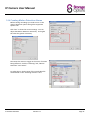
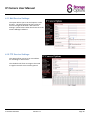
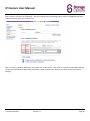
Next you will need to choose an installation location for
the software. You can leave this at the default if you
wish:
C:\Program Files\Storage Options\IP Camera Manager
Click “Next” to continue. You will then be asked where
you would like the program shortcuts to appear on
your Start menu.
You may change this location or leave it at the default.
Click “Next” to continue.
1.5
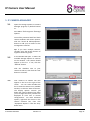
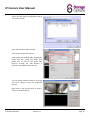
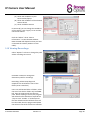
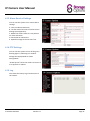
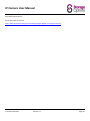
Once you have completed installation, you have access
to two new programs:
Storage Options IP Camera Manager
Storage Options IP Camera Finder
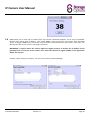
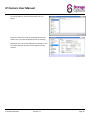
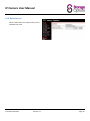
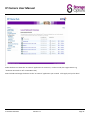
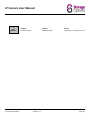
The first time you run the Manager, you will be
prompted to register the software.
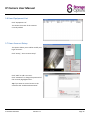
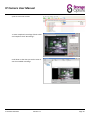
Click the “Register” button, then enter your
Registration Name and Registration Code; these can be
found on the label of the software CD or CD Sleeve.
Click the “Register” button. This will validate your
software and remove the 60 minute time limit.
IP Camera SON-IPC1
Version 1.0
Page 6