1
Donor Acknowledgement System
Managing Team Users, Continued
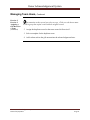
Add a Team
Member
(continued)
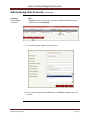
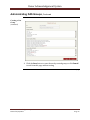
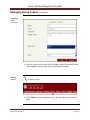
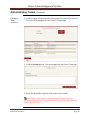
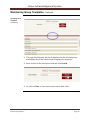
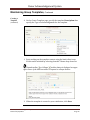
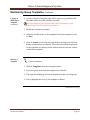
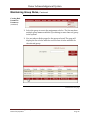
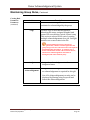
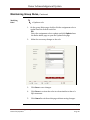
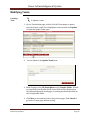
4. Select the Role of the user from the Role drop down list.
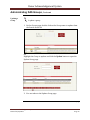
A user can have multiple team roles. To add another team role to a user, click
on Add button again from the Team Users page. The list will display multiple rows for
users with multiple team roles.
Delete a Team
User
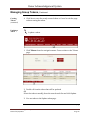
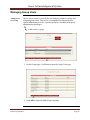
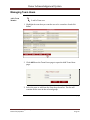
to delete a user from a team:
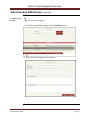
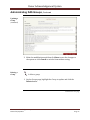
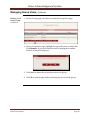
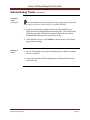
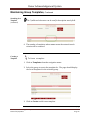
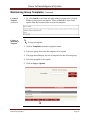
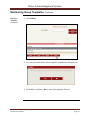
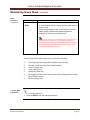
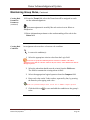
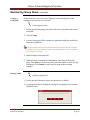
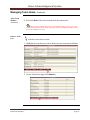
1. Highlight the team that you want to delete the user from and click Users.
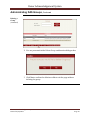
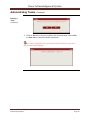
2. On the Team Users page click Remove.
Continued on next page
The Donor Acknowledgement System
Revised 05/02/2013
Page 57