1
LED Studio
LED Studio
Chapter 12 User Setup
22.2 Add user
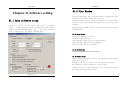
22.1 Open User Setup
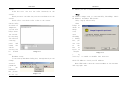
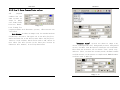
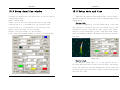
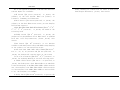
Click on “Add User” in image 22-2, a dialog box like
image 22-3 will appear. Enter the Username and Password. Then
press “OK”.
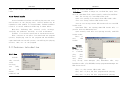
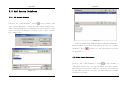
Click on the “Option”, and then select “User Setup”, an
“Input Password” dialog box. Type in the password in the
box and then press OK.(Image 22-2)
Image 22-3
Image 22-1
22.3 Delete User
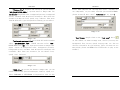
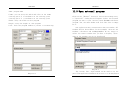
Select an exist user from the list (Image 22-2), (Note:
Administrator can not be deleted) select “delete”. A notice
frame will appear, select “Yes”.
22.4 Change Password
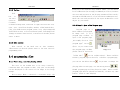
Select an exist user from the list (Image 22-2), click on
“change password” button. Enter the new password in the
“Change password” dialog box, then press “ok”.
Image 22-2
108
109