1
LED Studio
LED Studio
Chapter 2 Install and
Uninstall
2.1 Installation
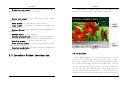
“LED Studio” can be easily installed, as shown
below:
Put the “LED Studio” installation CD into the CD-ROM,
The Installation Menu will automatically pop up. (if not, then
select this CD-ROM, double click it with your mouse)Then
select “Install LED Studio” to start the Installation Guide,
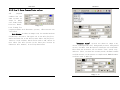
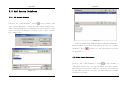
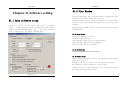
as Shown in Figure 2-1.After that, simply follow the
instruction on the screen. Note: This software is protected
by a serial number. Please enter the correct serial number
in order to process the installation. Please ask the products
provider for your serial number.
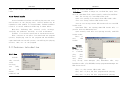
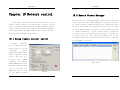
After “LED Studio” software has been successfully
installed, there will be a “LED Software” program group in
the 【Start】/【Program】,then move to the “LED Software”
under this program group, single click to start. Also, there
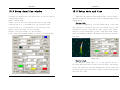
will be a “LED Studio” short-cup on your desktop: as shown
to the right:
Image 2-1
2.2 Uninstall
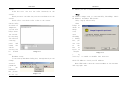
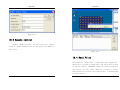
“LED Studio” software provide an auto-uninstall function,
for your convenience to delete all “LED Studio” files,
program groups and short-cuts, users can either select
“Delete LED Studio” under the “LED Software” group, or
go to the 【control panel】, select 【add/delete program】
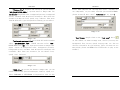
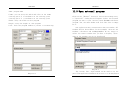
to undergo quick uninstall. (Uninstall window as shown in
image 2-2), now select “Automatic” can delete all files,
program groups and short-cuts.
. Also, you can start the program by
double click on the icon.
2
3