1
SoftLINK 12
Label Image
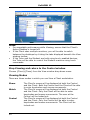
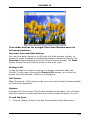
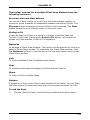
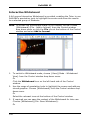
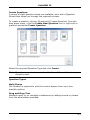
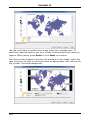
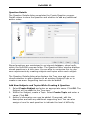
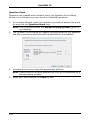
Students are presented with a picture that has up to four areas marked,
each with an adjacent blank’ text box. At the bottom of their screen will
be up to four text labels which they must drag and drop into the correct
text box.
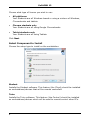
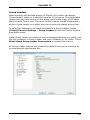
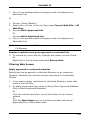
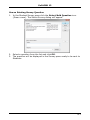
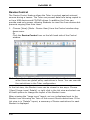
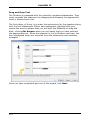
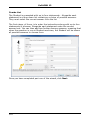
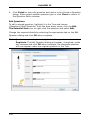
The first stage, of five, is to enter the question along with up to four text
labels. You then select the image that the Students will need to label.
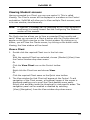
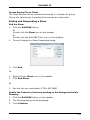
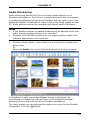
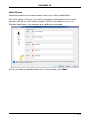
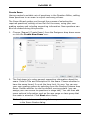
Click Browse to search for the images. The list of pictures currently
stored in the Images database will appear. Either select an existing image
or import a new one. Click Use to apply the image to the question.
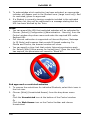
Once you have completed part one of the wizard, click Next.
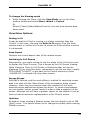
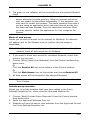
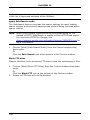
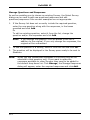
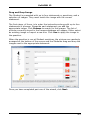
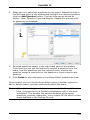
If the image you have chosen for the Label Image question is too large
for the viewable area you can resize it.
317