1
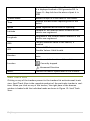
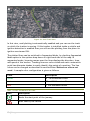
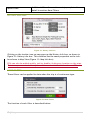
Figure 40: Wireshark
CAPTURING WITH TCPDUMP FOR VIEWING WITH WIRESHARK
There are occasions when you want to capture packets using tcpdump rather
than wireshark, especially when you want to do a remote capture and do not
want the network load associated with running Wireshark remotely (not to
mention all the X traffic polluting your capture).
However, the default tcpdump parameters result in a capture file where each
packet is truncated, because tcpdump, by default, only captures the first 68
bytes of each packet.
To ensure that you capture complete packets, use the following command:
tcpdump -i <interface> -s 1500 -w <some-file>
You will have to specify the correct interface and the name of a file to save
into. In addition, you will have to terminate the capture with ^C when you
believe you have captured enough packets.
SETTING UP MYSQL MIR ROR
Server failures are unavoidable and can make you lose all your vital data
related to tracking of the units and in such a scenario it is most crucial to make
the service up and running as soon as possible. To keep your service running all
57 | P a g e