1
Chapter 10
Cinema Applications
10.2 General Setup
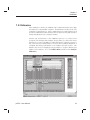
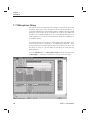
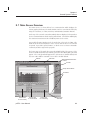
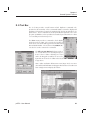
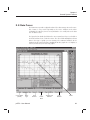
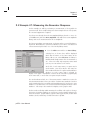
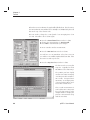
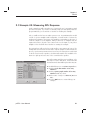
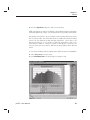
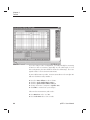
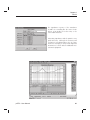
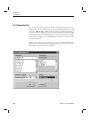
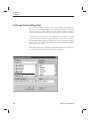
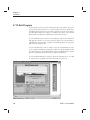
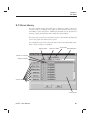
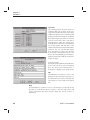
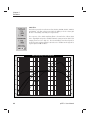
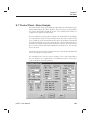
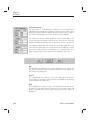
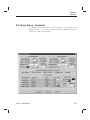
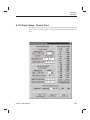
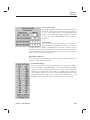
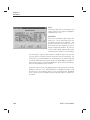
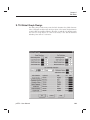
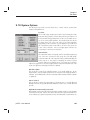
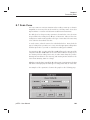
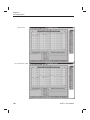
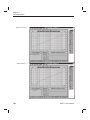
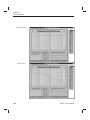
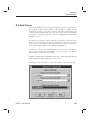
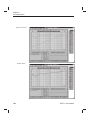
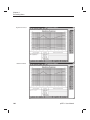
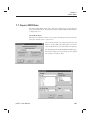
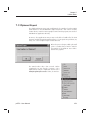
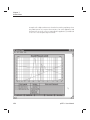
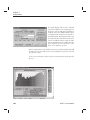
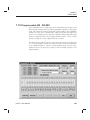
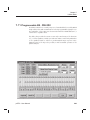
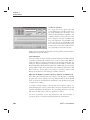
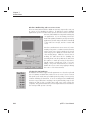
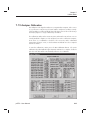
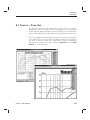
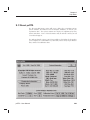
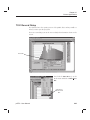
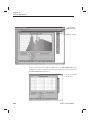
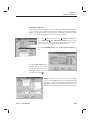
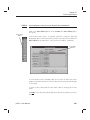
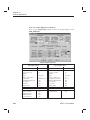
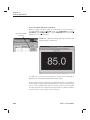
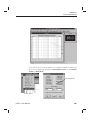
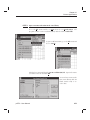
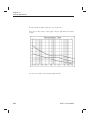
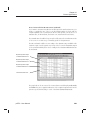
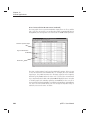
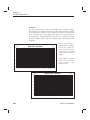
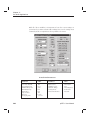
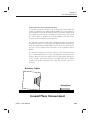
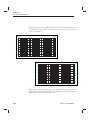
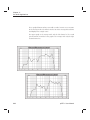
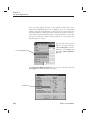
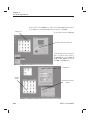
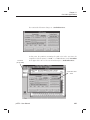
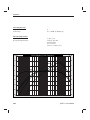
The figure below is the opening screen of the pcRTA. This is what you will see
when you first open the program.
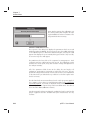
There are some things you can do now to clarify the information shown on the
screen.
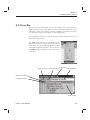
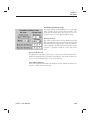
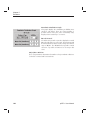
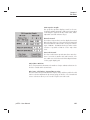
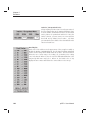
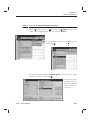
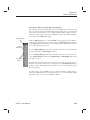
Curve Box
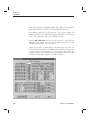
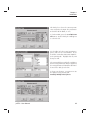
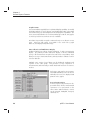
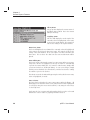
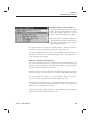
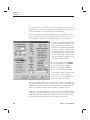
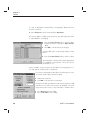
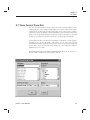
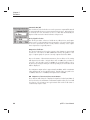
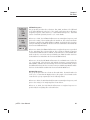
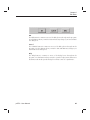
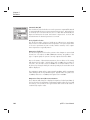
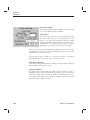
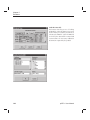
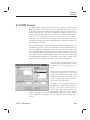
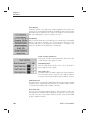
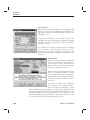
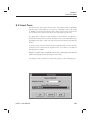
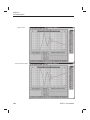
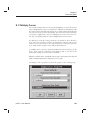
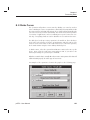
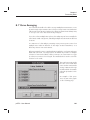
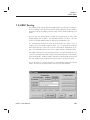
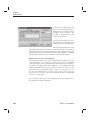
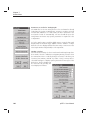
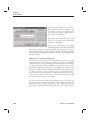
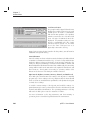
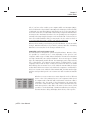
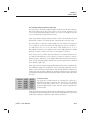
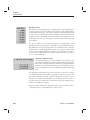
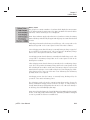
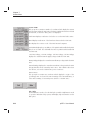
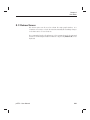
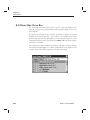
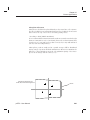
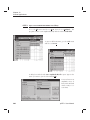
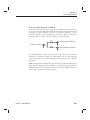
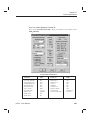
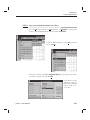
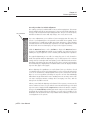
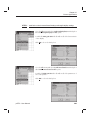
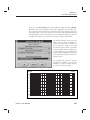
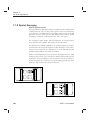
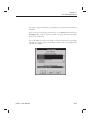
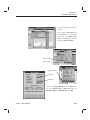
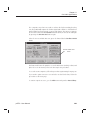
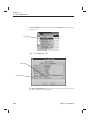
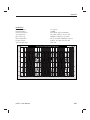
First, hide the Curve Box. Go to the
View menu and click on Hide Curve
Box.
Click here to
hide the Curve
Box
pcRTA - User Manual
235