1
Chapter 7
Utilities Menu
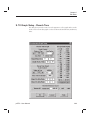
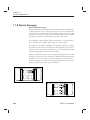
7.4 Graphics Export
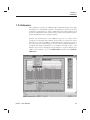
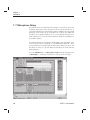
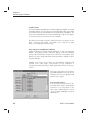
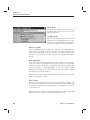
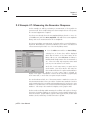
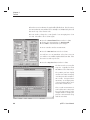
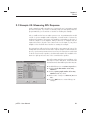
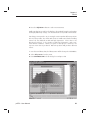
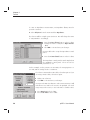
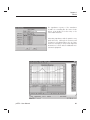
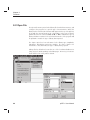
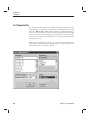
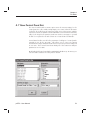
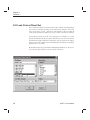
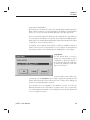
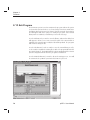
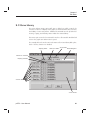
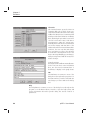
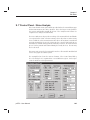
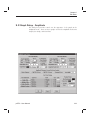
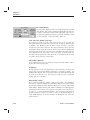
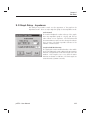
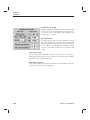
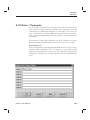
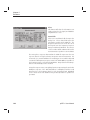
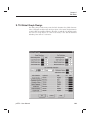
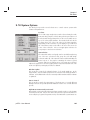
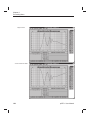
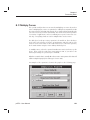
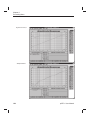
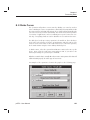
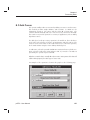
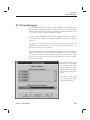
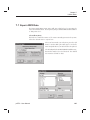
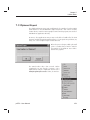
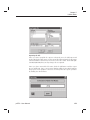
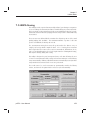
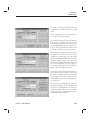
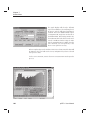
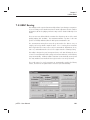
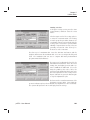
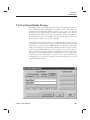
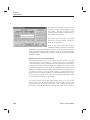
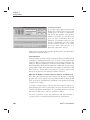
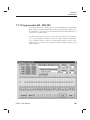
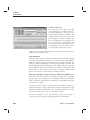
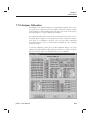
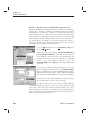
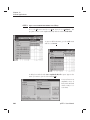
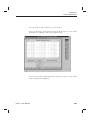
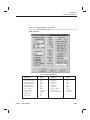
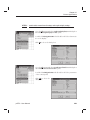
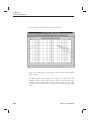
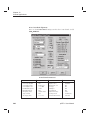
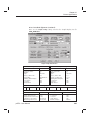
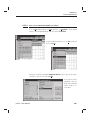
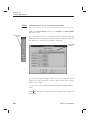
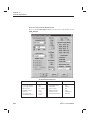
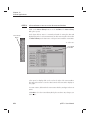
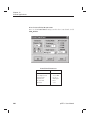
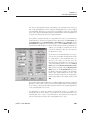
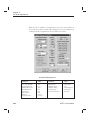
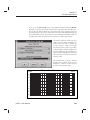
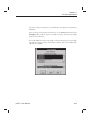
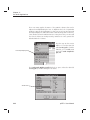
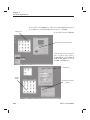
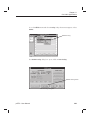
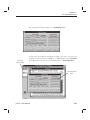
The Graphics Export menu option will open a dialog box for choosing various
options for exporting graphics from the program. This utility provides the most
versatile and powerful means of transferring graphics from the pcRTA system
to other desktop publishing programs.
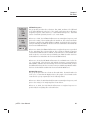
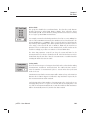
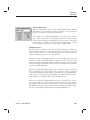
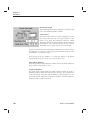
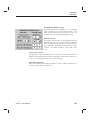
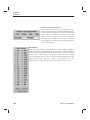
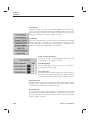
Raster Images
Raster images are bitmap representations of the artwork. They are formed by
rows of pixels. They can be color or black & white. The resolution of the image
is fixed at the time it is created. While raster images are probably the most
portable form of graphic representation, they are very bulky and inefficient for
high quality resolution. The following industry standard raster formats are
supported:
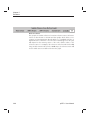
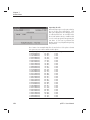
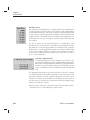
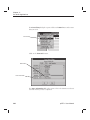
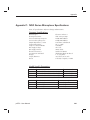
BMP-Windows BitMap Format
GIF-Graphics Interchange File
JPG-Joint Photo Experts Group
PCT-Macintosh Picture Format
PCX-ZSoft Picture Format
TGA-Targa Picture Format
TIF-Tagged Image File Format
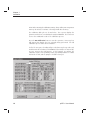
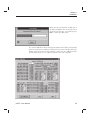
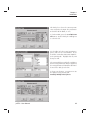
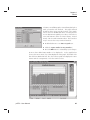
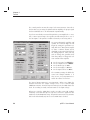
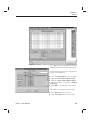
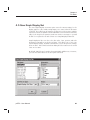
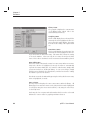
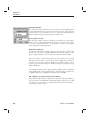
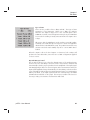
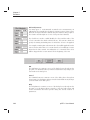
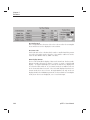
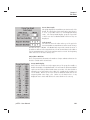
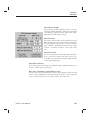
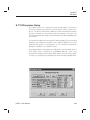
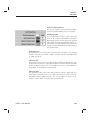
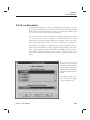
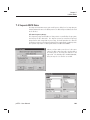
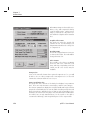
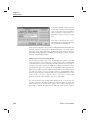
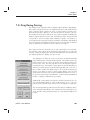
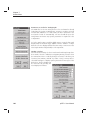
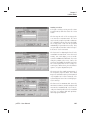
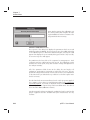
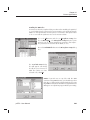
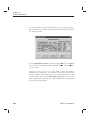
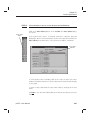
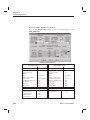
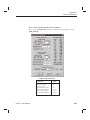
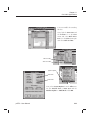
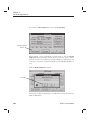
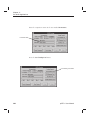
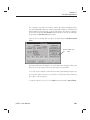
When using raster images, you must choose a DPI (dots per inch) value which
will determine the resolution. With raster images it is very easy to produce
extremely large files. Be careful to note the Image Size parameter value given
on the last line of the group box list. If you attempt to construct an image size
that is larger than your available resources permit, you will receive an error
message or your system may lock up.
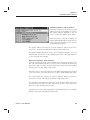
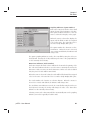
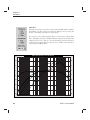
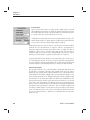
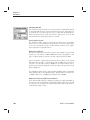
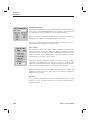
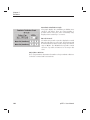
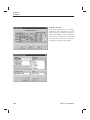
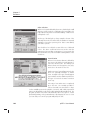
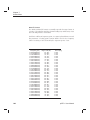
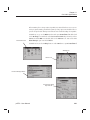
Vector Images
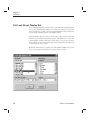
Vector images are mathematic formula representations of the artwork. They
contain coordinates and special commands unique to each format. They can
be both color or black & white. The resolution of the image is virtually infinite,
and will print with the full resolution of the final printing device. While vector
images are probably a less portable form of graphic representation, they are
extremely efficient and provide the highest quality resolution. The following
industry standard vector formats are supported:
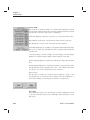
WMF-Windows Metafile Standard
WMF-Windows Metafile Placeable
AI -Adobe Illustrator v3.0
EPS-EncapPostScript B&W & TIF
EPS-EncapPostScript CMYK & TIF
pcRTA - User Manual
173