1
Chapter 2
General System Features
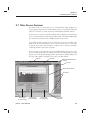
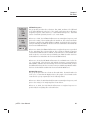
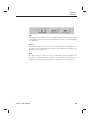
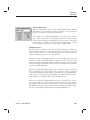
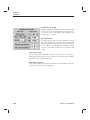
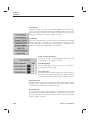
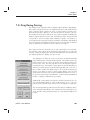
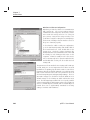
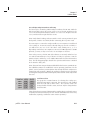
Curve Library
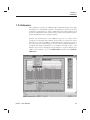
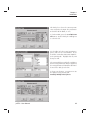
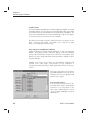
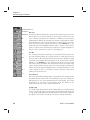
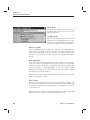
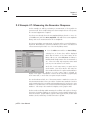
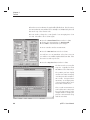
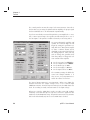
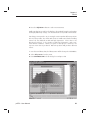
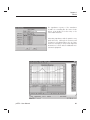
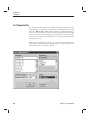
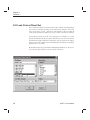
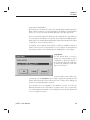
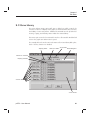
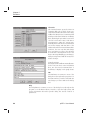
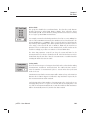
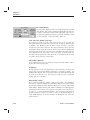
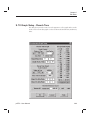
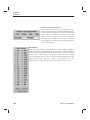
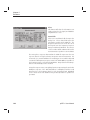
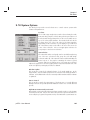
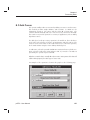
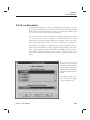
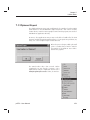
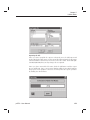
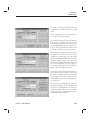
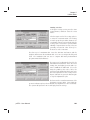
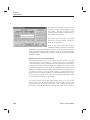
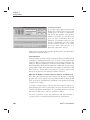
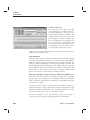
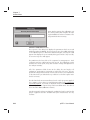
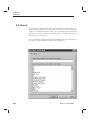
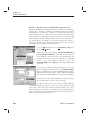
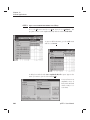
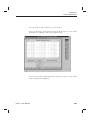
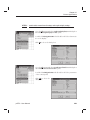
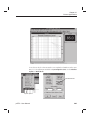
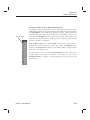
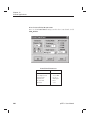
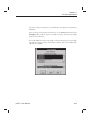
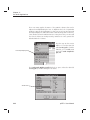
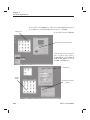
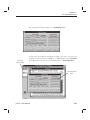
The Curve Library button brings up the editing dialog box for the curve entries
in the library. After this button is pressed, a dialog box will appear. The F4 key
on the keyboard can also be used to activate this button.
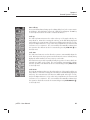
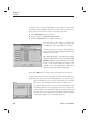
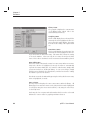
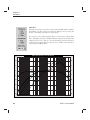
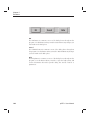
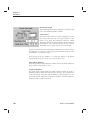
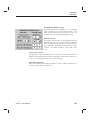
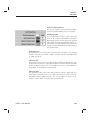
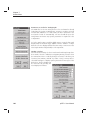
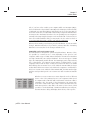
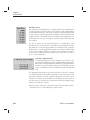
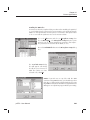
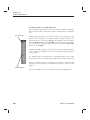
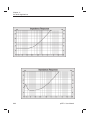
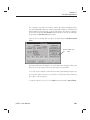
Scale Up
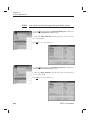
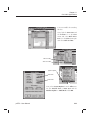
The Scale Up button increases the value at the top of the graph scale by one
major division. Note- this is moving the scale up, so the data being displayed
moves down. The exact amount of the increase will depend on the type of scale,
and/or the dB per division. For log scales such as impedance, the increase will
conform to a 1-2-5 sequence. The screen will be automatically redrawn after
↑) on
the operation. This button can also be activated by pressing CTRL-UP (^↑
the keyboard.
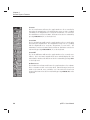
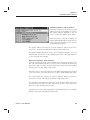
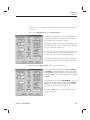
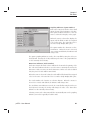
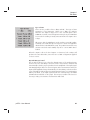
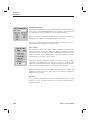
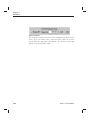
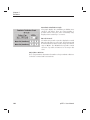
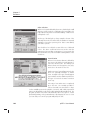
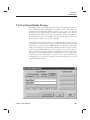
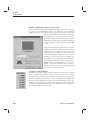
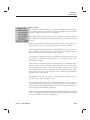
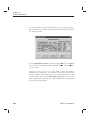
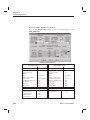
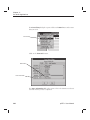
Scale Auto
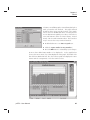
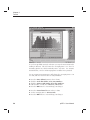
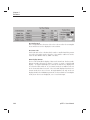
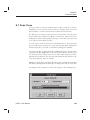
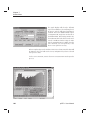
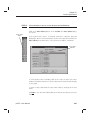
The Scale Auto button is used to allow the system to automatically adjust the
scale. When pressed, the program scans the data in the curves currently being
displayed, and determines the necessary top scale value.
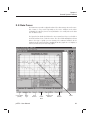
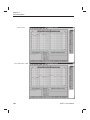
This function is very useful for quickly locating the position of curves which are
currently not visible on the graph. The screen will be automatically redrawn
after the operation. This button can also be activated by pressing CTRL-A (^A)
on the keyboard.
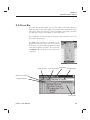
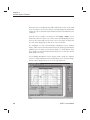
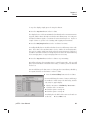
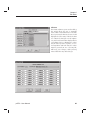
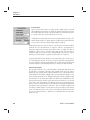
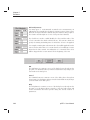
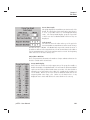
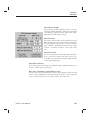
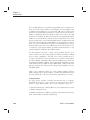
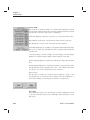
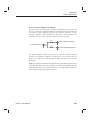
Scale Down
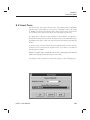
The Scale Down button decreases the value at the top of the graph scale by one
major division. Note- this is moving the scale down, so the data being displayed
moves up. The exact amount of the decrease will depend on the type of scale,
and/or the dB per division. For log scales such as impedance, the increase will
conform to a 1-2-5 sequence. The screen will be automatically redrawn after
↓)
the operation. This button can also be activated by pressing CTRL-DOWN (^↓
on the keyboard.
pcRTA - User Manual
25