1
7. Channel
Ÿ
Each color that composes a photo is called a channel. You can work on each color channel.
v The [Channel] information can be only saved in EZI or EZIX file format. If you save your image in another file format, all [Channel] information will
be deleted.
7.1. Channel Window
Ÿ
Ÿ
Ÿ
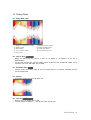
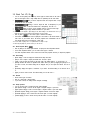
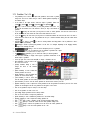
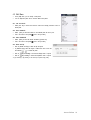
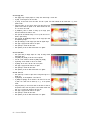
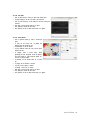
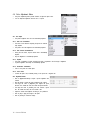
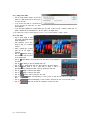
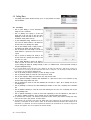
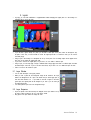
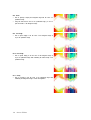
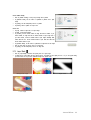
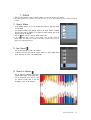
In the [Channel] window, you can view channels that compose a photo and images
in each channel.
The uppermost channel in the [Channel] window is the master channel. In general,
the color mode name is displayed. If you select the master channel, then all the
channel colors will be displayed.
Click on [View] to show or hide the desired channel colors.
v If only a single channel image is displayed, it will be displayed in black and white to express the
difference between each channel color. If multiple channel images are displayed, then each will be
displayed in the corresponding channel color.
7.2. New Channel
Ÿ
Ÿ
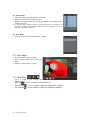
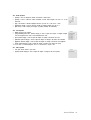
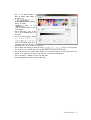
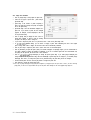
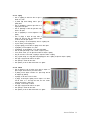
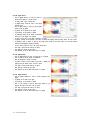
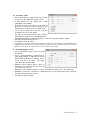
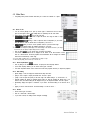
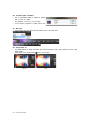
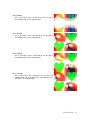
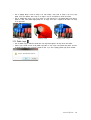
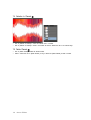
Click on [New Channel] to create a new channel.
A channel is the basic color mode for a photo. Images in a newly created channel
will be mixed with the colors of the existing images.
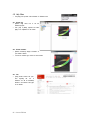
7.3. Channel to Selection
Ÿ
Ÿ
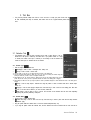
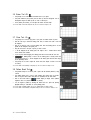
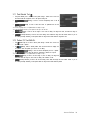
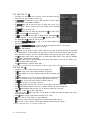
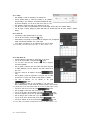
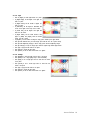
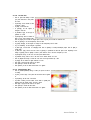
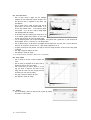
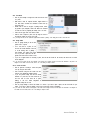
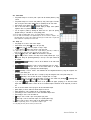
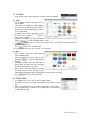
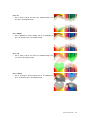
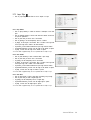
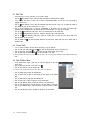
Click on [Channel to Selection] to convert the
selected channel images to the selected area.
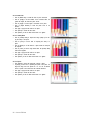
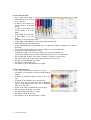
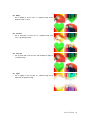
You can easily select all the colors of a specific channel to modify them. In this way,
fine-tuning of colors can be performed.
Hancom EzPhoto 117