1
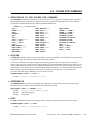
6-33 STRIPCHART CHAN-TO-CHAN COMMANDS
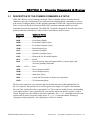
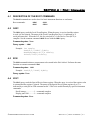
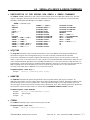
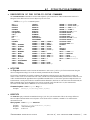
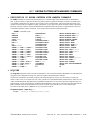
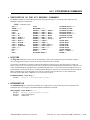
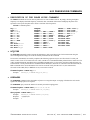
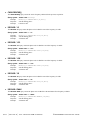
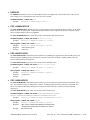
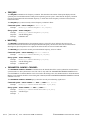
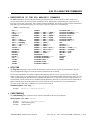
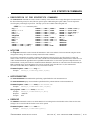
• DESCRIPTION OF THE STRIPCHART CHAN-TO-CHAN COMMANDS
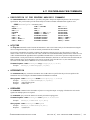
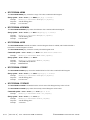
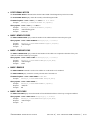
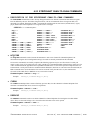
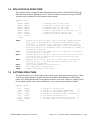
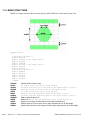
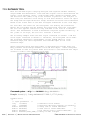
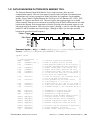
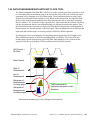
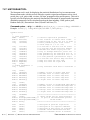
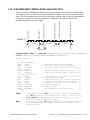
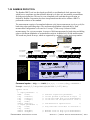
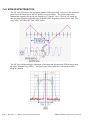
The STRIPSKEW commands are used to develop histogram statistics for channel to channel measurements at regular
intervals defined by the user. This allows long-term effects, such as environmental effects of long-term drift, to be
measured. For example, histograms of TPD++ measurements could be made at some interval, and the mean, 1-sigma,
pk-pk, and max/min values captured over a long time such as overnight.
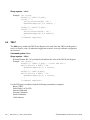
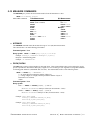
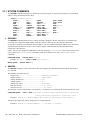
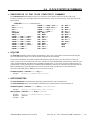
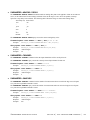
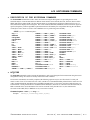
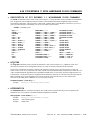
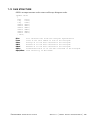
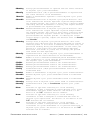
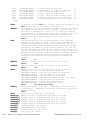
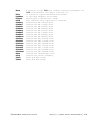
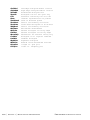
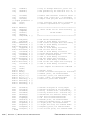
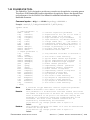
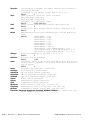
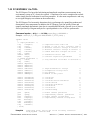
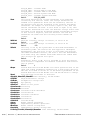
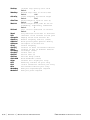
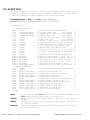
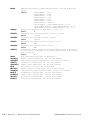
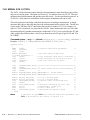
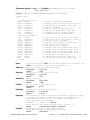
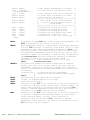
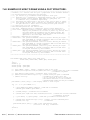
:STRIPSkew:<command syntax>
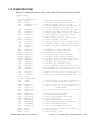
ACQuire
CLEar
DEFault
HITS
MAXimum
MEAN
MINimum
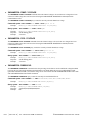
PARAMeter:ARMing:CHANnel
PARAMeter:ARMing:DELay
PARAMeter:ARMing:MARKer
PARAMeter:ARMing:MODE
PARAMeter:ARMing:SLOPe
PARAMeter:ARMing:VOLTage
PARAMeter:CHANnel
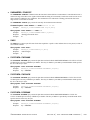
PARAMeter:FUNCtion
PARAMeter:SAMPles
PARAMeter:STARt:COUNt
PARAMeter:STARt:VOLTage
PARAMeter:STOP:COUNt
PARAMeter:STOP:VOLTage
PARAMeter:THReshold
PARAMeter:TIMEout
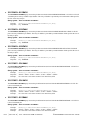
PKtopk
PLOTDATA:MAXimum
PLOTDATA:MEAN
PLOTDATA:MINimum
PLOTDATA:PKtopk
PLOTDATA:STDDev
PLOTDATA:TIME
PLOTINFO:MAXimum
PLOTINFO:MEAN
PLOTINFO:MINimum
PLOTINFO:PKtopk
PLOTINFO:STDDev
PLOTINFO:TIME
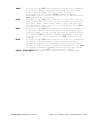
SPAN
STDDev
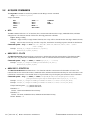
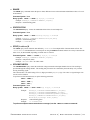
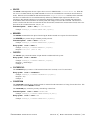
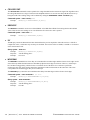
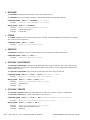
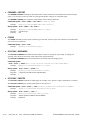
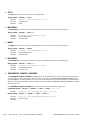
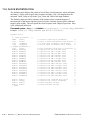
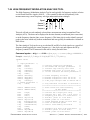
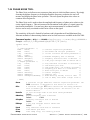
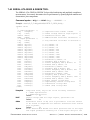
• ACQUIRE
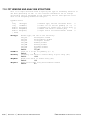
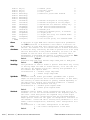
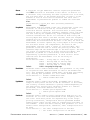
The ACQUIRE command is used to instruct the instrument to take a new Channel-To-Channel Stripchart Tool
measurement using the current configuration settings. No results are actually returned from this command.
To insure this command is successfully completed, the following sequence may be used. First check if a serial poll
returns a value of zero. If it returns a non-zero value, send the *CLS command and then poll until it does return zero. The
*OPC command should be appended to the ACQUIRE command before it is sent so the operation completion state can
be determined. A serial poll can then be conducted until the ESB (bit 5) has been set. Once this bit has been detected, the
ESR? command can be used to determine if an error has occurred. If only the OPC bit is set, the command was
successful. If the CME, EXE, or DDE bits are set, an error has occurred.
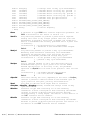
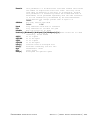
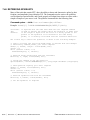
Command syntax- :STRIPSkew:ACQuire
Example:
Send(0,5,":STRIPS:ACQ",11,EOI);
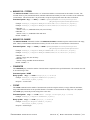
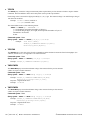
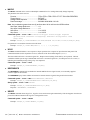
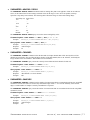
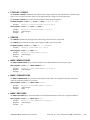
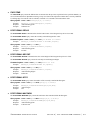
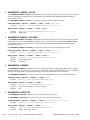
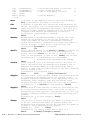
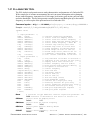
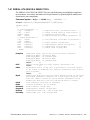
• CLEAR
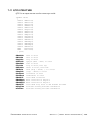
The CLEAR command provides a means to flush any previous data, since the Channel-To-Channel Stripchart Tool
continues to accumulate data across successive acquisitions.
Command syntax- :STRIPSkew:CLEar
Example:
Send(0,5,":STRIPS:CLE",13,EOI);
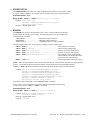
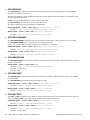
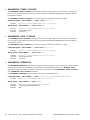
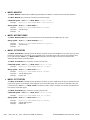
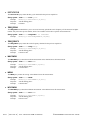
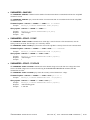
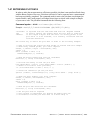
• DEFAULT
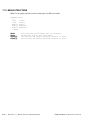
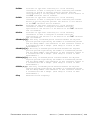
The DEFAULT command is used to reset all the Channel-To-Channel Stripchart Tool settings back to their default
values. These are the same settings as are viewed from the GUI when a new tool is opened.
Command syntax- :STRIPSkew:DEFault
Example:
Send(0,5,":STRIPS:DEF",11,EOI);
©WAVECREST Corporation 2005
Section 6 | Tool Oriented GPIB Commands | 429