1
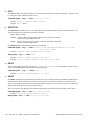
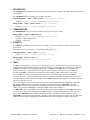
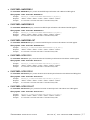
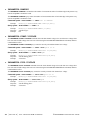
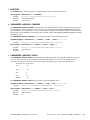
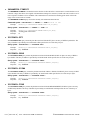
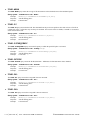
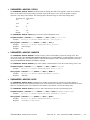
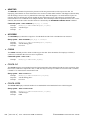
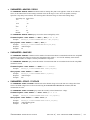
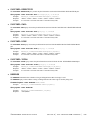
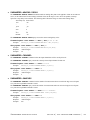
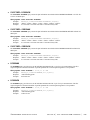
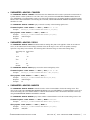
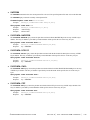
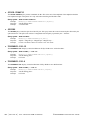
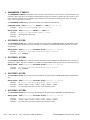
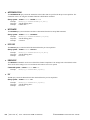
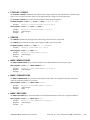
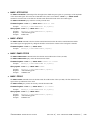
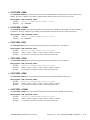
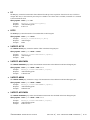
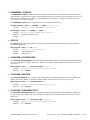
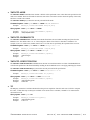
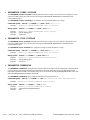
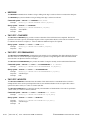
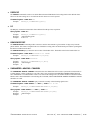
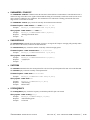
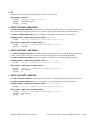
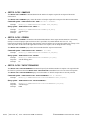
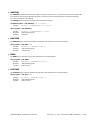
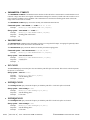
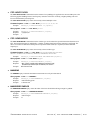
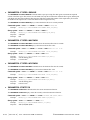
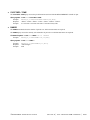
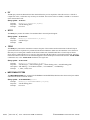
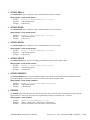
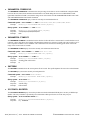
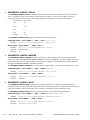
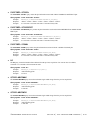
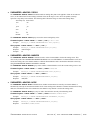
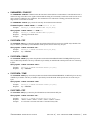
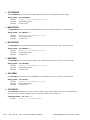
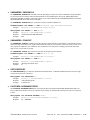
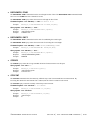
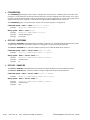
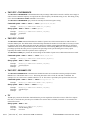
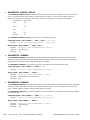
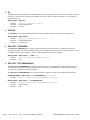
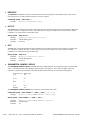
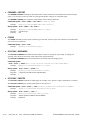
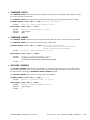
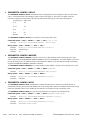
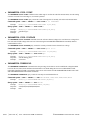
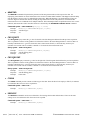
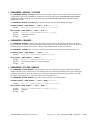
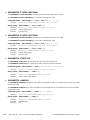
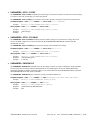
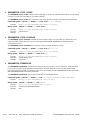
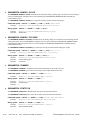
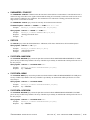
• PARAMETER:SAMPLES
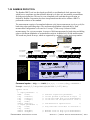
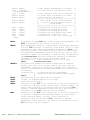
The PARAMETER:SAMPLES command sets the number of measurements taken on each clock edge across all spans
every time the ACQUIRE command is issued.
The PARAMETER:SAMPLES query returns the number of measurements taken on each clock edge across all spans
every time the ACQUIRE command is issued.
Command syntax- :HFM:PARAMeter:SAMPles<1 to 950000>
Example:
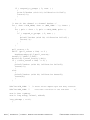
Send(0,5,":HFM:PARAM:SAMP 1000",20,EOI);
Query syntax- :HFM:PARAMeter:SAMPles?
Example:
Response:
Example:
Send(0,5,":HFM:PARAM:SAMP?",16,EOI);
<ASCII integer>
100
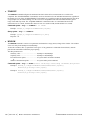
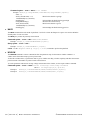
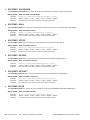
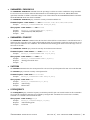
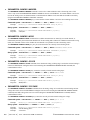
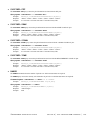
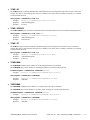
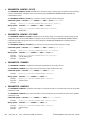
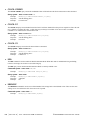
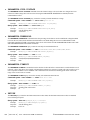
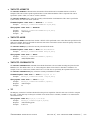
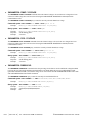
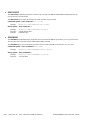
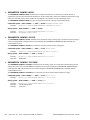
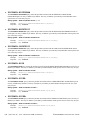
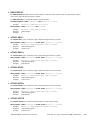
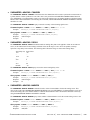
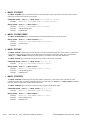
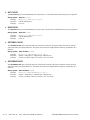
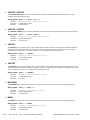
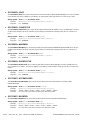
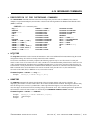
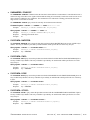
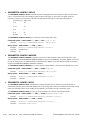
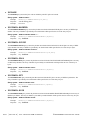
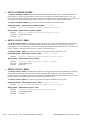
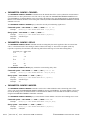
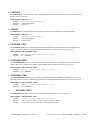
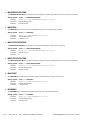
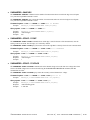
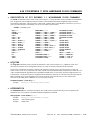
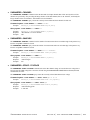
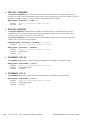
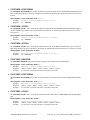
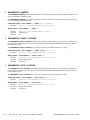
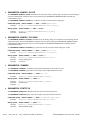
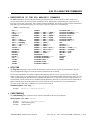
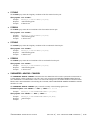
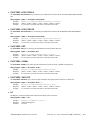
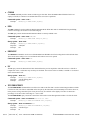
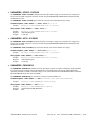
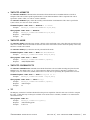
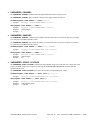
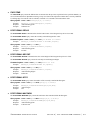
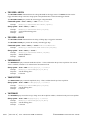
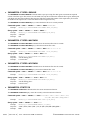
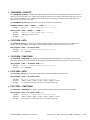
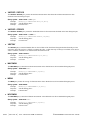
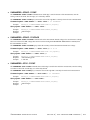
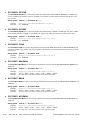
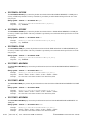
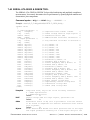
• PARAMETER:START:VOLTAGE
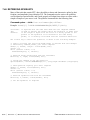
The PARAMETER:START:VOLTAGE command selects the channel voltage to be used when user voltages have been
selected. If USER voltages have not been selected using the PARAMETER:THRESHOLD command, then this
command has no effect.
The PARAMETER:START:VOLTAGE query returns the currently selected channel user voltage.
Command syntax- :HFM:PARAMeter:STARt:VOLTage<-2 to 2>
Example:
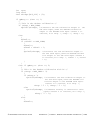
Send(0,5,":HFM:PARAM:STAR:VOLT -2",23,EOI);
Query syntax- :HFM:PARAMeter:STARt:VOLTage?
Example:
Response:
Example:
Send(0,5,":HFM:PARAM:STAR:VOLT?",21,EOI);
<ASCII floating point>
-5.105e-001
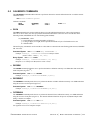
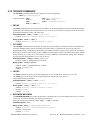
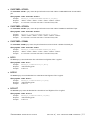
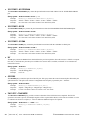
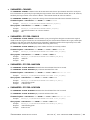
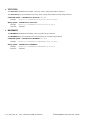
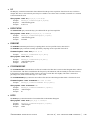
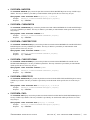
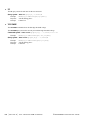
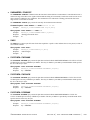
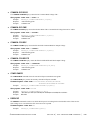
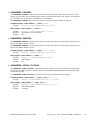
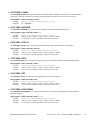
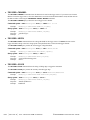
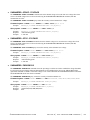
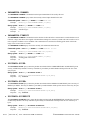
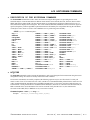
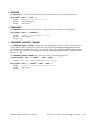
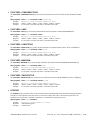
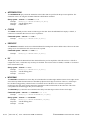
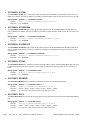
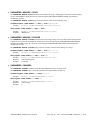
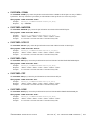
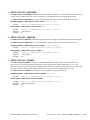
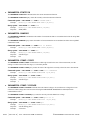
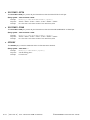
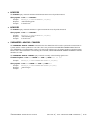
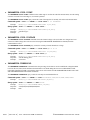
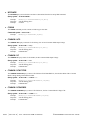
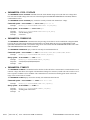
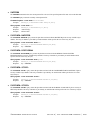
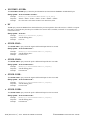
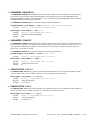
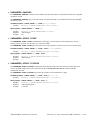
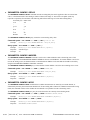
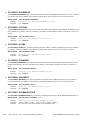
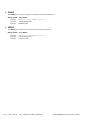
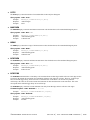
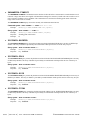
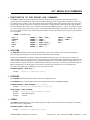
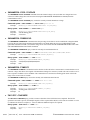
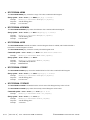
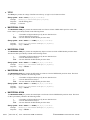
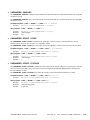
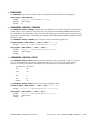
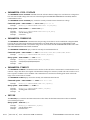
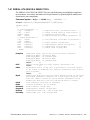
• PARAMETER:STOP:VOLTAGE
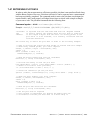
The PARAMETER:STOP:VOLTAGE command selects the channel voltage to be used when user voltages have been
selected. If USER voltages have not been selected using the PARAMETER:THRESHOLD command, then this
command has no effect.
The PARAMETER:STOP:VOLTAGE query returns the currently selected channel user voltage.
Command syntax- :HFM:PARAMeter:STOP:VOLTage<-2 to 2>
Example:
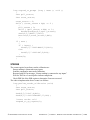
Send(0,5,":HFM:PARAM:STOP:VOLT -2",23,EOI);
Query syntax- :HFM:PARAMeter:STOP:VOLTage?
Example:
Response:
Example:
Send(0,5,":HFM:PARAM:STOP:VOLT?",21,EOI);
<ASCII floating point>
-5.105e-001
212 | Section 6 | Tool Oriented GPIB Commands
©WAVECREST Corporation 2005