1
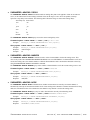
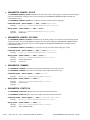
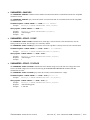
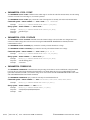
6-22 PCI EXPRESS CLOCK ANALYSIS COMMANDS
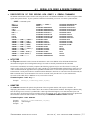
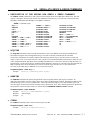
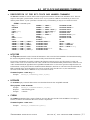
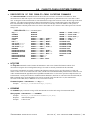
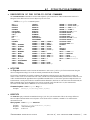
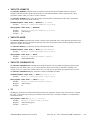
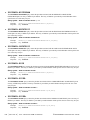
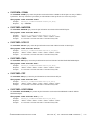
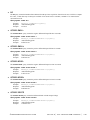
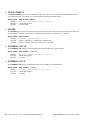
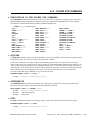
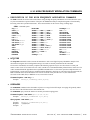
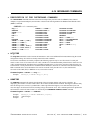
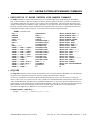
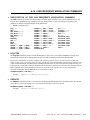
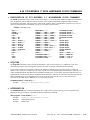
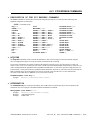
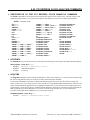
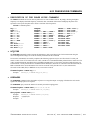
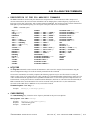
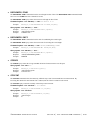
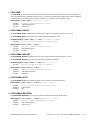
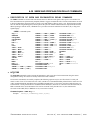
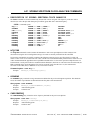
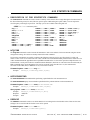
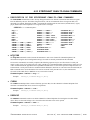
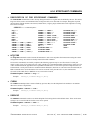
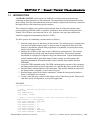
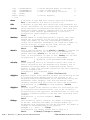
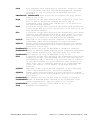
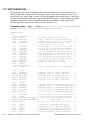
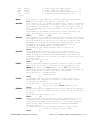
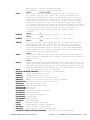
• DESCRIPTION OF THE PCI EXPRESS CLOCK ANALYSIS COMMANDS
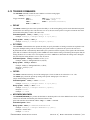
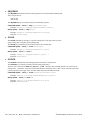
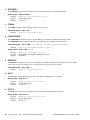
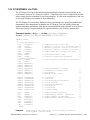
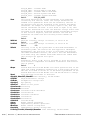
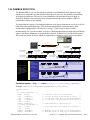
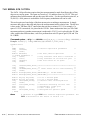
The PCLK commands are used to obtain results using the PCI Express Clock Analysis Tool. This tool requires a data
signal and a pattern marker. If your system has a PM-50 Card installed, you can use it to obtain a pattern marker.
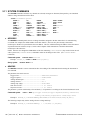
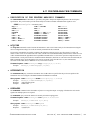
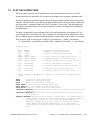
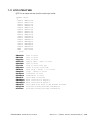
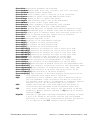
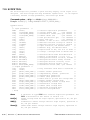
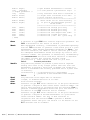
:PCLK:<command syntax>
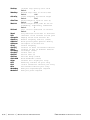
ACCuracy
ACQuire
ARMFIND
ATTENuation
CYCLetocycle
DDJ
DEFault
DJ
DUTYcycle
EDGE
MAXPERiod
MINPERiod
PARAMeter:ARMing:CHANnel
PARAMeter:ARMing:DELay
PARAMeter:ARMing:MARKer
PARAMeter:ARMing:MODE
PARAMeter:ARMing:SLOPe
PARAMeter:ARMing:VOLTage
PARAMeter:CHANnel
PARAMeter:SAMPles
PARAMeter:STARt:VOLTage
PARAMeter:STOP:VOLTage
PARAMeter:THReshold
PARAMeter:TIMEout
PHASEjitter:10E-12
PHASEjitter:10E-6
PJ
PLOTDATA:BATHtub
PLOTDATA:BPFDCDISI
PLOTDATA:DCDISI
PLOTDATA:FALL
PLOTDATA:FFT
PLOTDATA:RISE
PLOTDATA:SCOPEPLOTDATA:SCOPE+
PLOTDATA:SCOPEDIFF
PLOTDATA:SIGMa
PLOTINFO:BATHtub
PLOTINFO:BPFDCDISI
PLOTINFO:DCDISI
PLOTINFO:FALL
PLOTINFO:FFT
PLOTINFO:RISE
PLOTINFO:SCOPEPLOTINFO:SCOPE+
PLOTINFO:SCOPEDIFF
PLOTINFO:SIGMa
RJ
SCOPE:ABSVMAX
SCOPE:ABSVMIN
SCOPE:DIFFHIgh
SCOPE:DIFFLOw
SCOPE:FALLrate
SCOPE:MATCHrisefall
SCOPE:RISErate
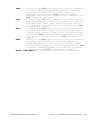
SPIKEs
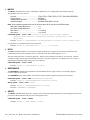
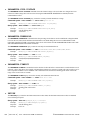
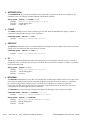
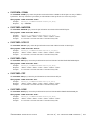
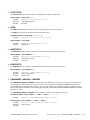
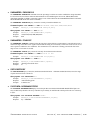
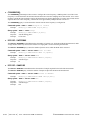
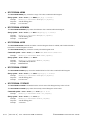
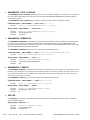
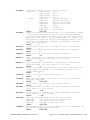
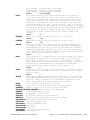
• ACCURACY
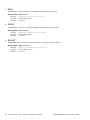
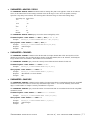
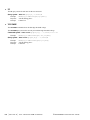
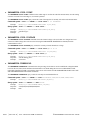
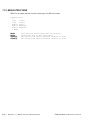
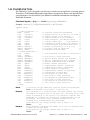
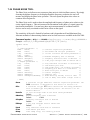
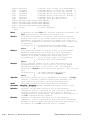
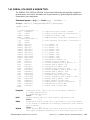
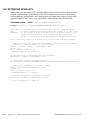
The ACCURACY query returns the accuracy of the clock period from the previous acquire measured in Parts Per Million.
Query syntax- :PCLK:ACCuracy?
Example:
Response:
Example:
Send(0,5,":PCLK:ACC?",10,EOI);
<ASCII floating point>
3.156e+003
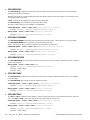
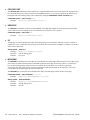
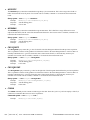
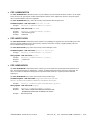
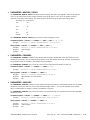
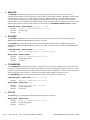
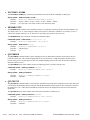
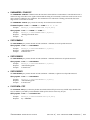
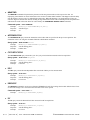
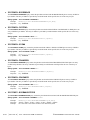
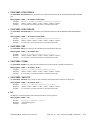
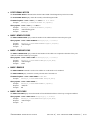
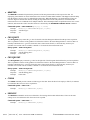
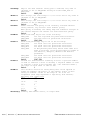
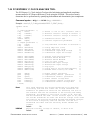
• ACQUIRE
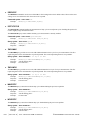
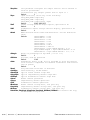
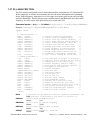
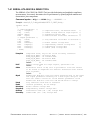
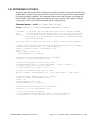
The ACQUIRE command is used to instruct the instrument to take a new PCI Express 1.1 Clock Tool measurement using
the current configuration settings. No results are actually returned from this command.
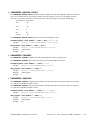
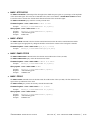
To insure this command is successfully completed, the following sequence may be used. First check if a serial poll
returns a value of zero. If it returns a non-zero value, send the *CLS command and then poll until it does return zero. The
*OPC command should be appended to the ACQUIRE command before it is sent so the operation completion state can
be determined. A serial poll can then be conducted until the ESB (bit 5) has been set. Once this bit has been detected, the
ESR? command can be used to determine if an error has occurred. If only the OPC bit is set, the command was
successful. If the CME, EXE, or DDE bits are set, an error has occurred.
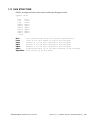
Command syntax- :PCLK:ACQuire
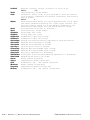
Example:
Send(0,5,":PCLK:ACQ;*OPC",9,EOI);
©WAVECREST Corporation 2005
Section 6 | Tool Oriented GPIB Commands | 309