1
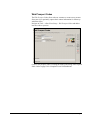
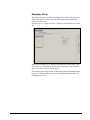
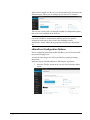
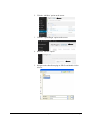
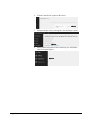
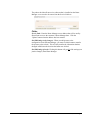
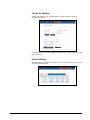
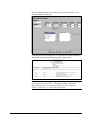
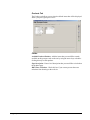
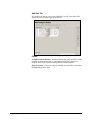
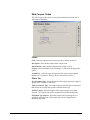
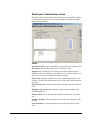
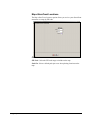
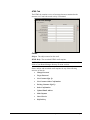
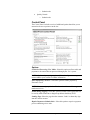
Delivery Tab The Delivery tab contains delivery related options displayed during the order scheduling process. Settings: Show Delivery Calendar: Select this option to display the route delivery calendar on the Web site during the sign up process. Default Route for New Orders: Choose a default route that will be assigned to each order generated from the Web site. Suggested Delivery Locations: Enter a list of business or residence delivery locations such as break room, front or back porch. Allow User Text Input: Select this option to allow the customer to enter their own preferred delivery drop-off location. Other: Contact Reason: Select a default Contact Reason Code that will be assigned to orders by default. Request (Delivery Order Reasons): Select the default Delivery Order Reason that will be assigned to orders by default. Page Description: Enter a brief description that you would like to include on the delivery screen. User Manual Chapter 4 – eStoreFront Field Definitions 63